How Workspaces delivers governance, efficiency, and AI readiness at scale
Video is a competitive differentiator for today’s business. Do you have the right infrastructure to take advantage?
According to recent research from Vimeo, 68% of enterprise business leaders agreed that scaling their video initiatives could offer a competitive advantage. Video creation and editing tools are more accessible than ever before. With a 4K camera in every pocket, anyone can now create professional-quality video for their company.
However, as enterprises lean into video, their current infrastructure can't handle the complexity.
Businesses utilize video in a variety of ways, from training global workforces to distributing internal communications and driving marketing campaigns. Each team or business unit requires different tools and features to succeed, which makes it challenging to find a solution that works for the entire organization. Large enterprises operating under distinct brands or in different geographical regions face similar challenges.
Many companies try to squeeze every team into the same space where they get in each other's way and are forced to make compromises. The alternative — purchasing multiple disconnected tools — is even more widespread: according to Vimeo’s 2025 State of Video at Work Report, enterprises with more than 5,000 employees are working with an average of five video platforms.
Vimeo Enterprise aims to solve this problem by offering a single, end-to-end platform that increases revenue, improves employee experience, and drives operational efficiency. To address fragmented video toolsets specifically, Vimeo created Workspaces, making Vimeo Enterprise the largest video platform built to enable large organizations to manage video across teams without silos. With Workspaces, companies can consolidate their video infrastructure without sacrificing team autonomy.
Vimeo Workspaces: The solution to enterprise video sprawl
Workspaces divide a single organization into autonomous business units, brands, regions, or teams, each with control over its own content and tooling. At the same time, executive leaders gain the organization-wide visibility they need to drive stronger business outcomes. This is referred to as a “parent-child architecture.”
Here's how that might look:
Organization
The Organization is the top tier of your account, providing oversight and governance across brands, business units, teams, and projects. From the dedicated settings page, Organization admins can manage:
- Access controls like single sign-on (SSO)
- Enterprise-wide branding standards
- Workspace admins, groups, users, and permissions
- Governance requirements for sensitive data
Admins can also view usage and analytics across workspaces, enabling them to compare performance and quickly resolve issues that may be hindering team productivity.
Workspaces
Workspaces are effectively sub-accounts below the Organization. You can develop Workspaces to mirror your organizational structures, like brands, business units, product lines, or regions. While some settings are managed at the Organization level, Workspace admins can tailor each environment to their division's needs.
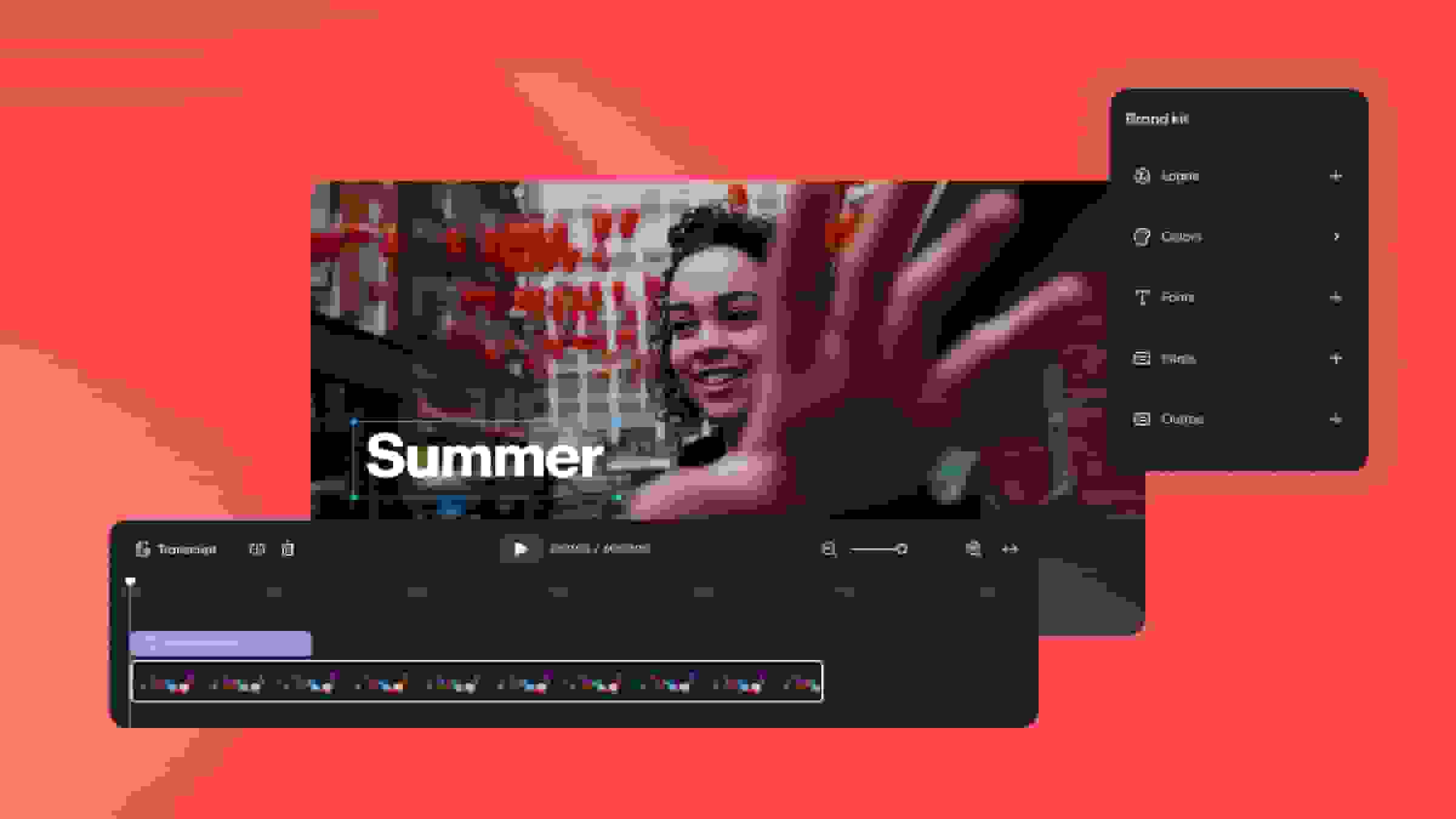
Workspace admins can create multiple brand kits for members to use when customizing the Vimeo video player. Embed, page, and form presets also support consistency. In addition, each Workspace can connect the apps it needs to succeed — whether that's social media, ecommerce, or video conferencing.
Instead of holding the company's entire video collection together in a single, messy catalog, each Workspace has its own library that it can manage independently, without impacting other teams.
Shared resources
The parent-child architecture provides finance leaders with control over spending; resources such as storage, bandwidth, and AI credits are all managed at the Organizational level and attributed to each workspace using those resources.
By monitoring how much of the company's balance is being used, CFOs can right-size their investment and avoid wasting money on empty seats or surplus bandwidth. Visibility into usage also helps leaders share resources fairly across Workspaces and know when it's time to buy more.
Internal accounting and bill back are critical to balancing the books at large or complex organizations. Tracking usage at the Workspace level allows CFOs to allocate costs to each business unit or region accurately.
Stronger enterprise outcomes
Video orchestration provides much-needed clarity for your C-suite. With organization-wide visibility, oversight, and shared infrastructure, leaders from finance to marketing can drive stronger business outcomes.
For CEOs and CFOs, Workspaces offers a holistic view of video return on investment (ROI). They get a clear overview of how the organization is performing as a whole, and detailed insights when they need to drill down into a particular business area. For finance leaders in particular, Workspaces makes it easy to track total spend and compare usage across regions, brands, or business units.
However, while the CEO and CFO examine the entire organization, the CMO and CRO must demonstrate their impact within their respective business units. With Workspace analytics, marketing and revenue officers can explain where they delivered better outcomes or performed more efficiently. In-depth analytics also reveal opportunities for revenue growth.
Working with a single video platform instead of multiple interacting tools reduces the risk of security gaps — providing immediate value to CIOs and CSOs. Centralized governance also makes it easier for executives to maintain the security and privacy standards required for compliance.
Key features and benefits
Workspaces is the infrastructure upgrade enterprises have been waiting for. Every feature is designed to enable centralized governance while allowing teams to stay autonomous.
Organization and Workspace admins
Organization admins can access, review, and manage every Workspace and its folders, videos, groups, and users. This powerful position ensures that brands and business units adhere to company policies and guidelines. It also helps leaders identify and highlight successful work worth replicating. This role is ideal for top-level leaders, their support staff, legal teams, and IT personnel to measure outcomes, govern the platform, and maintain oversight across multiple brands and divisions.
Workplace admins enjoy significant autonomy within their specific environment: managing content, branding, integrations, and AI settings for its members. This role is ideal for brand leaders, division heads, IT professionals, and their support staff to design and execute video strategies within their respective business units.
Workspace brand kits
Each Workspace can create its own branding without impacting other teams. Members can only use colors and logos included in the brand kit when personalizing the video player, ensuring consistency across the brand or product line.
Connected apps
Different business units need different tech stacks, whether that's social media, a CRM, or conferencing tools. Workspace admins can enable their preferred Vimeo integrations, allowing teams to connect the necessary apps while minimizing clutter.
AI credits and controls
Workspace admins can set fine-grained AI controls for their team. That includes limiting who can generate video translations to make the best use of every AI credit.
AI credits are managed at the Organization level. Organization admins control how many of the company's total credits are allocated to each Workspace and can buy extra credits when they're running low.
Coming soon: Team activity dashboard
Leaders will finally have a single source of truth to analyze and measure performance. Workspaces share standard analytics, making it easy to compare the performance of different business units, brands, or regions.
Dashboard data includes the total number of videos and live events, as well as the use of AI and interactive tools at the Workspace and Organization level.
The only video platform offering true orchestration
Some platforms claim to support enterprise-wide video management, but the features are essentially siloed sub-accounts that lack top-down governance and control. Without proper visibility, it's hard to share resources effectively or compare the performance of different areas of the business. Additionally, these solutions often come with unclear pricing and an inconsistent user experience.
Vimeo organization and Workspaces are different. Designed from the ground up, this architecture provides the modern enterprise with true visibility, autonomy, and control. Vimeo Enterprise customers also benefit from a unified contract with shared primitives that they can distribute across Workspaces. Not only does this ensure resources are used efficiently, but it also provides clarity for executives and finance teams.
Here’s how Vimeo Workspaces stacks up against the competition:
Feature
Brightcove
Kaltura
Vimeo
Parent-child model
❌
❌
✅
Shared entitlements
❌
❌
✅
Scoped AI permissions
❌
❌
✅
Org-wide analytics
❌
❌
✅
Unified admin UX
❌
❌
✅
Is your organization ready to build a future-proof video strategy? Request a demo to see true enterprise video orchestration at scale.