Webinars offer an engaging, scalable way to share information with a virtual audience. A host or group of presenters can lead the presentation, while attendees watch from wherever they choose and get opportunities to participate.
Organizations use webinars for many types of digital communication, including marketing, education, employee training, and customer onboarding. This article explains what a webinar is, how it works, the different formats you can use, and what you need to plan and host an event.
What’s a webinar?
A webinar is defined as a presenter-led online event where one or more speakers share information with a virtual audience. Unlike a typical video meeting, which is designed for less formal conversation among participants, a webinar usually follows a one-to-many format built around a planned presentation.
Most webinars share a few defining characteristics:
- Hosted online: Attendees can join from anywhere.
- Presenter-led: One or more speakers guide the session, while attendees primarily watch and listen.
- Interactive: Viewers may use chat, polls, Q&As, and surveys to participate during the session.
- Flexible: Webinars can be delivered live, simulive, pre-recorded, or on demand.
- Scalable: A webinar can reach a large, widely distributed audience.
Registration is common, especially when a webinar is used for marketing or lead generation, but it isn't a requirement. Some hosts collect attendee information before providing access, while others let people join directly through shared links.
How does a webinar work?
To understand how webinars work, it helps to look at the production process in stages, from planning and promotion through the live presentation and to what happens afterward. As an example, let’s walk through the steps a marketing team might take to host an educational, product-focused webinar.
Before the webinar
The team starts by deciding what attendees should learn, then building the presentation around that goal. Instead of trying to cover every feature, the team focuses on a specific customer problem and how their product can help solve it.
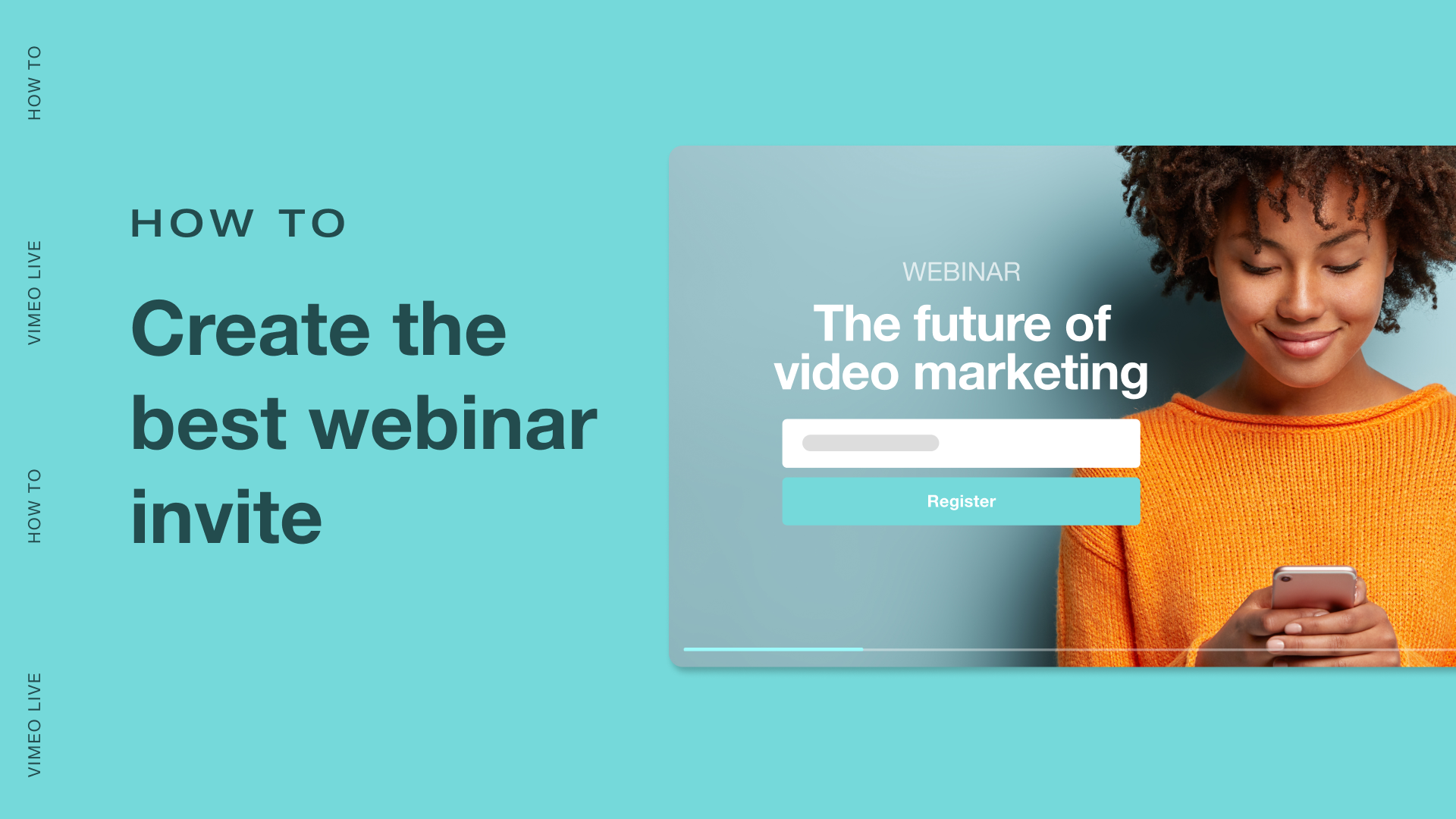
Next comes promotion, where the team creates a registration page and spreads the word about the webinar through channels like email and social media. Registration can also support lead generation, by providing the team with information about who plans to attend and how they may fit within the sales funnel.
Before going live, the presenters rehearse the full session a few times. This includes testing the camera and microphone, practicing screen sharing, and making sure everyone understands their role. A rehearsal also gives the team a chance to catch awkward transitions or technical problems before attendees arrive.
During the webinar
Once the webinar begins, the presenter guides attendees through the topic while sharing slides and on-screen product demonstrations. Participants mainly watch and listen, but the experience doesn’t have to be entirely a one-way street.
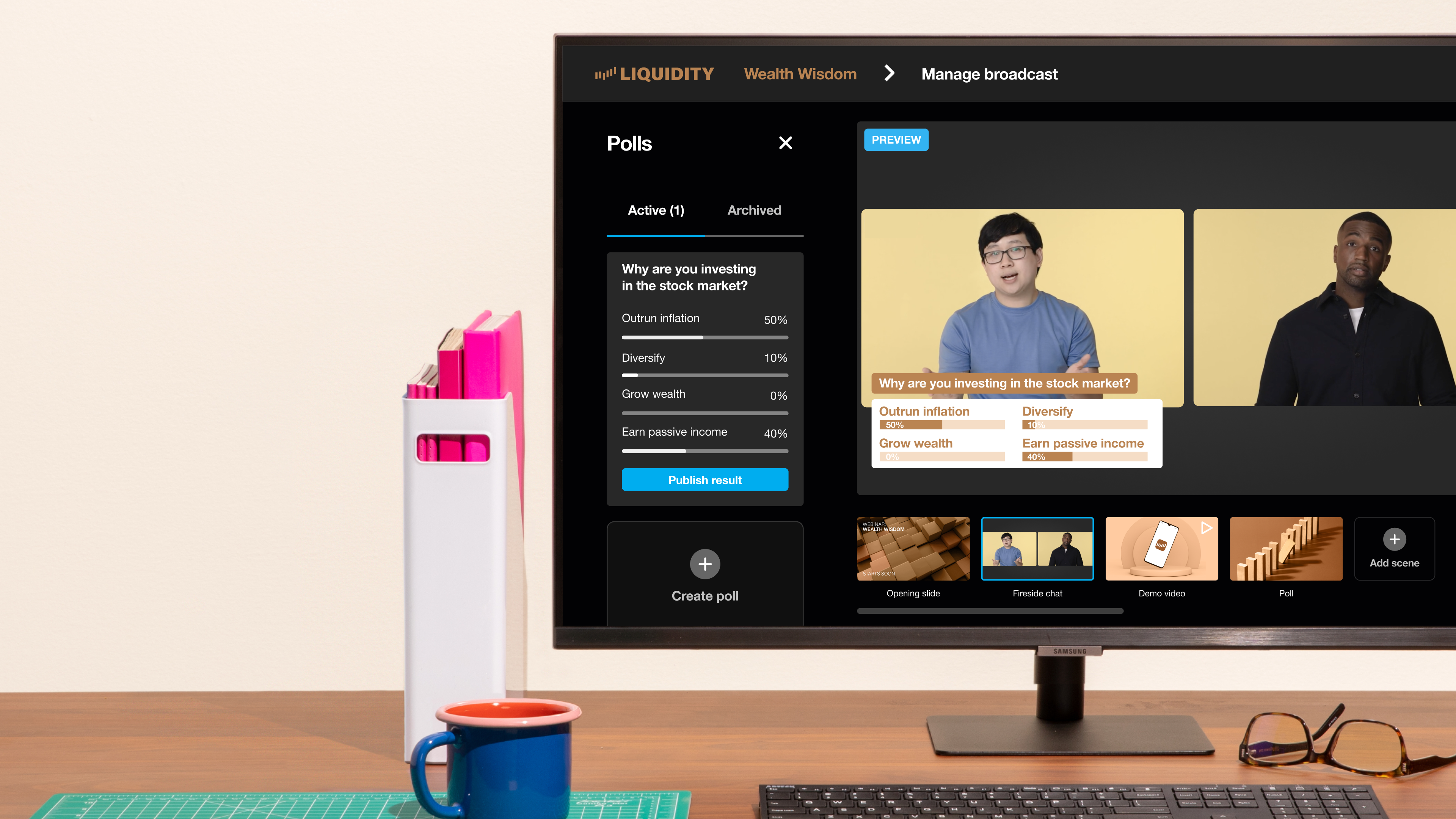
The team can invite attendees to ask questions through Q&A or chat, and use polls to get feedback during the presentation. These interactions help presenters understand what the audience is interested in and adjust the conversation when appropriate.
After the webinar
The work doesn't end when the live stream does. The marketing team can now:
- Follow up with attendees to send further resources and nurture leads
- Send the webinar recording to those who registered but couldn't attend
- Review streaming data to identify which parts of the event generated the most interest
- Repurpose the full webinar for on-demand access, or turn shorter segments into clips for future campaigns
Common webinar types and formats
Webinars can be classified in two ways: what they're used for and how the audience watches them. An educational webinar, for instance, could be presented live or recorded for people to attend on their own schedule.
Webinar types by purpose
A webinar’s purpose shapes its content and the audience it needs to reach. Common types include:
- Educational webinars: Teaches a topic or skill, and can take the form of a webinar class or presentation.
- Marketing and product webinars: Introduce and explain a product or service to help prospective customers learn more.
- Thought leadership webinars: Share expert perspectives to build familiarity and trust, while supporting community building around a topic or industry.
- Training and onboarding webinars: Help employees or customers learn a process, product, or role, especially when training needs to reach people in different locations.
- Internal communications webinars: Share company updates or town halls with a distributed workforce.
Webinar delivery formats
Once you know your webinar’s purpose, you need to decide how it will reach its audience. Three common delivery formats are:
- Live webinars: Presented and watched in real time, allowing presenters and attendees to interact as the event happens.
- Simulive webinars: Pre-recorded content that plays at a scheduled time, often with a host or moderator available for live interaction.
- On-demand webinars: Viewers watch a recorded webinar whenever they choose, instead of having to attend at a specific time.
Live stream your next webinar →
Preparing for your webinar: 3 best practices
You don't need a complicated production setup to host a live event. Following a few webinar best practices can make the experience more valuable for both presenters and attendees.
1. Choose your platform and essential equipment carefully
Start by finding a webinar platform that supports the way you want to run the event. Your options include dedicated webinar tools and more general video conferencing software. Look for important features such as screen sharing, recording tools, registration options, and interactive elements.
To produce the webinar, you'll also need:
- Stable internet connection: Helps prevent interruptions during the broadcast.
- Quality camera or webcam: Provides clear video of the presenter.
- Good microphone: Makes sure attendees can hear you clearly and cuts out background noise.
- Headphones: Useful for reducing feedback when needed.
- Basic lighting: Keeps the presenter clearly visible on camera.
- Presentation or screen-sharing software: Lets you share slides and demonstrations with attendees.
2. Plan a focused presentation
Most webinars run best when they’re planned carefully — you don’t need a word-by-word script, but a thorough outline is a good idea. Build the presentation around what your audience needs to learn or do, and make sure that focus is communicated right at the start.
Then, lay out the key topics or steps the webinar should follow, along with descriptions for each segment. Give attendees enough context to follow along, but avoid packing too much information into a single session. Also, consider where you can invite questions and other interactions to keep viewers engaged.
3. Rehearse the full experience
Run through the complete webinar at least once, using the same equipment and platform you'll have on the day. A webinar run-of-show helps presenters coordinate timing and other cues.
A rehearsal also shows you which segments might be too long or too short, and where smoother transitions are needed. Plus, this exercise builds familiarity with the controls, and it gives you the chance to catch and resolve any technical issues.
Host, run, and repurpose your webinars with Vimeo
For a successful webinar, you need a reliable way to bring your presentation to an audience and keep the experience running smoothly. With Vimeo, you can produce live, pre-recorded, hybrid, and simulive webinars directly from your browser, and customize the viewing experience with branded graphics. Moderated chat, polls, surveys, and Q&As give attendees ways to participate throughout the event.
Once the webinar ends, registration and engagement data helps your team understand audience interest and guides follow-ups. And because your recording already lives in Vimeo, you can use the platform's other tools to edit the webinar into shorter clips and host it for on-demand viewing.
Explore Vimeo’s webinar tools →
FAQ
How do most attendees participate in a webinar?
Most attendees watch and listen during a webinar, while one or more presenters lead the event. Depending on the platform, viewers may also be able to participate through live chat, polls, or Q&As, without appearing on camera or speaking to the wider audience.
Why are webinars useful for promoting services or initiatives?
Webinars give organizations space to explain a service or initiative live and in depth. With a webinar, you can educate prospective customers in an interactive way, while gathering useful engagement data for follow-ups.
Can webinars be hosted on different platforms?
You can host webinars using dedicated webinar tools, video platforms, or video conferencing software. The right option depends on your audience size and the features you need for presentation, interaction, recording, and follow-up. For efficient production, consider choosing a platform that also provides video hosting and editing features.