Video content commonly underperforms when it tries to be everything for everyone at once. Training videos written for beginners and experts alike, for instance, end up too basic for one group and too advanced for the other. Brand videos aimed at every regional market rarely resonate with any single one. Both problems come down to treating different audience segments as a single group instead of several distinct ones with individual wants and needs.
Audience segmentation for video content solves that problem by dividing a broad audience into smaller groups with shared characteristics, so each group receives content tailored to their needs.
This article will define audience segmentation, break down the main segment types used in video strategy, and show you how to apply each one to your production and distribution workflows. We’ll walk through how those segment types affect production choices, such as content format and length, and distribution choices, such as platform targeting and gated access.
What’s audience segmentation?
In video content, audience segmentation means splitting your total viewer base into smaller groups that share something in common, such as demographics, geography, or viewing behavior.
Instead of producing one version of a video for everyone, applying audience segmentation means you build separate content or messaging for each group based on that group’s needs. In digital marketing, audience segmentation typically focuses on groups within channels like email and ads, but the same logic applies to video content.
The type of segmentation you choose depends on your target audience and the video content strategy you're using. When you segment your audience and match video content to what each group wants to watch, engagement and completion rates often improve, since viewers are more likely to keep watching something that feels relevant to them.
So, getting target audience segmentation right means matching the type to your content, not defaulting to whichever is easiest to set up.
Types of audience segmentation and examples
There are four main types of audience segmentation used in video content: demographic, psychographic, geographic, and behavioral segmentation. Each one puts viewers into groups based on a different shared trait, and calls for a different production or distribution choice.
Demographic segmentation
Demographic segmentation groups viewers by traits like age, job role, or location seniority. Platforms and publishers may already have access to basic profile data through sign-up forms or customer relationship management (CRM) records, so this kind of segmentation is a common starting point.
For example, a training video platform might use job role data to create separate onboarding series for managers and individual contributors, since each group needs different context and depth of detail. The manager track might cover team rollout and reporting, while the individual contributor track focuses on day-to-day tool use. The distinction matters because a manager who already understands rollout logistics doesn't need introductory content built for individual contributors, and the reverse is just as true.
Psychographic segmentation
Psychographic segmentation groups viewers by perceived attitudes, values, or lifestyle, which are distinct from demographic traits like age or location.
A fitness brand might produce one video series for competitive athletes focused on performance metrics and personal records, and a separate series for casual wellness enthusiasts that focuses on consistency and stress relief instead. Both groups care about fitness, but the message that motivates one will fall flat with the other.
Geographic segmentation
Geographic segmentation groups viewers by location, typically by country or language. A brand distributing video content to multiple countries might produce localized versions of the same video, adjusting language, currency references, and cultural examples for each region.
Geographic segmentation groups viewers by location. A brand distributing to multiple countries might produce localized versions of the same video, adjusting language, currency references, or cultural examples for each market, while keeping video branding consistent across every version. Skipping this step can make a video feel irrelevant to viewers outside its original market, even when the core message still applies to them.
Some video platforms, including Vimeo, offer regional availability or country-restriction controls, commonly referred to as geo-blocking. That kind of control helps when a video needs to comply with regional distribution rights, or when certain content isn't appropriate for every market it might otherwise reach.
Keep your videos relevant and secure →
Behavioral segmentation
Behavioral segmentation groups viewers by actions they’ve taken on past content, such as watch history, click patterns, or how far into a video they get.
A content creator might use this type of segmentation to build separate content categories for first-time viewers and loyal subscribers. First-time viewers might see an introductory series that explains the basics, while returning subscribers get advanced content that skips the setup they already know.
How to apply audience segmentation to your video content strategy
Once you’ve identified the type of audience segmentation that makes sense for your content, the next step is to put it to work. Here's how to segment your audience across your production and distribution processes.
Identify your audience segments before you start filming
Before you write a script or book a shoot, decide which segments you want to target. Committing to a segment early keeps the content focused on one specific group instead of drifting toward something that tries to serve everyone.
A product demo video aimed at technical buyers, for example, can skip the basic explainer content that a general audience would need, so you shouldn’t spend time drafting an in-depth how-to during scriptwriting.
Tailor content format and length to each segment
Match the video's length and format to how each segment watches, which you can identify from video analytics data like device type and session length. Casual viewers watching during their commute on mobile need a simpler, more direct cut than managers watching a full recording at their desk during a scheduled review.
This format coordination can improve completion rates, since viewers are less likely to abandon a video that already fits how they consume content. It can also affect distribution, since some platforms often prioritize videos with strong completion rates in their feeds.
Matching a video to platform-specific format requirements, like aspect ratio or maximum length, also keeps social media content algorithm-friendly — and ensures it displays correctly in the first place.
Personalize calls to action by segment
Use different calls to action (CTAs) that point each segment toward the action that makes sense for their position rather than repeating one CTA across every video. For instance, a first-time viewer might see a CTA to subscribe to the company’s video channel, while a returning customer sees one to book a demo. This keeps the action relevant to the viewer instead of asking every segment to take the same next step, directly supporting video lead generation further down the funnel.
Use video analytics to validate and refine segments
After you’ve posted a segmented video, check watch time and completion rate to see if a segment responded the way you expected. If the segment you built content for isn't finishing videos or clicking through, that's a signal to revisit how you defined the group or what you produced for them.
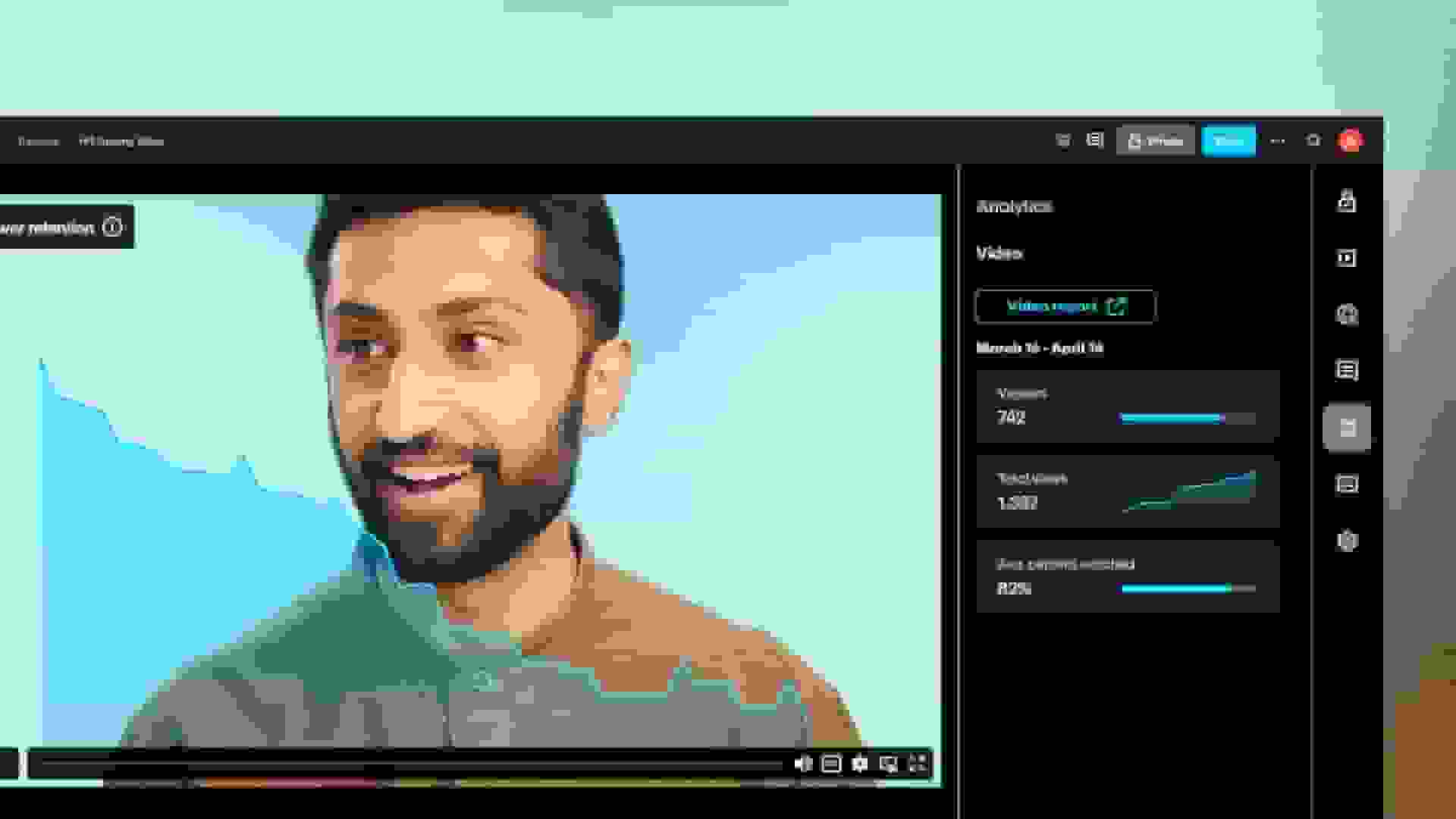
Tracking video metrics over time shows whether a segment's behavior is improving or staying flat. Vimeo's Analytics dashboard reports this kind of viewer behavior per video, and connecting a CRM tool like HubSpot lets you compare that behavior against segment labels you've already defined in your marketing workflow.
Gate or restrict content by segment
Some videos should only be shown to specific segments, like an internal training series for a specific organization’s marketing department. You can put gates on this content to limit access to the intended audience without exposing the video to everyone else.
For instance, password protection can restrict an internal training video to only those people it's built for, and domain-level privacy can limit playback to your company's intranet or LMS. Regional availability controls, such as geo-blocking, can also restrict a video to one country or region.
Segmentation only pays off if you close the loop between the segment you defined and what you measure after publishing. That means checking your analytics against the segment you built the video for, not just watching the numbers in isolation. Start with one segment, then apply these five tips to a single video and use the results to decide whether the approach works for your audience.
FAQ
How can I collect data for audience segmentation?
Most segmentation data comes from two sources: information viewers give you directly, such as sign-up forms or account details, and behavioral data you collect after they watch, such as watch time, drop-off points, and completion rate from video analytics. Combining both matters because the two can disagree. A viewer might sign up as a manager but consistently watch beginner-level content, which signals that your segment definition needs adjusting.
How does audience segmentation improve video marketing results?
Segmented content tends to hold viewer attention longer and drive more relevant clicks on CTAs, since each version speaks to what that specific group cares about. A generic video asks every viewer to respond to one message, while a segmented one matches the message to the viewer who's already primed to act on it.
How can I get started with audience segmentation for the first time?
To try audience segmentation, pick one segment you have some data on, such as a group identified through sign-up or CRM records, or one that stands out in an existing video analytics report. Apply one practice, such as tailoring content length or personalizing a CTA, to a single video. Afterward, check the analytics to see whether that segment responded differently from your general audience.
Grow your video strategy with Vimeo
Audience segmentation turns a broad audience into small groups you can personalize content for, but defining the groups is only half the work. You also need a platform that lets you produce, distribute, and measure content differently for each one.
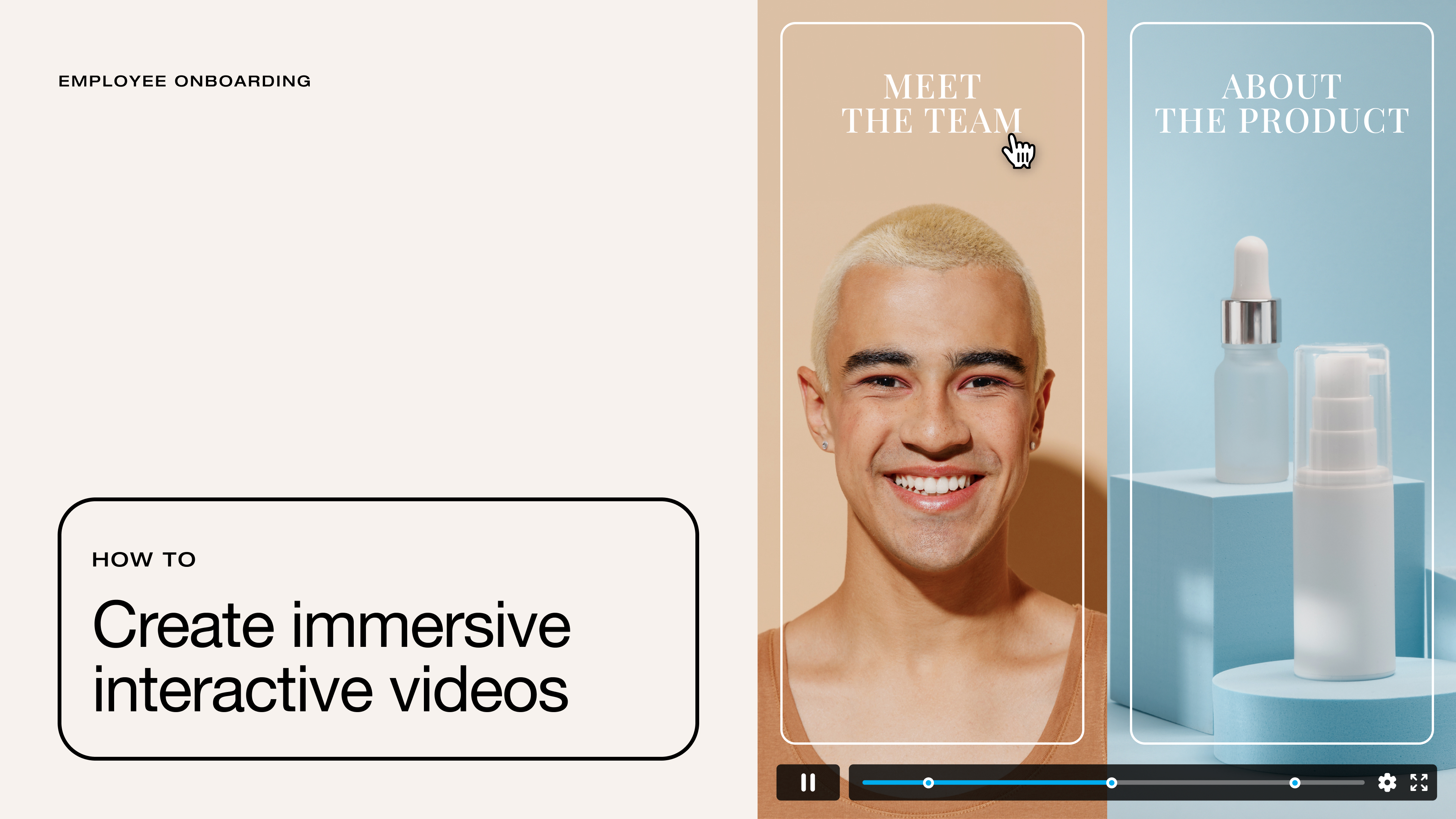
Vimeo supports segmentation work at each stage of your video strategy. Vimeo’s video analytics include (but aren’t limited to) metrics like watch time and completion rate by video, so you can confirm whether a segment is responding the way you expected. Interactive video tools let you build different calls to action into the same video for different segments.
Privacy controls, including Vimeo's domain-level privacy and password protection settings, keep specific content private to the intended audience. Use Vimeo AI to speed up production of multiple versions of a video for different segments, as it handles tasks like script generation and clip creation from a single source video. Then, you can keep everything organized and easy to distribute to the right audience from a centralized video library.
Start with one segment in one video, then use Vimeo to expand what you learn across the rest of your audience.