You can put weeks of hard work into a video and it could still disappear among thousands of competing results. YouTube SEO improves the chances that the right viewers find your content when they search, and that they choose your video when they do.
However, ranking on YouTube takes more than adding a few keywords to the description. You need to know what your audience is looking for and present your video so the algorithm can understand it just as well as potential viewers.
This article covers ways to create a better YouTube SEO strategy, from keyword research and video metadata to engagement and measuring what works.
What’s YouTube SEO and how does it work?
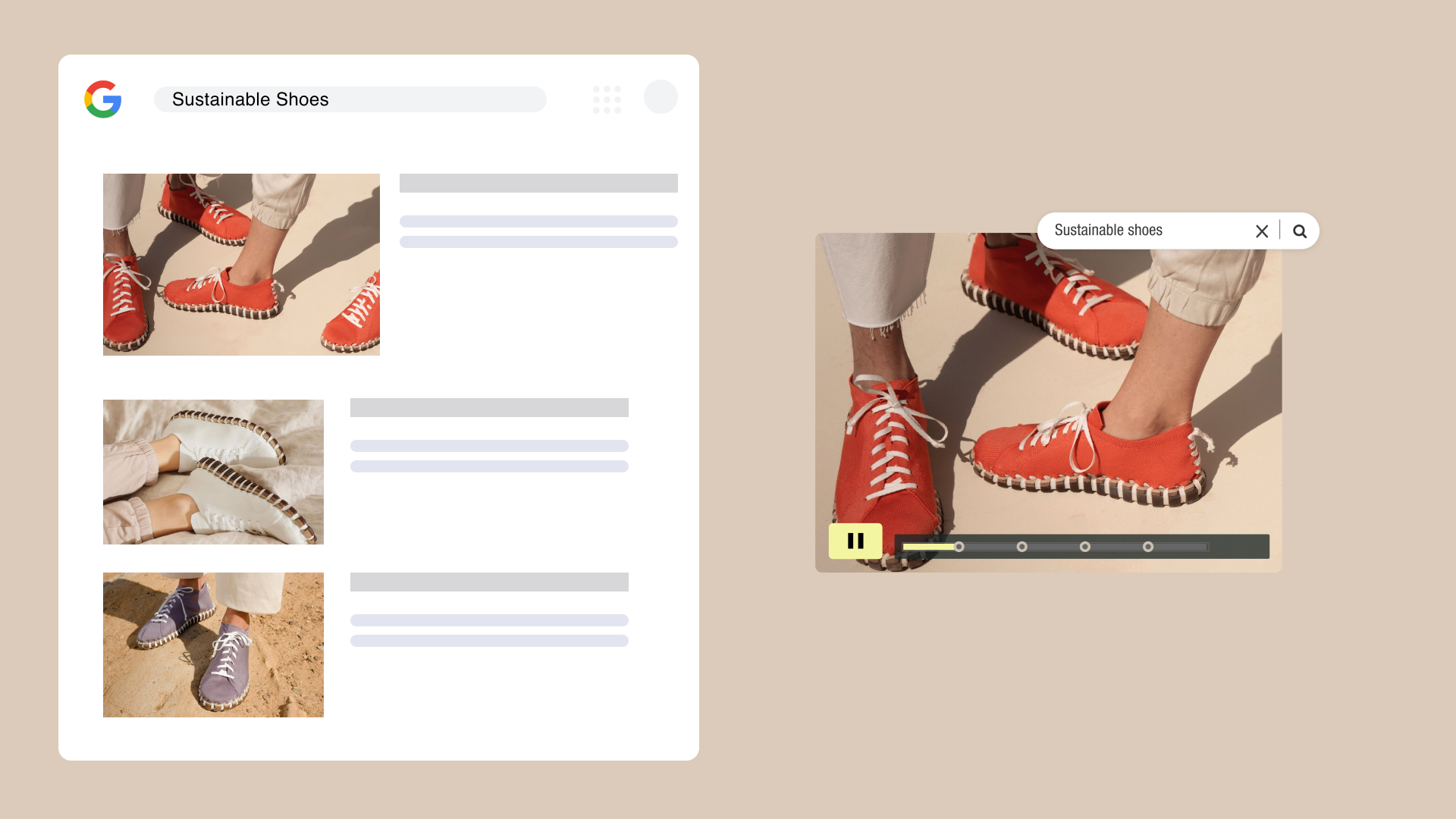
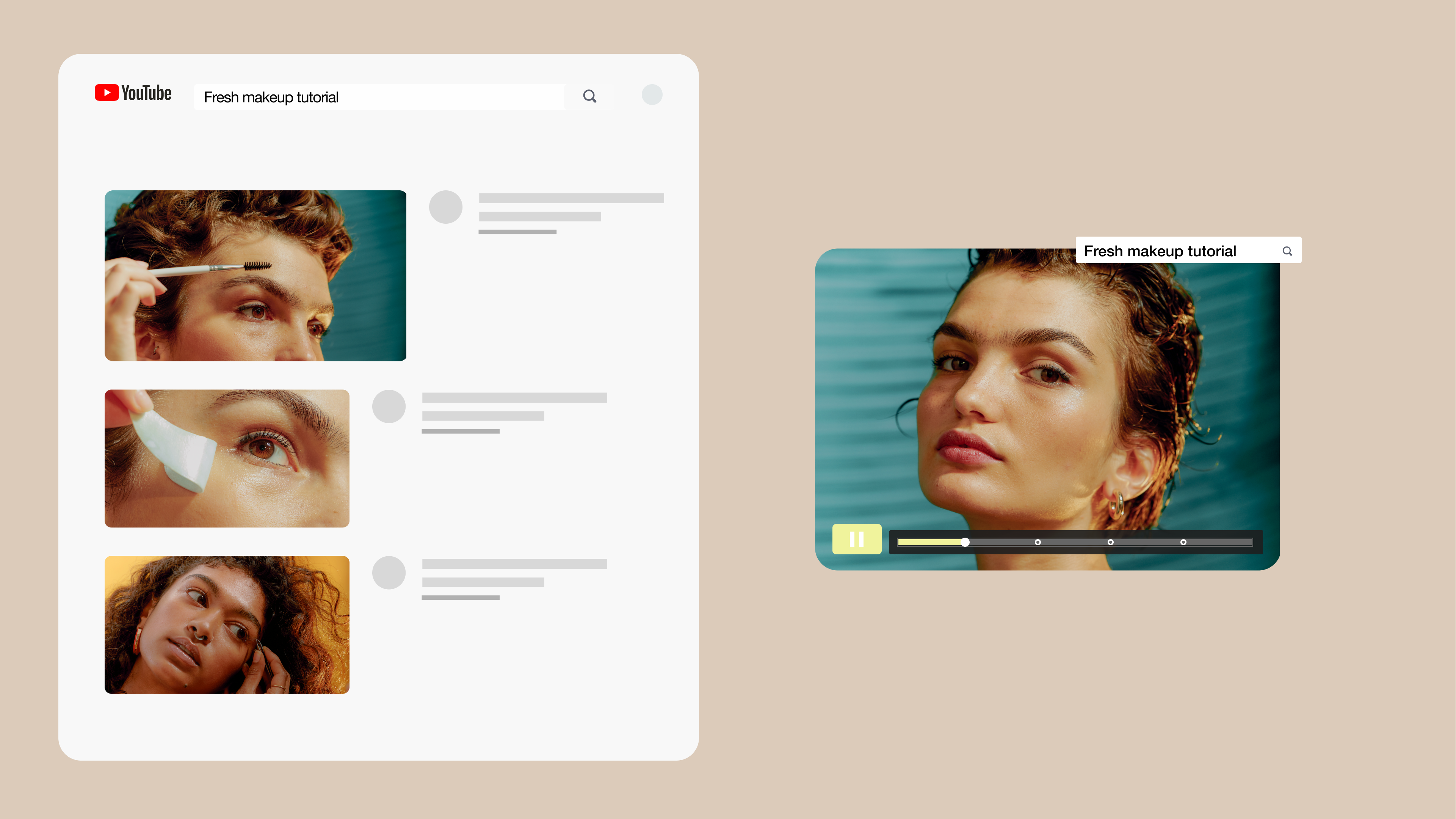
YouTube SEO is the process of optimizing your channel and videos so they're easier to find through search engines, like YouTube’s on-site search and Google.
Titles, descriptions, tags, and other metadata give YouTube context about your video. Then, viewer behavior helps the platform determine how relevant the video would be to a potential viewer and where it lands in their search results.
According to Google, YouTube considers three primary factors when deciding how to rank videos:
- Relevance: How well the video and its metadata correspond with what someone searched for.
- Engagement: How people interact with the video, including how long they spend watching it. Higher engagement implies the video has been relevant, entertaining, or useful for viewers.
- Quality: Signals that a channel is a credible and knowledgeable source on the subject, because authoritative presences are more likely to share accurate information.
Search results can differ from one person to another based on factors such as their search and watch history. YouTube uses this data to estimate what other videos might be relevant. Someone who’s watched many photo editing tutorials will see very different videos for the search term “cloning tools” than someone who likes to learn about the latest in biotech, for example.
Create your next video with Vimeo →
How to use SEO on YouTube in 7 steps
YouTube video SEO starts long before you upload a video. You need to know what your audience is searching for, create a video that satisfies that need, and give YouTube enough information to understand where your content belongs.
We’ll cover seven steps, starting with keyword research and moving all the way through publishing and optimization, and put the steps into context using the example of a marketing team’s new educational video. The same process works for every kind of video, from product demonstrations to thought leadership content.
Find a relevant target keyword and match search intent
Start with the question or problem your video should answer. YouTube search’s autocomplete can uncover common searches related to your topic, while tools like Google Keyword Planner and vidIQ can help you find additional keyword ideas to include in your description and tags.
Don’t automatically chase the broadest keyword. More specific multi-word long-tail keywords often reveal clearer search intent.
Check the current YouTube search results, too. If you want to rank on YouTube, the videos already performing well can show what answers viewers’ questions and how they engage with their interests.
The marketing team in our example is making an educational video to introduce a new background noise removal tool in their company’s video editing software. Instead of targeting “video editing,” which includes a lot of different subjects, our team might choose “how to remove background noise from video,” which tells them exactly what the viewer wants while still focusing on the tool they’re spotlighting.
Plan a video that keeps people watching
Ranking in search won’t help much if viewers leave shortly after pressing play. Build the video around the search intent you identified and get to the useful information quickly.
Skip lengthy introductions or unrelated information that delays the answer. For the background-noise tutorial, the team could show a before-and-after that introduces the problem and finished result before walking through the process of how to get there.
There’s no ideal length for every video. Make it long enough to cover the topic well, then use watch time and audience retention to see where viewers tend to drop off. In our example, since the team is teaching an audience about one tool, they should aim to keep their video to five or six minutes long. Studies have shown viewer attention drops off after six minutes of educational content.
Optimize the file name, title, and description
SEO for YouTube videos depends on clear metadata, which also includes file names. Before uploading, replace a generic file name like final-video-v3.mp4 with something descriptive, such as remove-background-noise-from-video.mp4.
Write a title that naturally includes your target keyword and accurately represents the content. Put important information early so the title stays clear if it’s truncated in search results. “Removing background noise: A how-to guide” with the product or company name could work well for our example team.
When writing your video description, tell viewers what they’ll learn and provide useful context and resources like links to other videos. Include relevant keywords where they fit, but write for the person deciding whether your video is worth watching, not an algorithm. A description stuffed with keywords may increase your impressions, but if it doesn’t provide meaningful details for the viewers, it may hurt your overall engagement.
Create a thumbnail that stands out
Your thumbnail has to capture a viewer’s attention quickly. Keep the design clear and consistent with what the video delivers, while offering some kind of intrigue to pull viewers in. For instance, our team might pair an image of the editing interface with a short phrase like "Removing background noise" overlaid.
After publishing, monitor impressions and click-through rate. If plenty of people see the video but few choose it, test a different title or thumbnail to see what draws viewers best.
Add captions, chapters, timestamps, and relevant tags
Closed captions make videos accessible and give viewers another way to follow the content when they’re watching without sound. If you use automatically generated captions, review them for accuracy, especially when it comes to product names and branded details.
For longer videos, chapters and timestamps help people jump to the section they need. Add relevant tags that describe the topic and useful variations of your target keyword, but don't treat tags as a substitute for stronger titles or descriptions. Our team may add timestamps for each major step in the background removal process so viewers have an easier time revisiting individual steps while they’re using the tool (and will be more likely to rewatch).
Encourage continued viewing and engagement
Give viewers somewhere to go after the video. YouTube cards and end screens can point to related content, while playlists can organize several videos around the same subject and make it easier to continue watching. Our team might add this video to a playlist of other tutorials for tools in their video editor or other audio editing-related content, for example.
Keep calls to action (CTAs) relevant as well. Ask viewers to subscribe when your channel regularly covers the topic, or invite questions and comments when they can add something useful to the discussion. If you’re selling a product, point viewers to where they can buy it. Since our team is trying to show users how to use a new tool in their product, their CTAs should focus on viewer conversion (i.e., directing viewers to create an account or use the video editing interface).
Publish, promote, and improve the video
Once your video is live, share it through relevant channels such as your website or social media accounts to help get more views on your video. Then use YouTube Analytics to see how people are finding and responding to it.
Look at a range of metrics from across the viewer journey (we’ll cover more in a moment). Lots of impressions but few clicks may point to a problem with the title or thumbnail. A sharp drop early in the video could mean the opening isn't delivering what viewers expected. You may also discover that people find your video through searches you hadn't considered.
Use those insights to refine the video and guide what you create next. YouTube SEO strategies get more effective when you treat each published video as a source of information about what your audience searches for and what keeps them watching.
Use viewer data to plan your next move →
How to measure YouTube SEO performance
No single metric can tell you whether your YouTube SEO strategy is working. You’ll need to look at how viewers move from discovering your video to clicking and watching it to see where your strategy is strong and what still needs to improve.
Here are a few metrics to keep an eye on:
- Impressions: How often YouTube shows your thumbnail to potential viewers.
- Click-through rate: The percentage of impressions that turn into views.
- Views from YouTube search: How much search traffic comes directly from YouTube search and which queries are leading viewers to your video.
- Audience retention: Where viewers disengage and skip ahead or close the video.
- Watch time: How much time viewers spend watching all your content across videos, which can indicate authority.
These metrics are most useful when you read them together. Strong impressions and click-through rate suggest your video’s thumbnail and title are connecting with viewers in search results. Watch time and retention tell you what happens after the click, while YouTube Search traffic can show whether you're gaining visibility for your target keyword and related queries. Tracking video completion rate can also help you understand how much of your content viewers typically finish.
How YouTube and Vimeo can work together in a video SEO strategy
YouTube and Vimeo play different roles in the same video SEO strategy. YouTube can help your videos reach new viewers through search, recommendations, and subscriptions, while Vimeo gives you more control over how videos appear and perform on your own website (and anywhere else you embed and share content).
The marketing team might publish an educational tutorial on YouTube to attract people searching for that topic, then use Vimeo to host product videos, customer stories, and webinars.
For more control over how your videos appear in search and on your website, add Vimeo into your video SEO strategy. Vimeo provides ad-free hosting, a customizable player, privacy controls, and SEO-optimized embed code designed to help search engines understand what’s in the videos embedded on your site.
Explore Vimeo’s video SEO tools →
FAQ
How can you find good keywords for YouTube videos?
One of the simplest YouTube SEO tips is to use YouTube autocomplete to see what people are searching for. You can also use keyword research tools like Semrush or Moz to compare ideas and find more specific phrases that match your video’s content. Before choosing a primary keyword, check the search results to make sure the videos ranking for it match the type of content you plan to create.
How long does it take for YouTube SEO to work?
There's no set timeline. A video on a niche topic may rank in search soon after publishing, while a video on a highly-discussed topic may take longer (and more work) to appear. Track YouTube search traffic, impressions, click-through rate, and watch time to see whether your optimization is gaining any traction, and adjust your strategy accordingly.
Is SEO applicable to YouTube Shorts?
Yes. YouTube Shorts can appear in search results, so clear and relevant metadata and content that closely matches what viewers are looking for can improve discoverability. Viewer response also matters — especially whether people choose not to swipe away.