
Pro tips for creating winning explainer videos
Explainer videos are popular marketing tools in the social media era, but you don’t need a professional video production studio to make an effective one. These pro tips and expert best practices will help you create an impressive explainer video that looks like it cost thousands of dollars to produce.
Keep it around 30 to 90 seconds in length
Explainer videos should cover the essentials in a relatively short amount of time. Aim for 30 to 90 seconds in length. You’ll retain more viewers through the end of your video if you keep it under 90 seconds. Plus, videos between 30 and 90 seconds long tend to get more engagement on social media compared to longer videos.
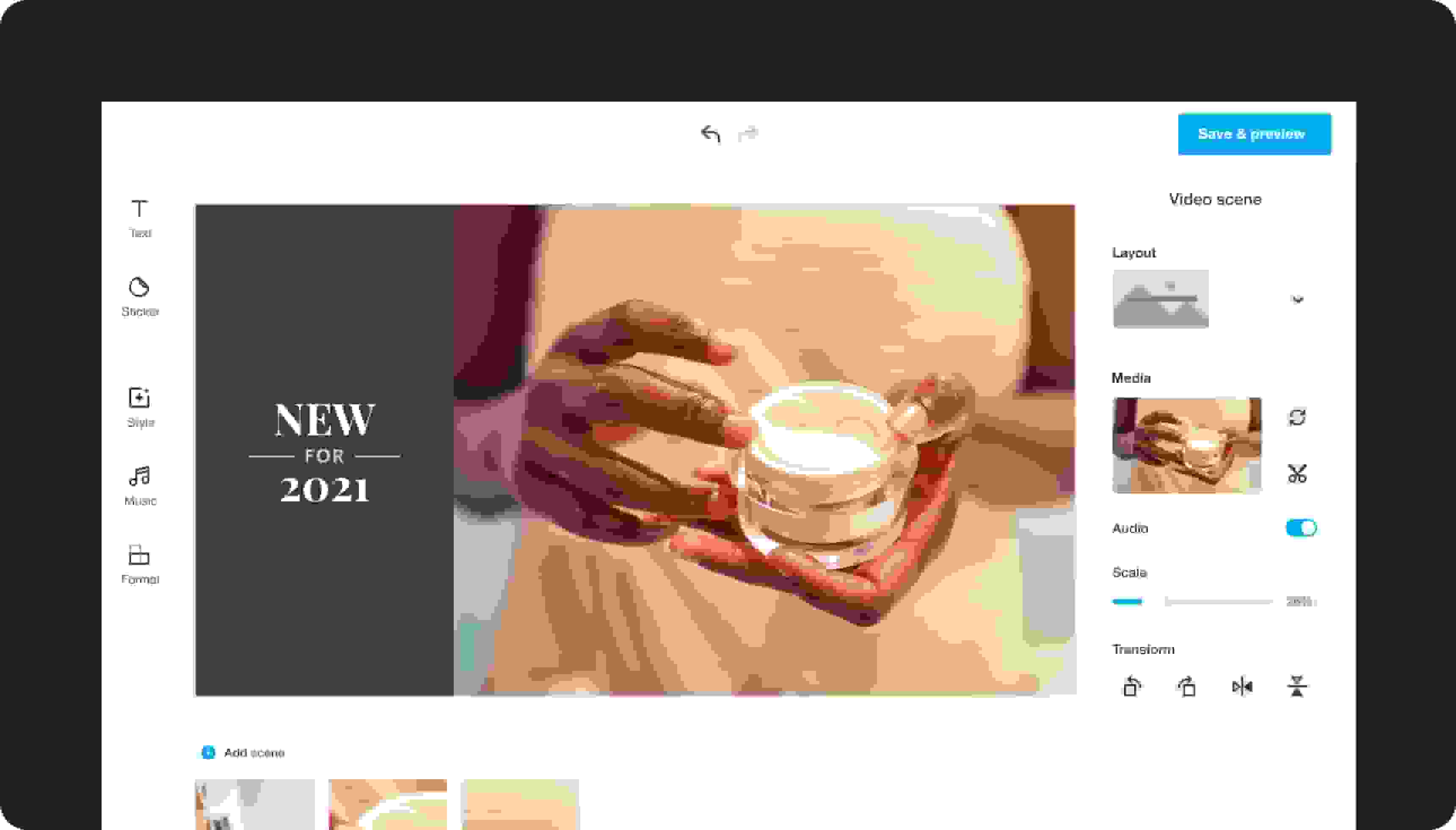
If you’re creating an explainer video for a complex product,you can stretch it out to two minutes, but front-load your video with the most important information. Vimeo Create’s free explainer video making software makes it easy to edit and trim your video for the perfect length.
Use a script to keep it well-paced
You only have 30 to 90 seconds to cover all the essential points, so a script is a must for any explainer video. For an explanatory video with narration, that usually means a few hundred words for your written script. You’ll also want to storyboard your explainer and conduct a few practice run-throughs to ensure you’re hitting the right pace – fast enough to keep things moving without boring viewers, but not so fast that they can’t keep up.
Make explainer animations that show more and tell less
Stay focused on your target audience and their key pain points. Don’t simply rattle off a list of your product’s features. Use Vimeo Create’s free explainer video software for Mac and Windows to create a DIY animated explainer video that shows viewers how your product can make their lives easier by demonstrating use cases and showing your audience how to use your product’s most useful features. The best animated explainer videos make it clear how your product or service can solve your target consumers’ most frustrating problems, save (or earn) them money, or make their days less stressful and more enjoyable.
