Product teaser vs. product demo, what's the difference?
While both are common types of marketing content, a product teaser video and a product demo serve entirely different purposes in your launch strategy. A product teaser is designed to create curiosity and build excitement leading up to a release. These short, engaging videos give viewers a glimpse of what is coming soon without revealing all the details, driving anticipation for the full launch. They focus on the feeling or the problem the product solves, rather than the mechanics.
In contrast, a product demo is fully educational and arrives later in the marketing funnel, usually after the launch. The goal of a product demo is to clearly show the product in action, explaining its features, functionality, and how a user would interact with it. If a teaser asks a question, the demo provides the answer.
Here is a simple way to distinguish between the two:
- Product Teaser Videos: These videos aim to pique interest. They are characterized by short runtimes, high production value, and a sense of mystery. They often feature taglines, release dates, and emotional imagery, drawing inspiration from some of the best teaser ad campaigns in history. A good teaser only hints at the value and makes the audience want to learn more.
- Product Demo Videos: These videos prioritize information. They typically show a full walk-through of the product's features, demonstrating how it works and what problems it solves. Think of them as practical tutorials. Many examples of teasers succeed by leaving crucial functional details out, making the full demo an essential follow-up.
Product teaser ideas: how to create hype without revealing everything
The real magic of a teaser is generating buzz without giving away the main event. It is absolutely possible to create high-impact product teaser videos that build massive anticipation, even if your product is still in beta or you want to keep its design a complete secret. The trick is to focus on the 'why' and 'who' rather than the 'what'. When brainstorming product teaser ideas, think about the emotion you want to evoke or the user's life before your solution existed.
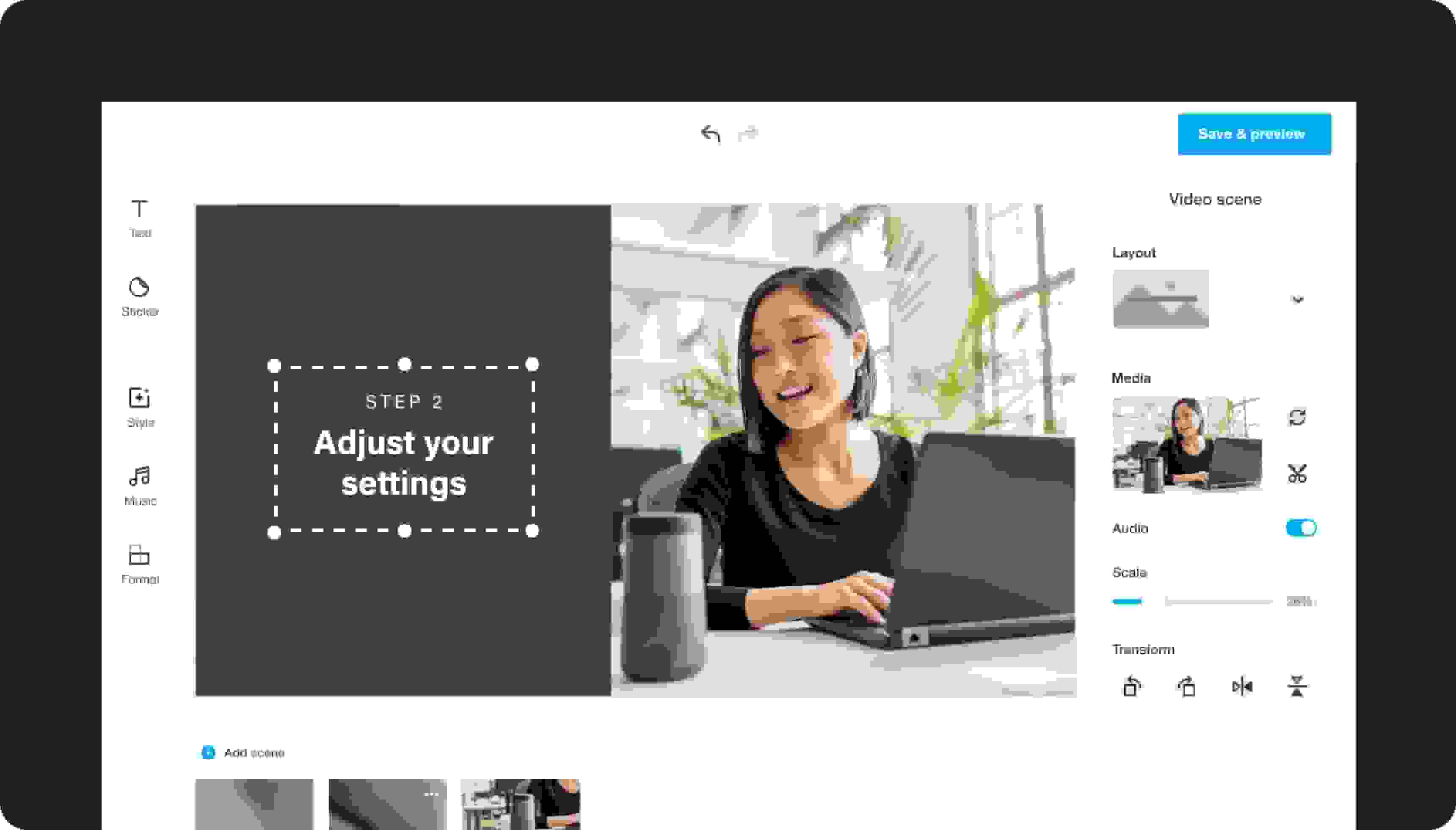
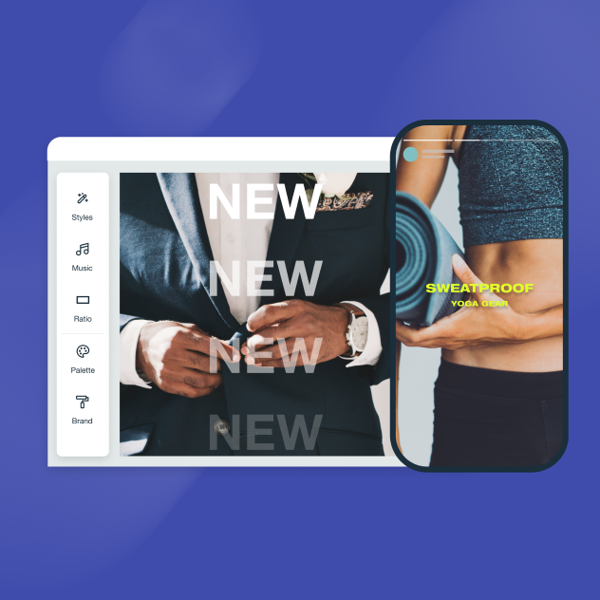
You can find a variety of product teaser ideas that work for almost any niche, and you can start creating yours right now with a free video template using our video maker tool. Here are a few creative ways to approach your next teaser:
- The Problem Solver: Focus entirely on the pain point your product eliminates. Show highly relatable scenarios of frustration, then introduce a title card or tagline that promises a solution is coming.
- A New Perspective: Show the product or feature from an abstract angle, using shadows, close-ups of textures, or motion blur. This technique keeps the full picture obscured while highlighting key design elements or materials.
- Sound and Silence: Use carefully crafted sound design to hint at the product's function. For example, the satisfying click of a new device, or the sound of quiet when a noise-canceling feature is activated.
- Behind the Scenes: Humanize your launch by featuring the creators or the team. Show clips of sketches, whiteboards, or early testing, emphasizing the passion and hard work going into the final release. This makes the audience feel invested in the journey.