Create | Youtube | Outros

Create a memorable free YouTube outro

Explore Vimeo's YouTube video outro templates

How to quickly add outros to YouTube videos

Choose a high-quality template

Add images from Vimeo’s stock library

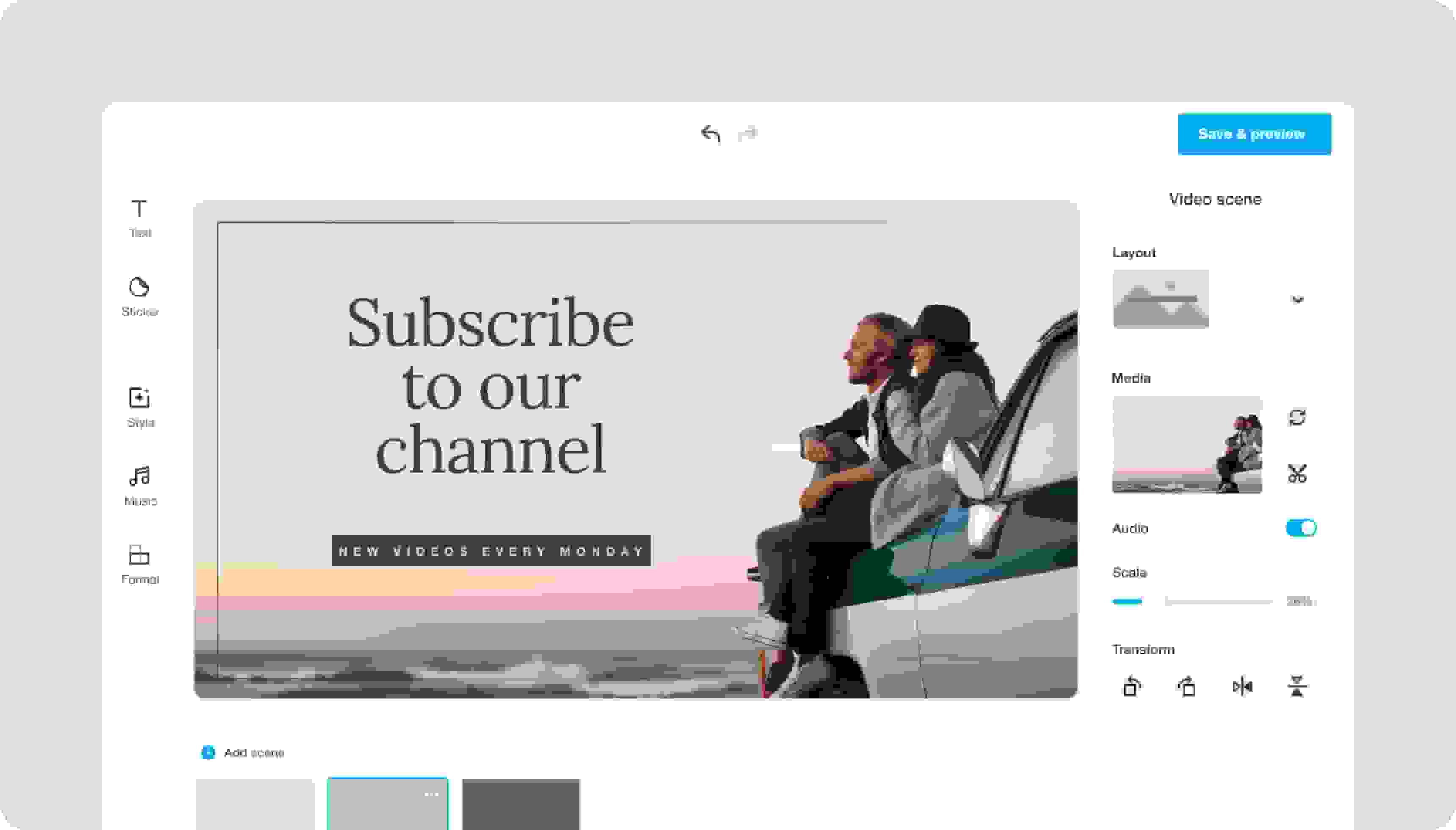
Customize your YouTube video outro

Add your outro to all your videos

  • We currently use Vimeo Create. The quality of Vimeo products keeps us coming back and keeping tabs on their new developments.
    Kevin ReidCo-founder and Design Director of Casca Designs
  • Schuil uses video for some of our paid social ads. We started using it because it performs better than photography in terms of customer engagement...We're super excited to continue to experiment with Vimeo Create!
    Tim VolkemaCEO of Schuil Coffee
  • Vimeo Create offers a preloaded suite of easy-to-use tools perfect for early-stagers like us. We created dynamic video content in minutes without the time suck or high price tag you would expect.
    Clare SheehanMarketing & Operations at Pepper Pantry

Pro tips for creating on-brand YouTube video outros

A YouTube video outro requires a few elements to effectively entice viewers into action. Use these YouTube outro best practices to create an end screen that does the job every time.

Simplicity is key

Your viewers take in a lot of information when they watch a video to the end. Your outro’s job is not to overwhelm them, but to give viewers a quick snapshot of what to do now they’ve watched your video. Keep your graphics and messaging simple. Vimeo’s free YouTube outro maker includes clean and professional templates to get you started, and they’re entirely customizable.

Show your branding

Speaking of customizable, be sure to tailor your outro to your brand. When you add an outro to a YouTube video that weaves in your brand’s colors, fonts, and personality, your viewers can easily distinguish you from everyone else on YouTube.

Make your CTA relevant

It can be tempting to add the same outro to every YouTube video you’re planning. However, it’s important that your outro’s call-to-action (CTA) is relevant to your video’s goal, like getting more subscribers or generating sales on a product featured in the video. With Vimeo Create’s free YouTube outro maker, you can customize an editable Vimeo Create template. Easily tweak the CTA and other elements to fit each video’s goals.

Design a YouTube outro in a few clicks for free

Learn more about virtual events

    Find the right plan for you.

    Video experience platform

    Everything you need to make, manage, and share brilliant videos

    Simple

    Cinematic

    Controlled

    Automated

    Have questions?

    YouTube outro frequently asked questions