The best software for video marketing, explained

Jourdan Aldredge
We’ve got two words for you: Vimeo Create.

Looking to create some engaging (and even lucrative) content as part of your marketing strategy? It might not surprise you to hear that video is by far your most hard-working option. Not only can video give you the edge in lead generation and web traffic, but it’s also been proven to help directly increase sales for businesses that utilize it The truth is, your options for video software are pretty much endless, with choices that run the gamut in terms of size, complexity, and price. But as far as we can tell, there’s one option that expertly combines ease of use with cutting edge technology.

Meet Vimeo Create

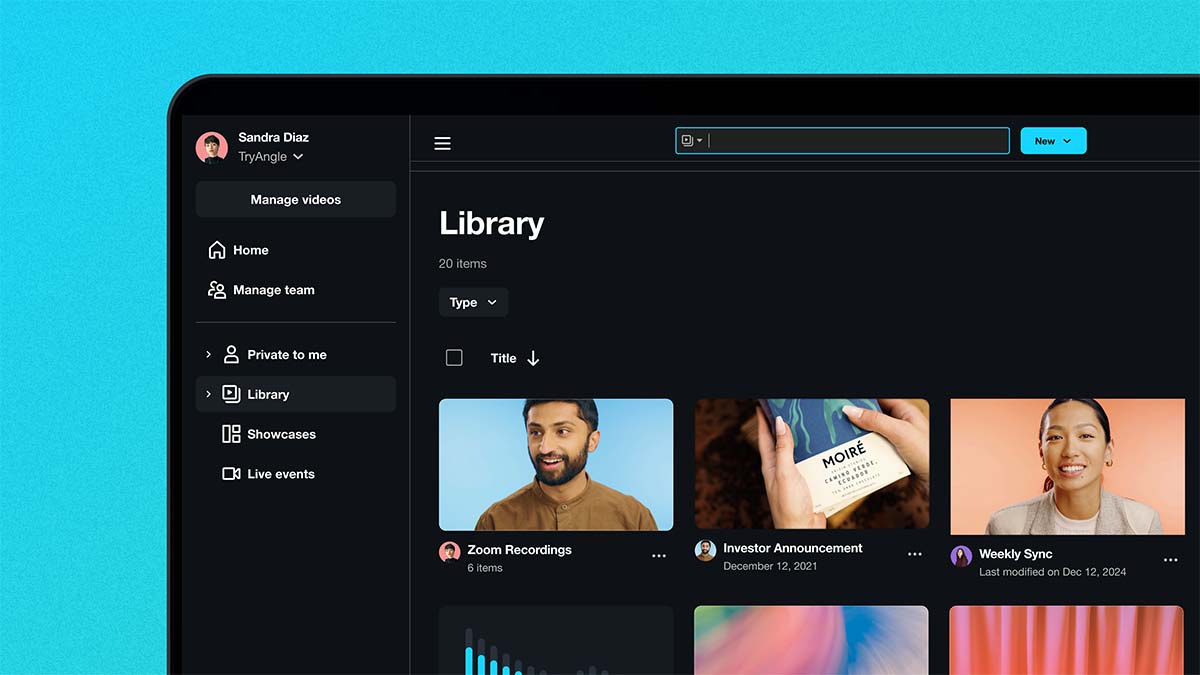
A one-stop-shop for all your video marketing needs, Vimeo Create is the best software option for small businesses and creatives alike. Intuitively crafted and designed for those with tons of video editing experience to those with zilch, this quick and easy marketing video maker can handle all of your marketing content from top to bottom.

Keep it simple

It’s easy to get intimidated by competitors armed with full production teams and editing suites. That’s why, with hundreds of templates and Vimeo’s integrated stock library, Create was designed for the scrappy creators among us. Whether you’ve got 4K capabilities or just the phone in your pocket, Vimeo can help you craft assets that you’ll be stoked to share with your people. Here are some simple, successful examples of businesses using Vimeo Create to bring their brand’s look to the next level.

Make it fast  

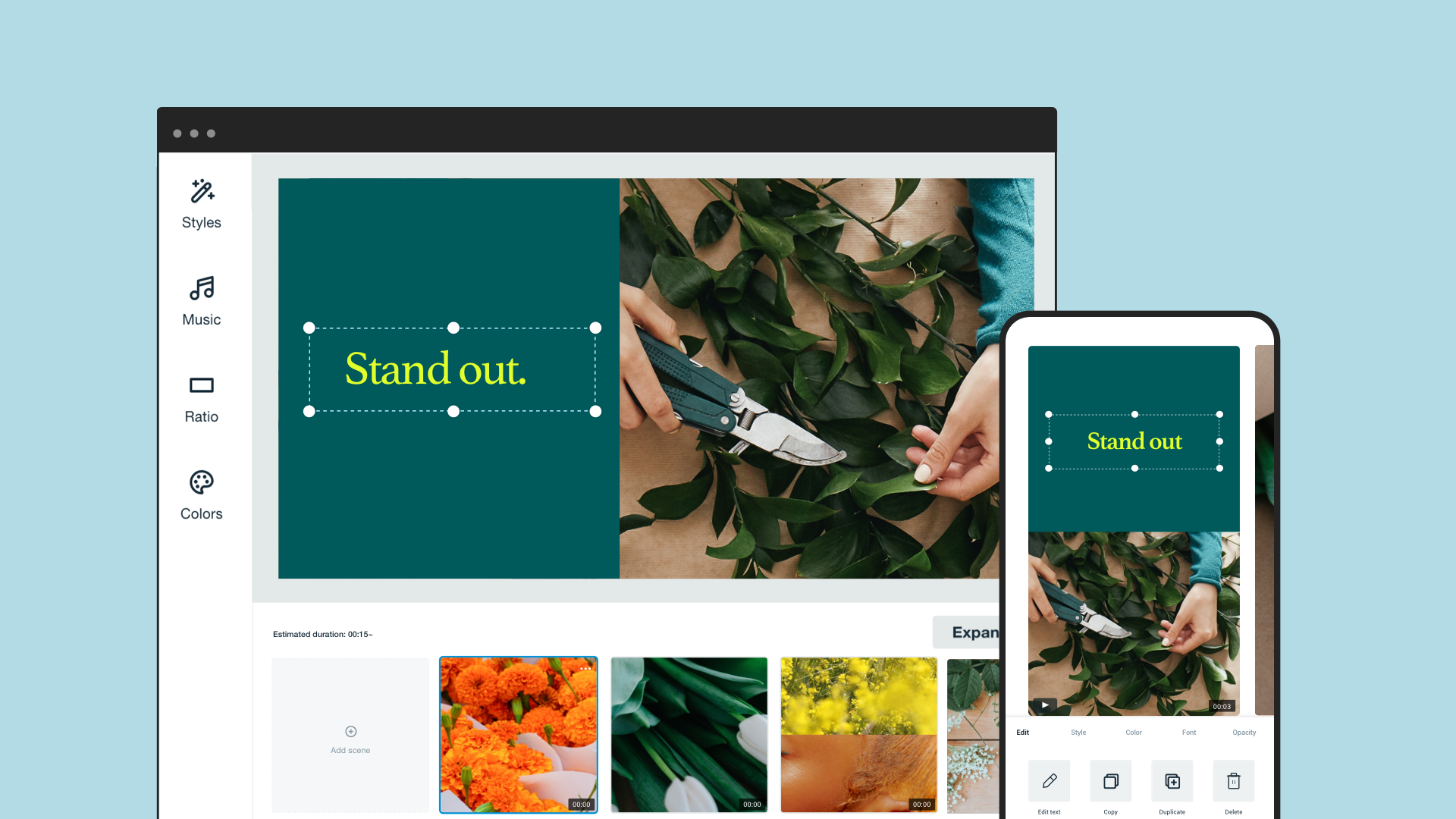
Feeling overwhelmed by your footage? We get it. Vimeo Create’s AI-powered tech can help you turn your clips or photos into a social video in minutes. Just upload assets from your phone or computer and drag and drop your way to a great looking ad.

Stay ready for social 

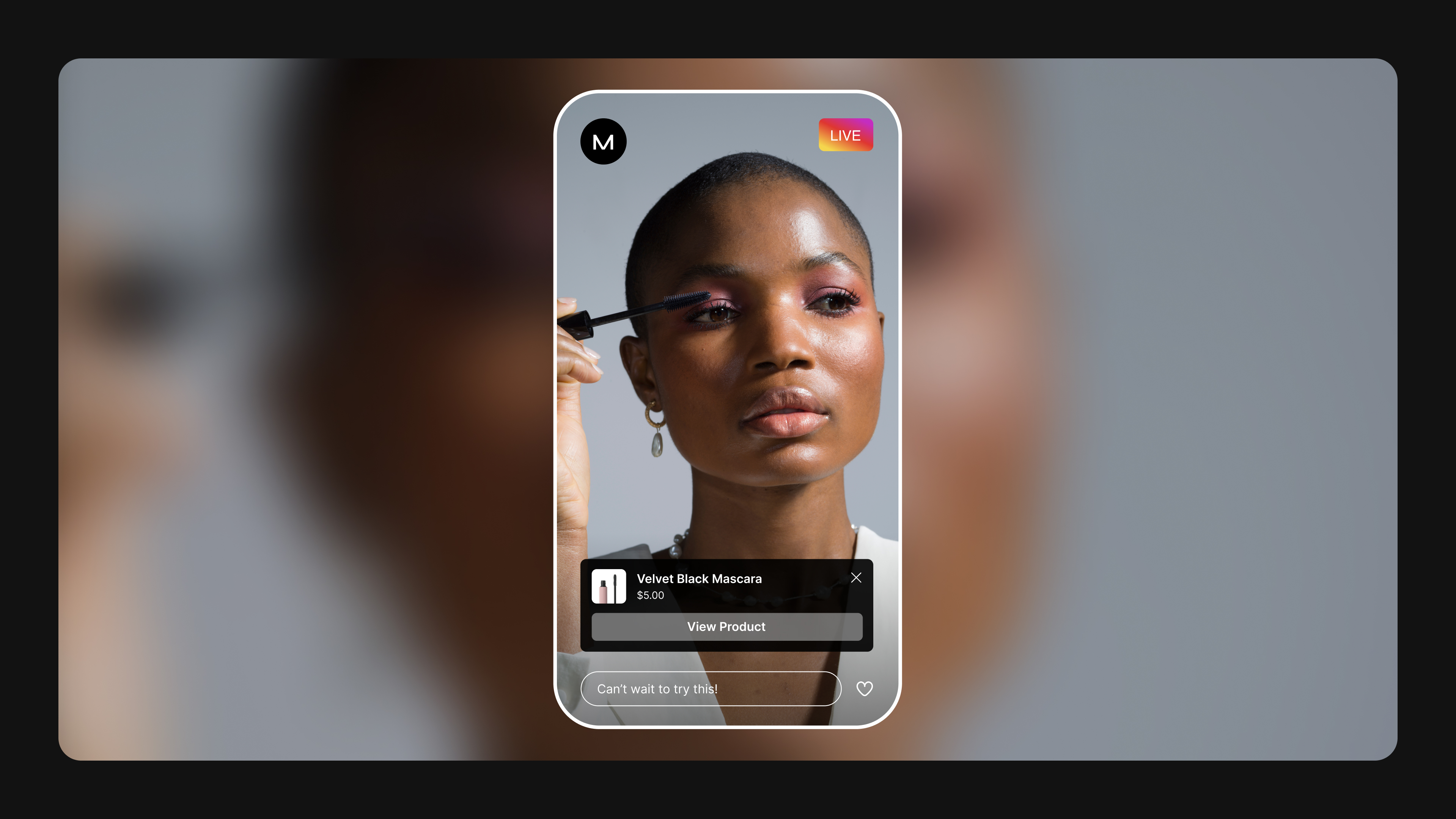
Where you place your videos is up to you, but Vimeo Create is designed for easy social upload to help take the guesswork out of the distribution process. No need to research aspect ratios and upload specs — Create’s got you covered. Using our publish to social feature allows you to easily track your video’s performance across Facebook, Youtube, and beyond. Plus, with tons of templates designed specifically for social, you can browse our library for more inspiration.

Customize with ease

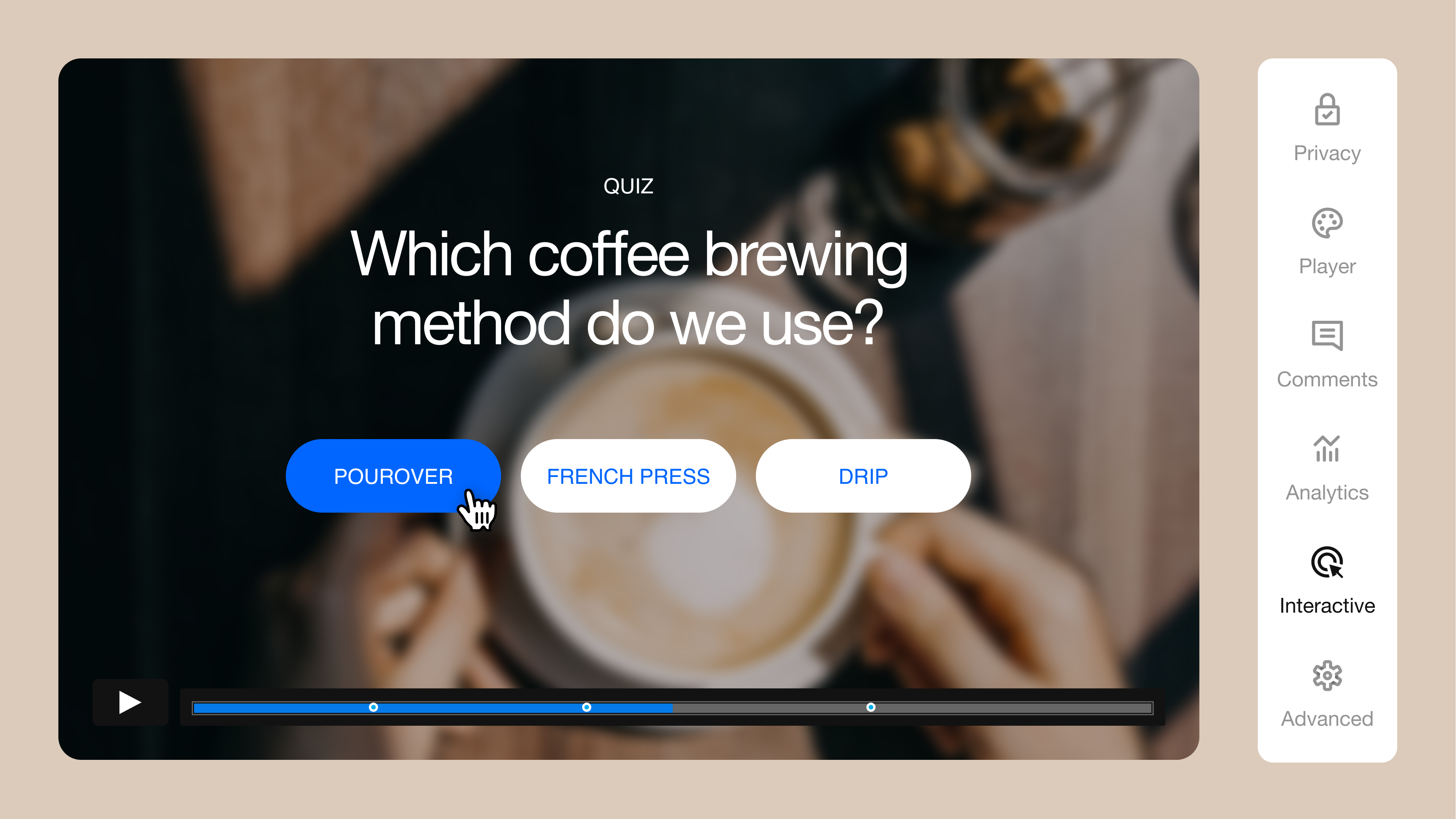
Vimeo Create offers video marketers a full range of customization. You can upload or create your own color schemes, captions, fonts, and layouts as you build out all elements of your videos. In addition to a swath of video templates, Create’s interface also allows you to make a video from scratch, so you can take things into your own hands.  Here are some tips on how to make the most of Vimeo Create’s customizable options. The best video marketing software is one that can help you tell better stories and get better results. Vimeo Create is a high-performance tool that’s perfect for those looking to collaborate with their team, efficiently distribute to every social destination, and ultimately track the success of your videos and campaigns for greater results.

Try Vimeo Create

Show us what you made with #MadeWithVimeo

More from the Vimeo blog

Vimeo employee communications

12 of the best internal communications platforms for your workforce

Blog post head image alt text

A fresh face for Vimeo

Representation matters. Take a look at the top streaming services that spotlight diverse producers, actors, stories, and LGBTQIA+ content.

The best LGBTQIA+ streaming services to try tonight

Vimeo logo is shown floating near logos like Zoom, Adobe Premiere Pro, LinkedIn, Hubspot, Meta, and others.

How Vimeo integrations can make the work you do with video faster and easier

"If we don’t make the audience cry, then we’ve failed,” says filmmaker Goh Iromoto, who brought the ad to life.

How The Farmer's Dog won the big game with its Emmy-nominated ad

From SEO to social media video, we demystify video marketing for marketers. Learn best practices with video episodes.

Official Vimeo video marketing crash course

From Facebook to Instagram to Pinterest, every social media platform has different optimal video lengths — so we made you a cheat sheet.

Your guide to social media video lengths

Want to learn how to make a time-lapse? Learn the simple steps, and get inspired by some stunning examples.

How to make a time-lapse video