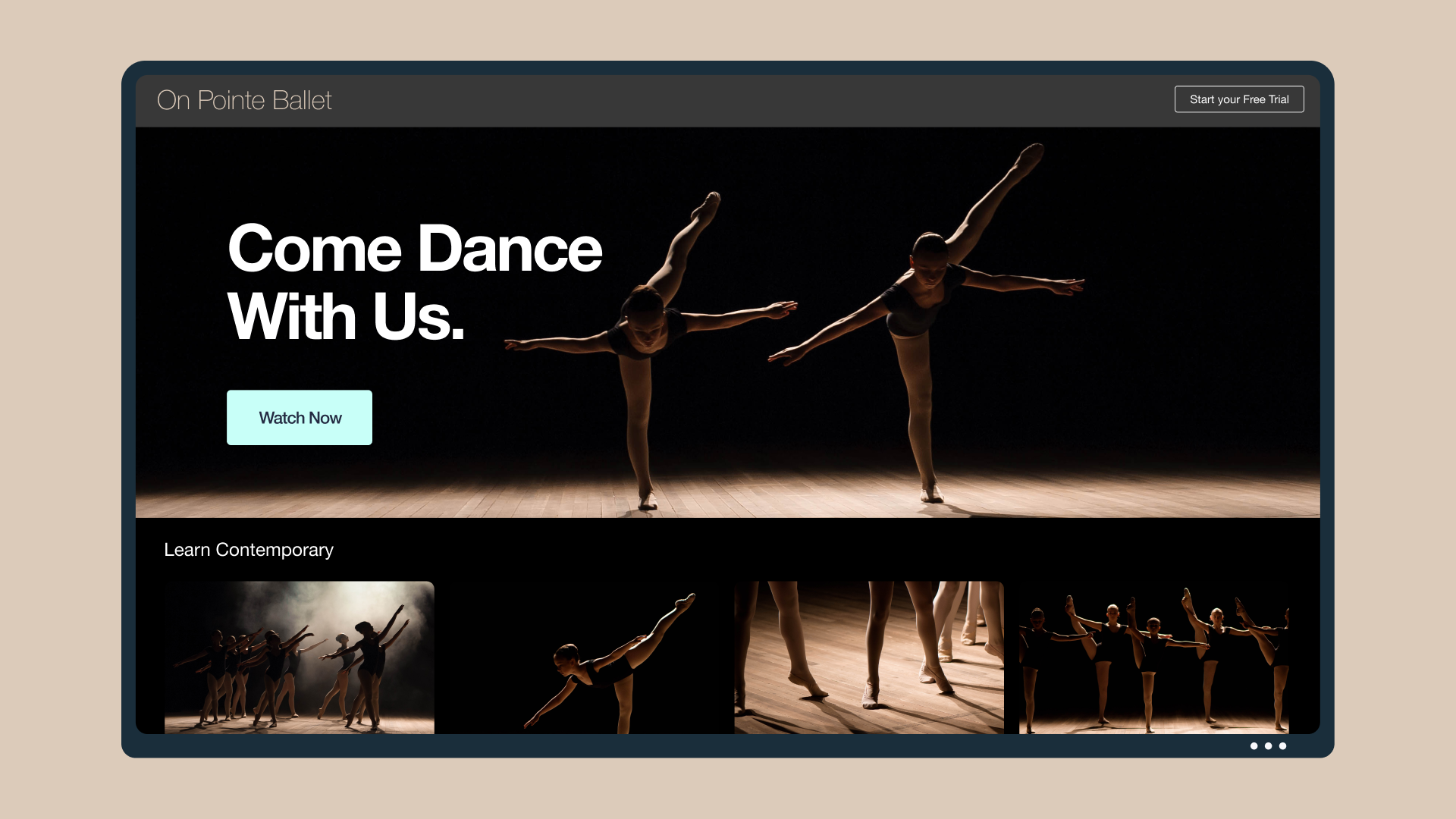
If you’re a small business owner, your website is often your most important point of contact with potential customers. Ideally, your site is the first result people come across when they search for your company. Or better yet, it’s the first result they see when they search for your product or offering.
The goal of the small business website is to hook your visitor and promote your product. Whether this is a potential customer or a curious party who might later become a friend, employee, or investor, having something that’s flashy and informative — and ultimately spells out what action to take next — is key.
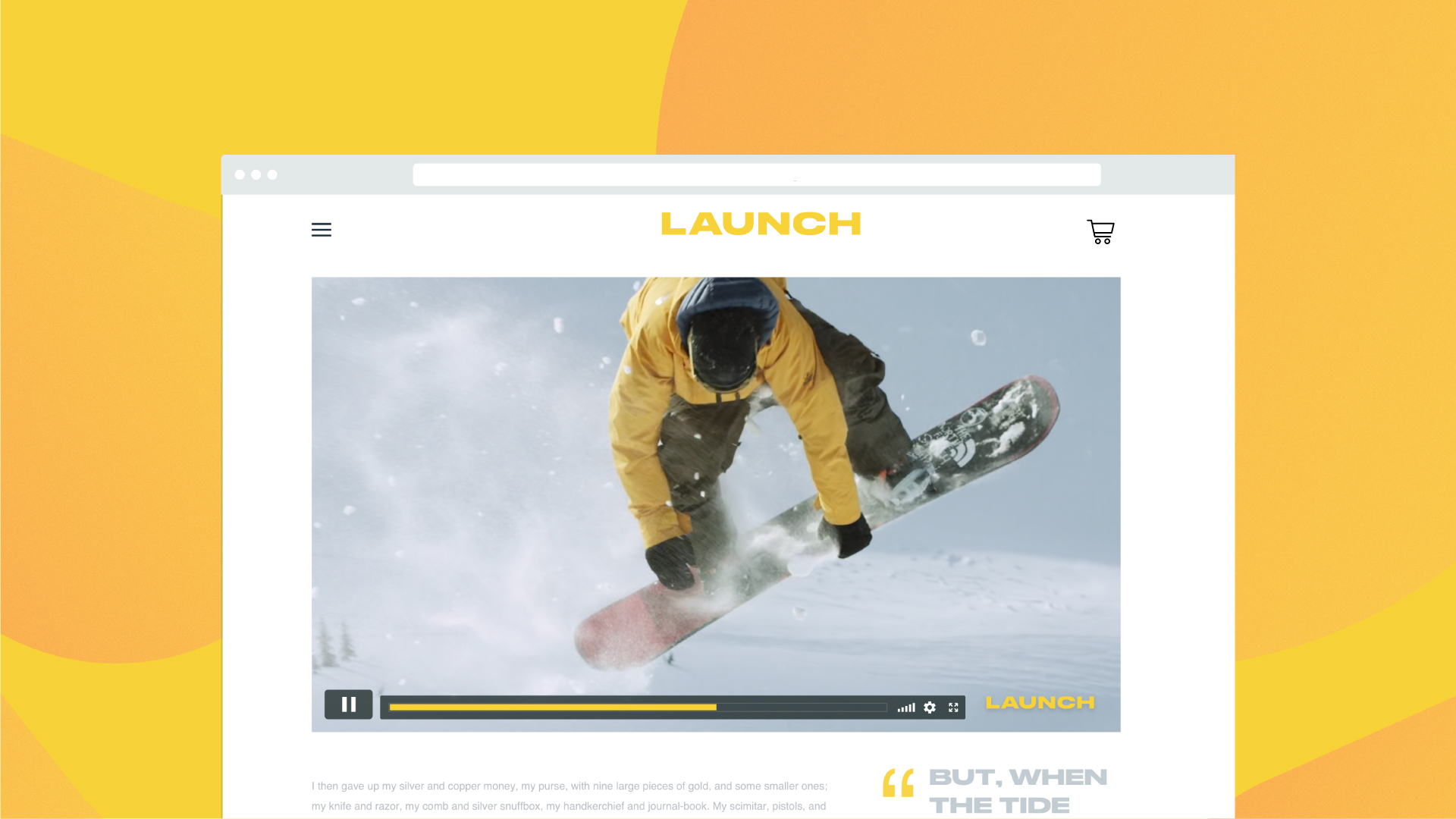
This is where the landing page product video comes in. In the film and video industry, these have become a standard production for business of every size and stripe. The trick is to find a balance between making a splash and sharing all the necessary information. We’ll show you how to do that, below.
Show off your logo
There are plenty of reasons why your logo matters. And after you’ve made the investment in creating one, you should absolutely include it in your landing page video — both to build brand awareness, and to simply show it off.
Having worked with several small businesses on their landing page videos in the past, I will say that it helps to have a little bit more than just a static logo to open your video. At the very least, consider applying some basic animations to make it look more dynamic.
A few options would be a simple fade in or fade out, which you can achieve through a basic video editing program. If you know how to work with keyframes, adding motion can be a great next-level step. Alternatively, if you know your way around After Effects, there are plenty of quick tutorials on how to add motion to your mark. And of course, if you have the budget to hire a professional, they can create a logo animation that you can save and use in other videos, too.
Cover the 5 W’s
While your logo may say the name of your company, it’s highly important that your landing page video also quickly and coherently cover the 5 w’s: who, what, when, where, and why. Whether you sell products, services, or some other value proposition, it’s up to you to find the best way to let a visitor know the important facts early.
Think of the landing page video as your elevator pitch to any prospective visitor. You’ve probably already worked out the key components of your pitch, so try to address those first. You can do this through compelling imagery, text, or audio; you can also have a person on screen simply explain your business.
Use real people and real customers
Along with answering any immediate questions about your company, a landing page video is a great way to show the human side of your business. It’s hard to quantify this in business terms, but there’s an undeniable power found in authenticity.
A lot of potential customers will visit your website to find out more about your products and services — and to see if your business is a good fit for them. Being real in your video helps assure them that you are, and it helps set expectations on what they’ll get from working with you or buying your products.
The same is true when showcasing testimonials (which can also be great to include in landing page videos). Real people telling real stories will help you stand out against your competition. And it never hurts to show your products in use.
Demonstrate a clear value proposition
The landing page video puts the power in your hands to clearly showcase what your company does, and how that’s valuable to a potential customer or client. Yes, you can explain these things on the pages on your website, too, but a video gives you even more control of the narrative.
Ask yourself, who are the people most likely to visit your website? What might they be looking to find out? If you could talk to them directly, what would you say to move them along or encourage a sale? Work this into your video, and you’ll be on your way to unlocking new customers, just like that.
Include a solid call to action
A video for your website’s landing page might serve many purposes, but it really has one goal: to push a visitor along to a point of contact or sale. First you should know what your goal is. Are you looking to grow your email list, or trying to make a sale directly on your site? Including an email signup form or a link to “shop now” can help you achieve this.
The bottom line? Your video needs to have a strong call to action. You can achieve this with the messaging on your website or directly on your video itself. Check out this breakdown of how to add CTAs to your Vimeo videos here.
Before your content gets to the Vimeo video player and requires a landing page, you can also try out Vimeo's video editor to help with everything from trimming video, merging video, compressing video, and cropping video to making GIFs, and more.