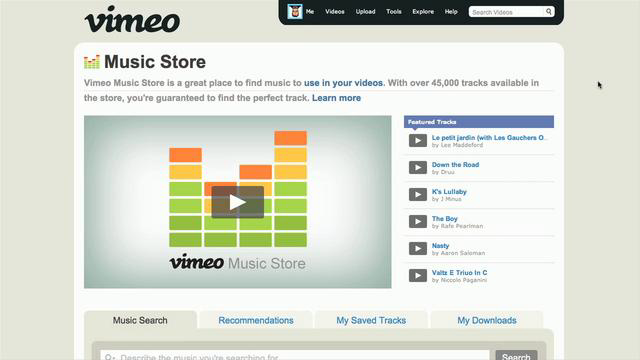
We've all been there— in that sweaty, editing-induced fervor, down to the deadline with nothing left to do but add music to your video as a soundtrack. Scrambling to find music for your project shouldn't be painful, it should be fun! With this in mind, we created the handy Vimeo Music Store, a convenient new resource for finding, downloading and licensing high quality music for your videos.
What makes Music Store so great? Take a look at the video below for a detailed tutorial!
What are you looking for?
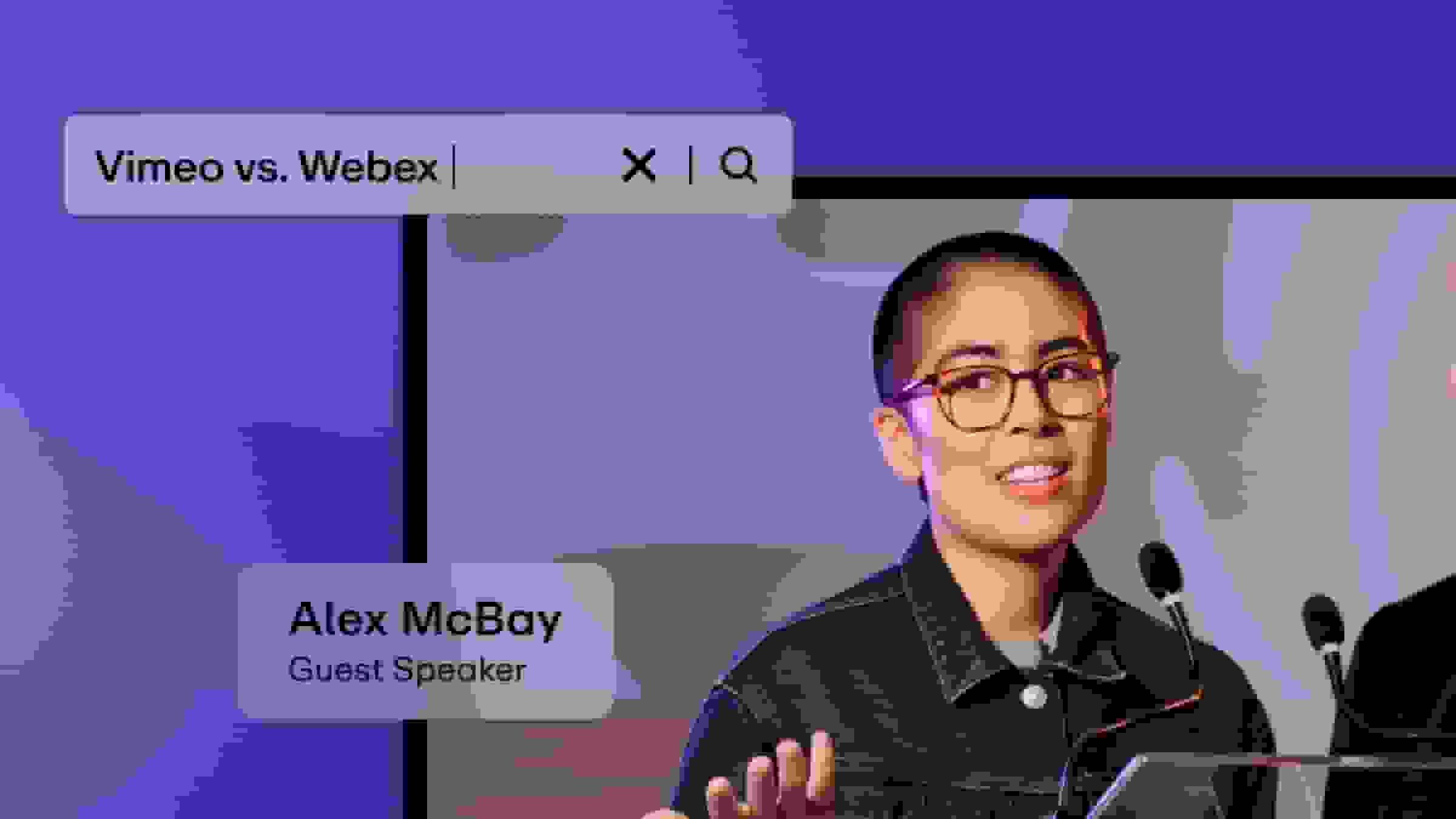
You can search Music Store by typing in a Genre, Tempo, Theme, Mood, or a specific instrument. Our awesome search bar will automatically start guessing tags you can search by. Simply press the tab key when the term you want is highlighted to select it. You can add as many tags as you want to get super specific! Not sure what you're looking for? No sweat! You can hit the magnifying glass and browse by the different search options.
To clear tags from the search bar, click the X next to each tag name to remove it individually, or press the X next to the search button to clear the entire search field.
Advanced search options!
Below the Search button, you will see a little blue gear icon and a link to our Advanced Options. Here you can specify the length, provider, price, vocal type and license you're looking for. The safe search option will filter out music with profanity.
Preview songs!
Hit the big gray play icon to the left of the song title. The icon will track the progress of the preview by turning blue.
Keep tabs on songs you like!
By clicking the star to the left of any song, it's saved in your My Saved Tracks folder. There you can see what kind of license the song has. To see what you can do with the song, click the question mark icon or the “˜about licenses” above.
Click on songs to go to specific song page!
Here you can preview the song, browse similar tracks, and check out additional songs from that artist. You can also see the specific tags for the song on the right hand side of the page.
Purchasing and downloading!
To buy and then download your track, hit the shopping cart icon. You will see that the song is added to your shopping cart in the bottom right. For free songs, you can simply download by clicking the green download button, after which the attributions screen will pop up with the specifics on the Creative Commons license.
When you're ready to purchase tracks, click the “˜Ok I'm ready to check out” button. If you've changed your mind, you can remove songs from your cart by clicking the red X beside them.
When you're on the checkout page, type in your billing address so that a license can be generated for the song, and enter your payment information. When you place your order, you will be taken to a receipt and the download link for your song. After you download your tracks, they will be stored in the My Downloads tab. You can always download your purchased songs again by visiting this tab. We'll also email you a copy of your license contract!
But wait! What if I have more questions?
Our Music Store FAQ is easily accessed by visiting the Learn More link at the top of the page.
Discover how Vimeo supports creators in doing more than adding audio to their videos, including creating, distributing, and organizing content with tools like screen capture, a video teleprompter, and advanced analytics.