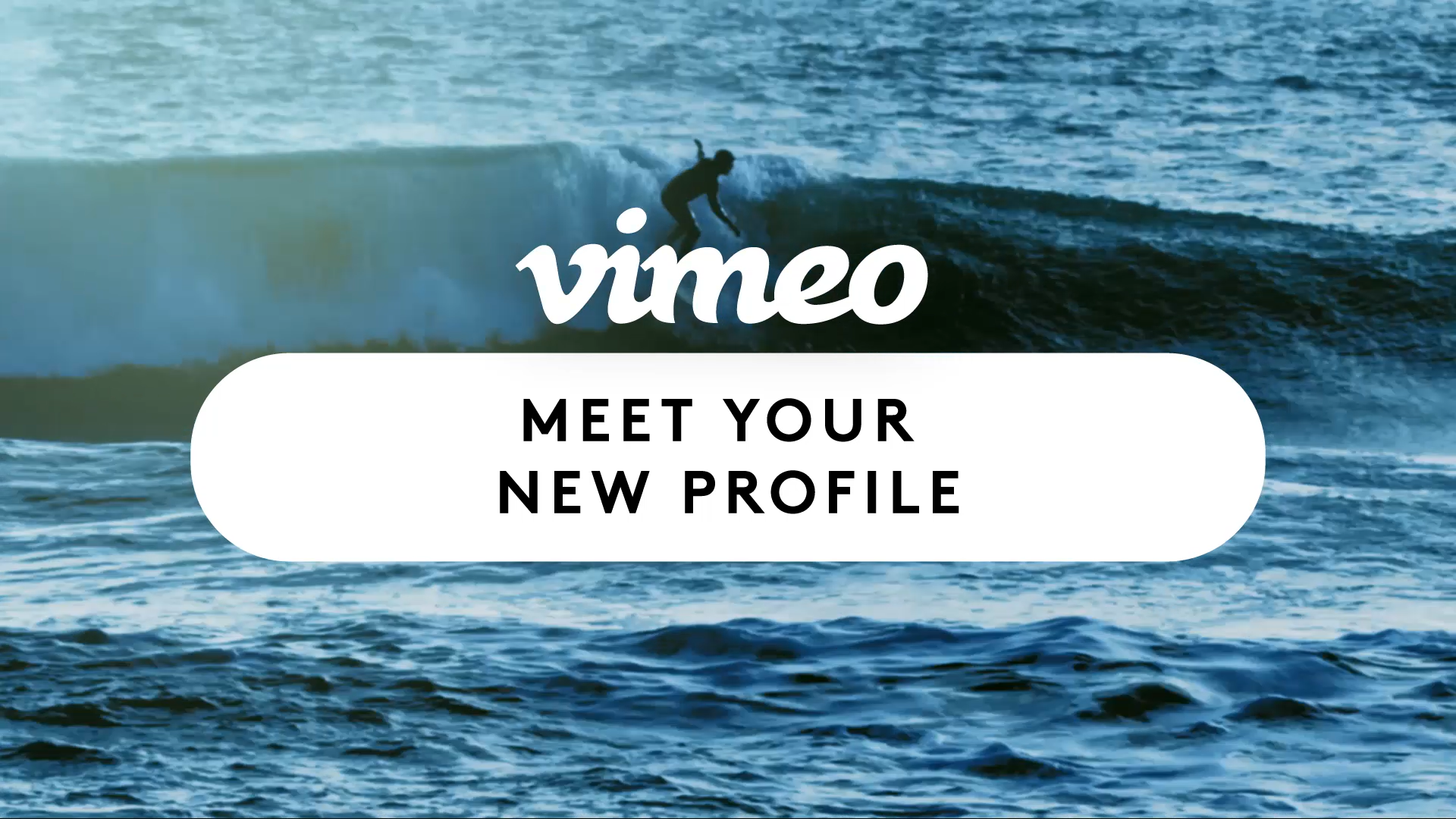
Not so long ago, we launched all-new profile pages to give you more control over the look and feel of your page, and help you highlight the amazing videos you upload.
Think of this as your online calling card: a place you can send people to see your work, learn what you’re all about, and understand what you do. Perhaps the most eye-catching change of all? The ability to add a gorgeous custom cover video, so everyone can see what you’re all about right when they land on your profile.
A great cover video, much like cover photos, can draw people in and entice them to learn more about what you do and watch more of your videos. So whether you’re looking to flaunt your filmmaking chops, communicate your brand’s values, or just express your particular aesthetic, here are a few tips to keep in mind when choosing that perfect looping clip.
To add or edit your cover video, go to your profile, click the button, and choose one of your videos. As you’re trying things out, you’ll want to…
Consider video length, size, and framing After you’ve selected a video, you can use the sliders to select a clip to loop at the top of your page. Your clip can be anywhere from a few seconds to the entirety of your video. In addition to duration, you’ll need to decide what you want to actually appear in-frame. While our design is dynamic and depends on the screen width of your viewer, a 1920×540 video should mostly stay in-frame.
You can test out a few of your videos to see what works best, or even create a video especially for your profile page. Simply slide the size overlay to the desired position, and preview exactly what will be displayed.
When choosing your perfect video, here are a few things to keep in mind:
- No one likes to see a person’s head cut off (unless you’re a horror director)
- Don’t cover up text — people like to read! (You can also use Vimeo to add text to video)
- Remember: your profile picture appears in the center of your frame; make sure it’s not hiding something important
Put your best film forward
Just like a cover photo, your cover video instantly communicates to visitors what you’re all about. If you’re a filmmaker, flaunt a technique you specialize in. If you’re a brand, think about what best visually communicates your values.
It doesn’t have to be educational, either. In the same way that thumbnails draw in people’s attention, so too will bold visuals, bright colors, and a focused concept. Filmmaker Janssen Powers, for example, uses his cover video as a reel, highlighting some of his best work and letting potential clients know what he’s about right off the bat.
Switch it up
If you drive a lot of traffic to your profile page, it’s important to make things fresh. Got a new short film premiering? An upcoming product launch? A hashtag for a new campaign? Keep your looping in sync with your latest and greatest projects.
Shoot something new
You may not have the perfect cover video already sitting in your Vimeo account. If this is the case, why not go out and make one?
Vimeo is home to the most wildly creative community on Earth, and cover videos are meant to help you get those wildly creative ideas out there. So let your imagination go bananas, start customizing, and share your profile with us below so we can soak up your ingenuity, on loop. Happy cover video-ing!
If you're looking to go beyond cover videos, Vimeo can also help you create GIFs, shoppable videos, live streams, webinars, and more.