Good shots rarely come from figuring out a perfect camera setup on the spot. Before filming begins, you need a clear record of the footage you want and the decisions that go into capturing it.
A shot list helps convert creative ideas into a practical filming plan. During pre-production, it gives everyone involved a shared reference for each planned shot. Establishing a template means crew members get the information they need and details don’t slip through the cracks. This guide shows you what a shot list template should include, how to organize the details, and how to use your list before and during the shoot.
What’s a shot list?
A shot list is a pre-production document that lays out the individual camera shots you intend to film. Helpful shot lists often include brief descriptions of necessary technical details, such as framing, camera angle, and equipment, so the crew knows how to approach them on set.
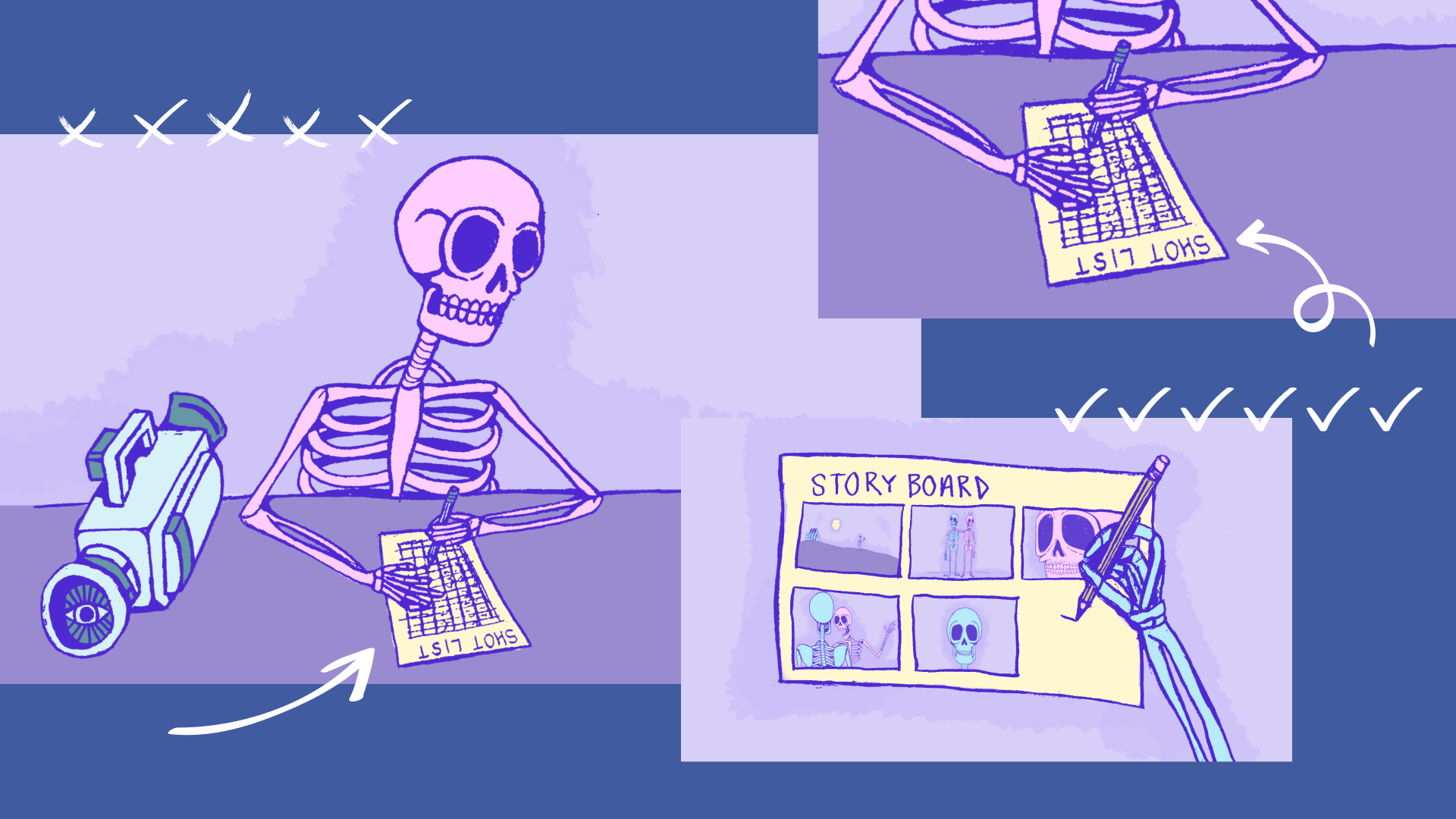
The shot list fills a very different role than a project’s storyboard or shooting schedule. Storyboards present a visual preview of how scenes will unfold, while the shot list translates that creative direction into specific camera setups and filming instructions. A production’s shooting schedule then arranges planned shots around the practical realities of the production, such as location, available time, equipment, and talent.
Working from a shot list template makes shooting days easier to manage. The crew can track progress, preserve continuity between setups, and spot missing coverage before moving on. Organizing a shot list also makes it easier to plan the shooting schedule by grouping similar or sequential setups together. You’ll save time on equipment changes during filming and reduce the chances of discovering you’re missing a critical shot when you're in the edit.
What should a shot list template include?
A shot list should include all of the pertinent details crew members need to prepare equipment for filming a scene in alignment with the director’s or producers’ vision. There's no reason to track information your crew won't use. A marketing team shooting a product demo, for example, might use a simple video production shot list template in a single spreadsheet. Larger productions may need additional details or unique versions of a shot list for different types of cameras, locations, equipment, and crew members.
For most shoots, a customizable shot list template can begin with information under the columns below. You can set up the same structure in Google Sheets, Excel, or your preferred spreadsheet tool to fit the production.
Here’s a sample shot list for a team filming a product demo video:
| Shot | Scene | Subject/action | Shot size | Camera angle | Motion | Lens | Timing | Audio notes | Production notes | Status |
| 1 | Opening | Presenter introduces product at desk | Medium | Eye level | Static | 50mm | 10 min | Presenter dialogue | Product visible beside presenter | Must-have |
| 2 | Demo | Presenter picks up product and begins demonstration | Wide | Eye level | Slow dolly in | 35mm | 15 min | Presenter dialogue | Keep hands and product visible | Must-have |
| 3 | Demo | Close-up of product controls in use | Close-up | High angle | Static | 50mm | 10 min | No dialogue | Capture clean take for B-roll | Must-have |
| 4 | Demo | Presenter uses product from behind shoulder | Medium | Over-the-shoulder (OTS) | Static | 50mm | 10 min | Natural sound | Check screen for reflections | Optional |
| 5 | Closing | Product hero shot on desk | Close-up | Low angle | Slow push in | 50mm | 15 min | No dialogue | Leave extra time at end of take | Must-have |
Shot size and camera angle describe two different parts of the composition. The shot size refers to how tightly you’re framing the subject, such as with a wide shot, medium shot, or close-up. Camera angle refers to the positioning of the camera in relation to the subject. An eye-level shot and a high-angle shot type may use the same shot size, for instance, but create noticeably different compositions.
Lens focal length is useful to include when the camera team needs to prepare for lens changes. A product demo might use a 50 mm lens for focusing on the presenter and a 35 mm lens for capturing a wider view of the demonstration.
Timing needs a clear and consistent definition. Decide whether your team is tracking setup time, estimated shoot time, the intended length of the finished shot, or some combination of these durations. Use that column of the shot list template consistently so everyone knows what the estimate means.
The shot priority or status can change as the shoot progresses. Label shots as “must-have,” “optional,” or other distinctions prior to filming so the crew knows what to prioritize if time gets tight. On set, you can update labels to "completed" or "retake," turning the same document into a quick record of what’s done and what’s still needed.
The level of detail in your shot list should correspond with the scale and complexity of the production. A smaller, single-camera shoot may not need finer details for different lenses, audio notes, or timing benchmarks. With a more involved or multi-camera production, your shot list might specify locations, lighting equipment, continuity notes, necessary setup times, or the crew members responsible for particular types of shots.
Whatever you include, keep the list easy to scan and update on set. Crew members shouldn’t have to hunt for the information they need among a sea of irrelevant details, so don’t make your shot list more complicated than the shoot requires.
Collaborate on your videos with Vimeo →
How to create and use a shot list in 5 steps
Once you know what information to track, you can build your shot list around what the final video needs to show. Here’s how that process could work for the product demo in the shot list template above.
- Break the script or concept into scenes
Begin with an outline of your video, and think about how each portion contributes to your video storytelling, breaking up story beats into distinct segments or scenes. An effective product demo often includes a brief introduction, visual demonstrations, close-ups of key features, and a closing hero shot.
Give each section a scene or script reference, as shown in the shot list example above, so you can check that you’ve planned enough coverage before filming begins.
- Choose the shot size, framing, and camera angle
Decide how clearly the viewer needs to see each action. You might use a medium shot for the presenter’s introduction, a close-up for spotlighting the product controls, and a wider shot to establish the workspace. Understanding how different types of camera shots suit each moment can help you choose the right framing for a scene.
Choose the camera angle with the same purpose in mind. Rather than forcing different shot types for more variety, use consistent framing and angles that make the product introduction and demonstration easier for the audience to follow.
- Add the technical and production details
Record any details the crew needs to know for preparing for each shot. That might include using a 50mm lens, readying a slow dolly camera movement, meeting specific video equipment requirements, or taking notes about reflections and product placement.
You may not need to fill every column for every shot. Include technical details like specific lens focal lengths or camera movements only if they’re essential to maintain consistency with an established style. Shutter speed details are helpful to include if they’ll affect how movement looks, and noting the aspect ratio is wise when framing needs to stay consistent across the shoot.
- Plan the shooting order
You don't have to film your shots in the same sequence they’ll appear in the finished video. Grouping shots that use the same camera position, lighting, lens, or equipment can reduce setup and shoot time.
For a product demo, that could mean filming all presenter shots with the same 50 mm lens before switching to a close-up setup for shots highlighting specific product features.
- Share and update the shot list on set
Share the shot list during pre-production so everyone is working from the same plan. A shared Google Sheets file keeps the latest version easily accessible.
As you film, mark shots as completed or needing a retake. If time runs short, use the priorities you set earlier to ensure you capture the must-have footage first.
Plan the shoot, review the cut, and finish your video with Vimeo
A well-planned shot list gives your crew a clear path from pre-production through the shoot. By mapping out the shots, priorities, and production details ahead of time, you can spend less time figuring out what comes next and more time capturing the footage you need.
Once filming wraps, Vimeo can help you carry that work through the post-production process. Organize your footage, share rough cuts with your team, get time-stamped feedback, and keep the production process moving toward the final cut.
FAQ
Can you customize a shot list template for different project types?
Yes, you can and should adjust your shot list template based on your production’s size and complexity. A simple product demo’s shot list might only need basic production details. For an interview setup, the shot list typically emphasizes just relevant details for camera placement, lighting, and audio. A more complex film shot list template may also include fields for specific equipment, lighting, audio, locations, or continuity.
How can a crew use a shared shot list during production?
A shared shot list gives the crew one place to track progress throughout the shoot. Crew members can mark shots as completed, flag the need for retakes, and update priorities on set as the production changes.
How do you know if your shot list has enough coverage for editing?
Think through how the shots will fit together in the edit, and capture each important action or moment clearly in the shot list. Include enough variation in framing and angles to give the editor options without adding shots that don’t serve the finished video’s purpose.