Many teams are now spread across time zones and locations, so the way organizations reach employees has changed. The resulting volume of daily messages and emails can bury even the most important updates. A long memo or a company-wide briefing has to compete with dozens, possibly hundreds, of other unread items in the same inbox.
Video is a great way to grab attention when it’s most important. Video content conveys tone and context in a way that's harder with text, offering nuance that a written memo might not make clear. Employees can also watch messages on their own schedules from their laptops or phones, instead of waiting for scheduled all-hands meetings.
This article covers what internal communications videos are and why they deserve their own strategy. We’ll also look at common examples, then explain how to build an efficient video production workflow.
What’s video for internal communications?
Internal communications video is content made for a company’s internal use, rather than for customers or the public. These videos often replace traditional memos, company-wide emails, and slide decks. The category covers a wide range of formats, such as CEO updates, onboarding series, training modules, project briefings, and async team updates.
Along with their audience, what separates internal videos from external marketing content is the goal. A marketing video attempts to drive clicks or purchases, while an internal video focuses on alignment. For example, you may need to make sure employees all understand a policy or company update the same way after watching a particular video.
Why every organization needs an internal video communication strategy
Video gives employees more to work with than a wall of text, and it’s better at drawing attention and encouraging engagement for messages that truly matter.
Developing a dedicated communication strategy for internal videos lets you:
- Create more memorable content: Combining voice, tone, and facial cues gives employees more to hold on to than a paragraph of bullet points, so video messages often stick long after they’re viewed.
- Humanizes leadership: A written statement from your CEO reads the same no matter who sends it. A video shows the person behind the message, which matters most when employees rarely see leadership in person.
- Reduce misalignment: A policy update delivered over video adds context that helps employees interpret intent and urgency correctly.
- Work asynchronously: Video messages are great for distributed audiences; employees across time zones can watch on their own schedules.
- Build reusable information: When your organization archives updates and keeps them accessible, new hires and employees who missed the original meeting can watch later.
- Scale efficiently: One CEO video posted to Slack or Microsoft Teams reaches a company-wide audience all at once.
6 examples of internal communications videos
These types of internal communications videos cover the basics most teams need, from one-off leadership messages to ongoing training libraries.
1. Leadership updates
A leadership video puts a face and voice behind a company-wide decision or milestone. A CEO video update about quarterly results can feel more personal and contextual than a memo, since employees hear the tone behind the numbers. This content tends to work well whether it’s loosely scripted or delivered improvisationally, as long as the message stays clear and focused.
2. Employee onboarding videos
Onboarding videos introduce new hires to company values, roles, tools, and processes. A short welcome series recorded once and reused for every new hire saves managers from having to repeat the same basic information in meeting after meeting.
3. Training and L&D sessions
An employee training video usually covers a specific skill or compliance requirement, broken down into short segments team members can revisit whenever they need a refresher. A screen recording that walks through how to use an internal tool often works better than a written tutorial, since employees can watch the steps in action. L&D teams can build a library of these videos to avoid repeating live training sessions.
Record team updates with Vimeo →
4. Project briefings and async updates
A project briefing video can eliminate the need for an informational or status meeting, by giving team members a short recorded update they can watch on their own time. A quick screen recording sent over Slack is often more efficient than scheduling a call across time zones.
5. Town halls and all-hands meetings
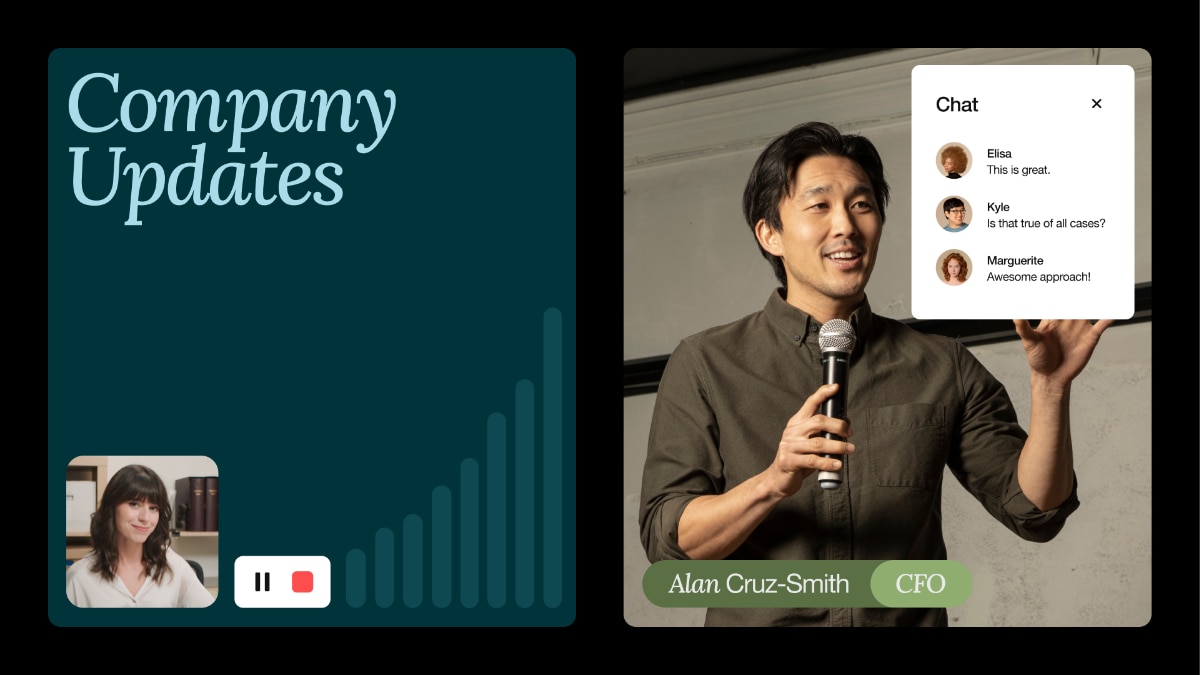
Recording a town hall or all-hands meeting turns a live event into a resource employees can revisit later or catch up on if they missed it. Again, distributed teams benefit the most from this content, since not everyone can join a meeting scheduled for one time zone. A recorded, searchable version in your video library also gives employees something to reference if they have questions after the meeting ends.
6. Culture and recognition videos
Recognition videos highlight a specific employee or team accomplishment, giving personal, in-the-moment credit in a way a company-wide email announcement can't match. This type of video content is often shared widely throughout an organization, since employees like watching colleagues get recognized on screen.
How to build a scalable internal video workflow
Once these kinds of content become indispensable to your team, internal communications video production shifts from a one-off request to an ongoing operational need. You’ll want a clear process covering how to produce, approve, and distribute videos, so every piece can go live fast.
Here's what a strong internal video workflow looks like:
- Plan the content: Even a short update benefits from a little time spent choosing the right visuals and sketching out some basic talking points. For longer or more impactful videos, consider creating a full script and running the outline by key stakeholders.
- Create the video: Choose your format based on the video’s goal and content. Screen recordings are great for walkthroughs and data sharing, while talking-heads-style interviews work well for leadership updates.
- Edit your footage: Take the time to make the internal video look its best by cutting out long pauses, including audio, creating transitions, and adding cations.
- Do a review: Have colleagues or stakeholders watch the video, make changes based on their feedback, and get approval if needed.
- Store the final version: Host your content somewhere secure, and add metadata to keep it organized in your video library.
- Share your internal video: You can use a private link to make sure only the right people can watch the content.
Streamline your internal communications with Vimeo
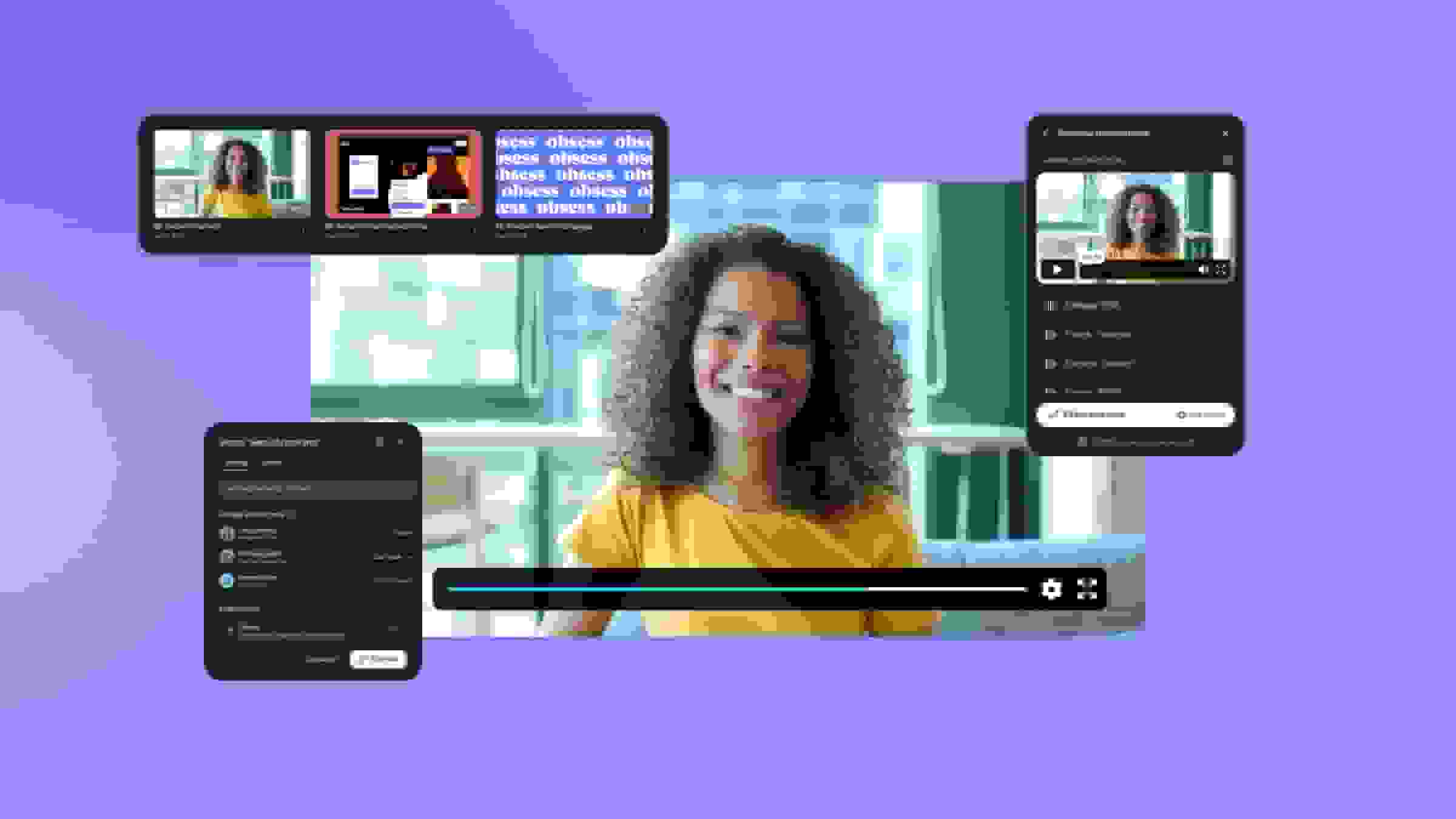
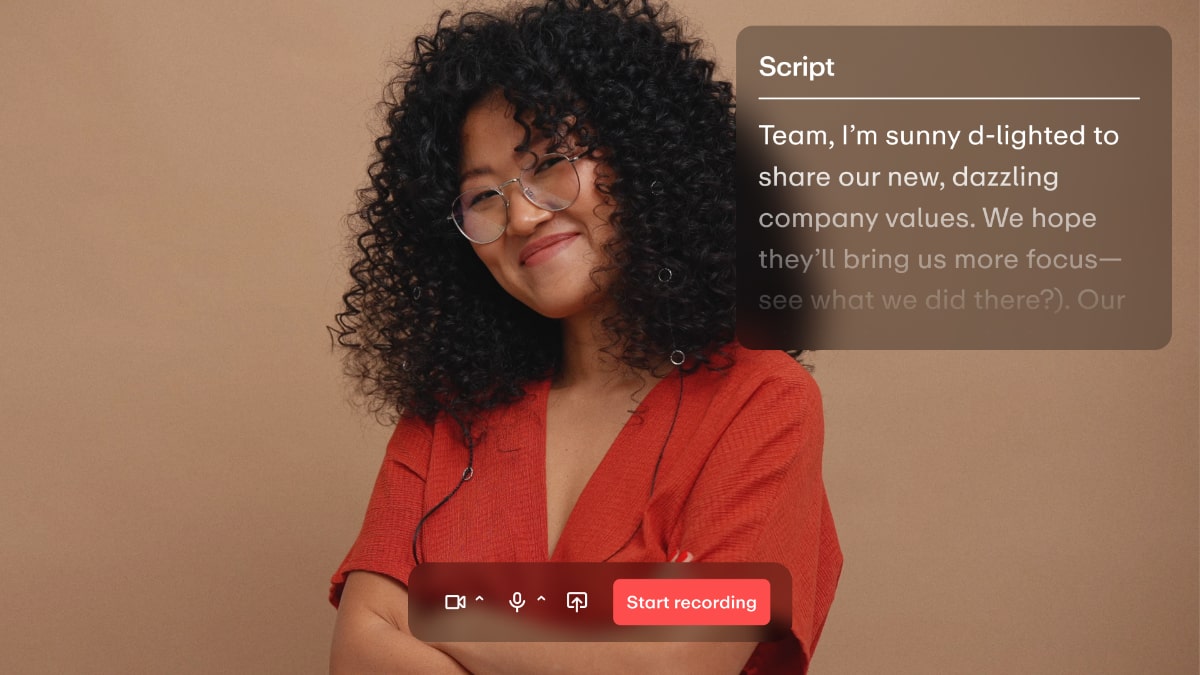
Producing an internal comms video shouldn't require a dedicated production crew. Vimeo's built-in screen and webcam recorder lets anyone record a leadership update or training walkthrough right from their workspace. AI-powered editing tools handle cleanup and captioning, while secure hosting keeps sensitive updates limited to the right employees.
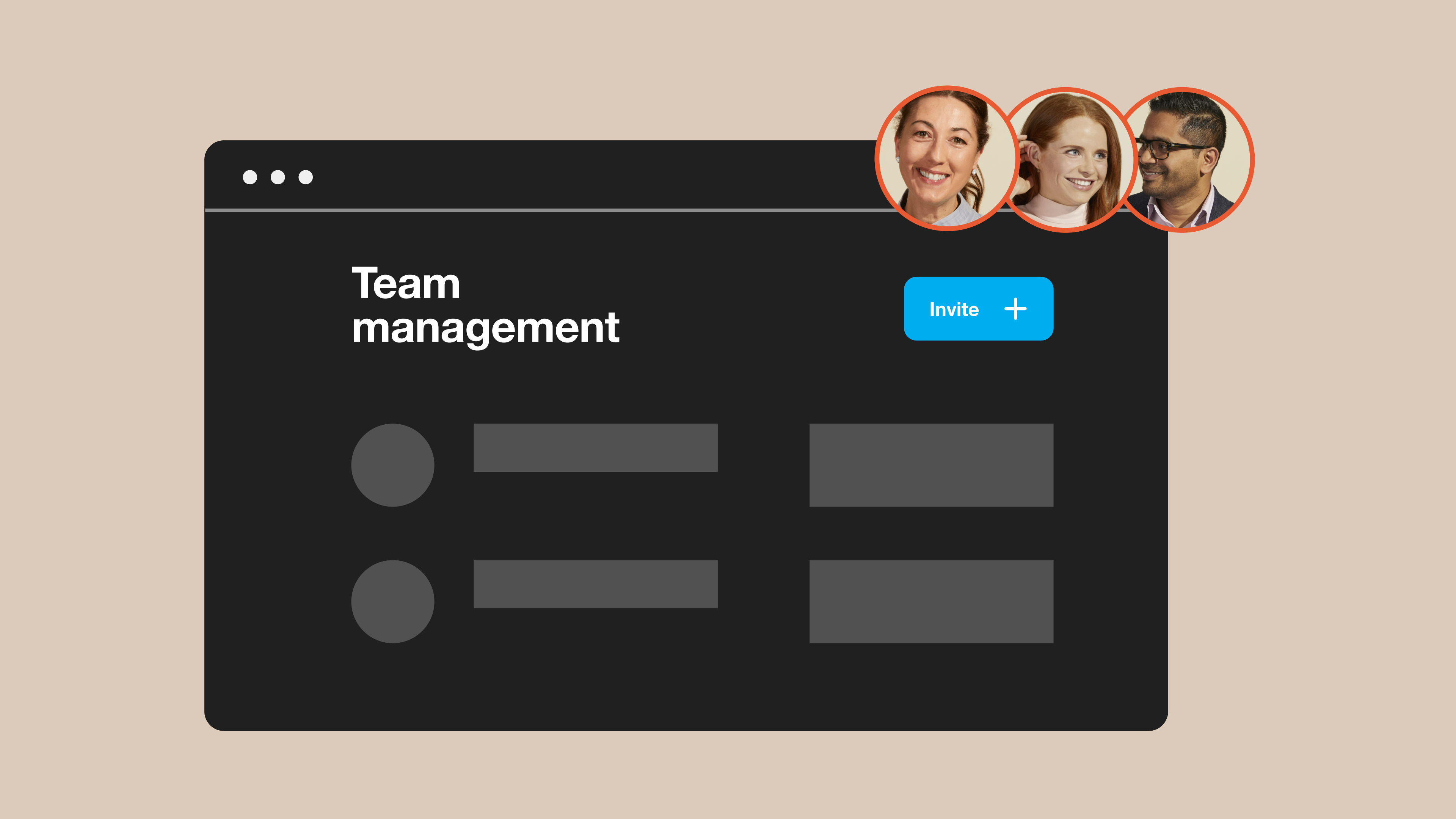
In addition, Vimeo's centralized Video Library keeps onboarding and training content easy to find months later. Private link sharing gets a finished video into Slack or email as soon as it's ready. And Microsoft Teams integration makes it just as simple to drop a video directly into a Teams channel.
Manage your videos with Vimeo →
FAQ
Can recorded meetings or live town halls be part of internal video communication?
Yes, a recorded town hall or all-hands meeting becomes a reusable resource once it's saved and shared. This gives employees who missed the live session a way to catch up on their own time.
How long should an internal communications video be?
Most internal communications videos work best when kept under five minutes, and many run closer to one or two minutes. Shorter content tends to hold attention better, and it’s easier to fit it into a regular workday.
How do you make sure employees actually watch internal videos?
Video analytics show whether a piece of content has been watched or engaged with. Depending on your platform, you may be able to see overall completion rates, plus which team members have viewed specific videos. This lets comms and HR teams confirm that required updates or training sessions reached the right employees.