We want as many people as possible to be able to watch as many videos as possible, no matter where in the world they may be. That’s why we’ve built these new features that empower both viewers and creators worldwide to watch and share more videos:
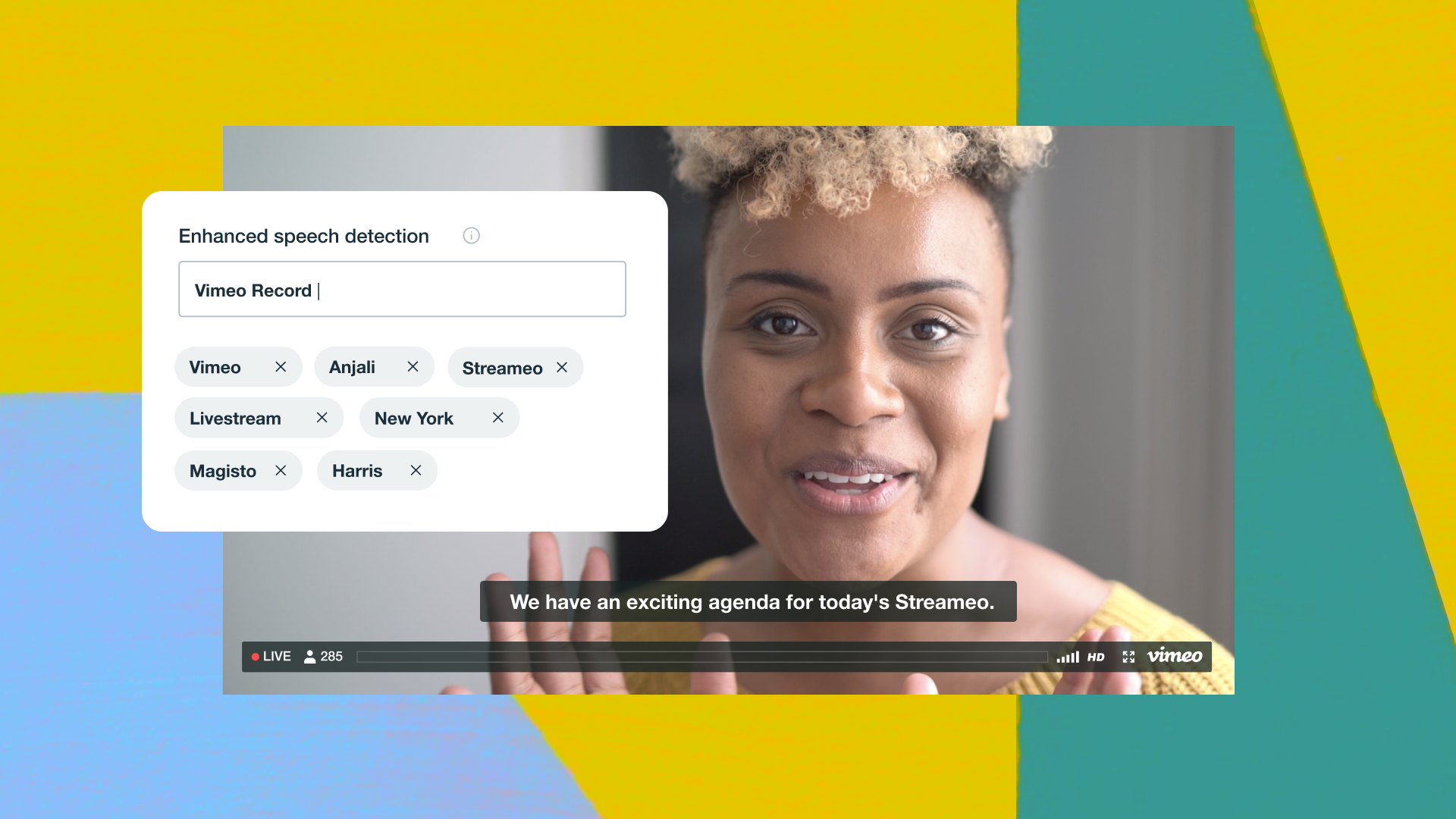
Add captions and subtitles with Amara Accessibility is a major priority for us. In January, we introduced closed captions and subtitles to the Vimeo player and now, we’ve partnered with Amara to give creators the ability to create or purchase captions and subtitles for their videos.
Amara is a non-profit subtitling service whose mission, which we support, is to make as much content as accessible as possible. To help move toward that goal, we’re thrilled to be offering their award-winning editor to all Vimeo creators for free. And for those who’d rather rely on the professionals, we’ve built a way to purchase captions and subtitles from Amara right on vimeo.com.
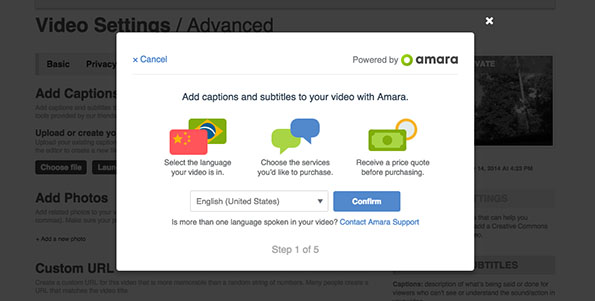
Ready to create or purchase captions and subtitles for your own videos? To get started, log in and go to the Advanced tab of your video’s settings.
Vimeo On Demand: now accepting Euro While subtitles can certainly help films and series reach more eyeballs, there are other limitations that make it tricky for creators to sell their work to people in multiple regions. To help break down these barriers, we’re excited to announce that creators may now accept Euro for Vimeo On Demand purchases. And that’s just the beginning — in the coming months, we’ll be working to incorporate even more currencies.
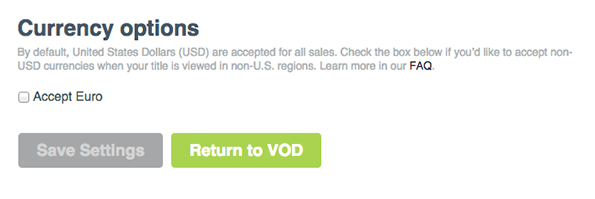
To start accepting Euro, Vimeo On Demand creators need only flip a switch in the Price tab of their VOD Settings.
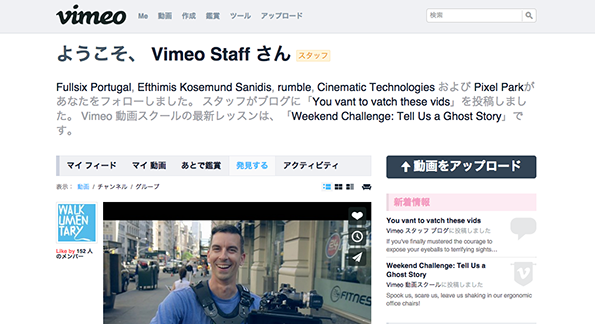
We speak Japanese Now, along with English, French, German, and Spanish, Vimeo is available in Japanese. Sugee (ãã’ã‡)! To switch your language preferences, scroll to the bottom of vimeo.com and click ‘Language’ in the footer.
Be ye in Japan, Europe, or beyond, rest assured: amazing (and accessible!) videos are headed your way.