A virtual event can fall apart in the first five minutes. A frozen stream, a broken registration link, a speaker's audio cutting out mid-sentence, a poll nobody answers — none of it shows up on the online event schedule or in follow-up emails, but it's what attendees remember.
Event planning for an online event asks more of organizers than picking a virtual meeting platform and hitting record. This virtual event guide covers how to plan a virtual event, from the first goal-setting conversation through event day and the follow-up after. We’ll explore what changes when it's time to go live and how to keep attendees engaged once you're streaming.
What’s a virtual event?
A virtual event replaces the room with a screen. Attendees log in from wherever they are and experience the content through a live stream, recorded video, or both, with chat and other tools standing in for face-to-face contact. Webinars are one popular type of virtual event, typically centered on a single speaker or a short Q&A. Other online events can include virtual conferences, interactive workshops, product launches, and company town halls. There's often room for networking and community building between attendees, too.
A single-speaker webinar might run on one streaming link, whereas a multi-track virtual conference needs a registration system that lets attendees pick sessions, plus event technology to run several feeds at once.
How to plan a virtual event in 5 steps
The steps below build a virtual event strategy around a marketing team creating a virtual product education event. The same order applies whether you're organizing employee training, a town hall, a virtual conference, or some other online event. Each decision affects the ones after, so treat the order as a sequence.
- Define your goals, audience, budget, and timeline
Begin with what the event needs to accomplish, not which platform to use. A marketing team planning a virtual product education event to attract new customers, for example, might set a goal of 200 qualified leads. The same team planning a session for existing customers after a big feature launch might aim to cut support tickets by a set percentage. The goal decides everything downstream, from how technical the content gets to which metrics showcase success.
Next, define who is attending. A session built for existing customers looks different from one aimed at lead generation among cold prospects, especially in pacing and depth. Your event-planning budget and timeline can follow from there. A single-session product walkthrough might take two or three weeks to prepare; a multi-track education series with several speakers and audience interaction can take closer to two months.
This same sequence — goals first, then audience, budget, and timeline — works for employee training, town halls, virtual conferences, educational presentations, or networking events. Only the numbers change.
- Choose your virtual event and registration technology
With goals and audience set, your marketing team needs a virtual event platform that matches what the session requires. For a product education event aimed at prospects, that likely means registration, live streaming, and a recording that remains available afterward for those who can't attend live.
A few criteria narrow the search:
- Registration and access: Attendees need a simple way to sign up and a clear path into the session without separate login steps adding friction.
- Live streaming and recording: Confirm the platform supports live streaming and can save the session as a pre-recorded, on-demand video attendees and registrants can revisit later.
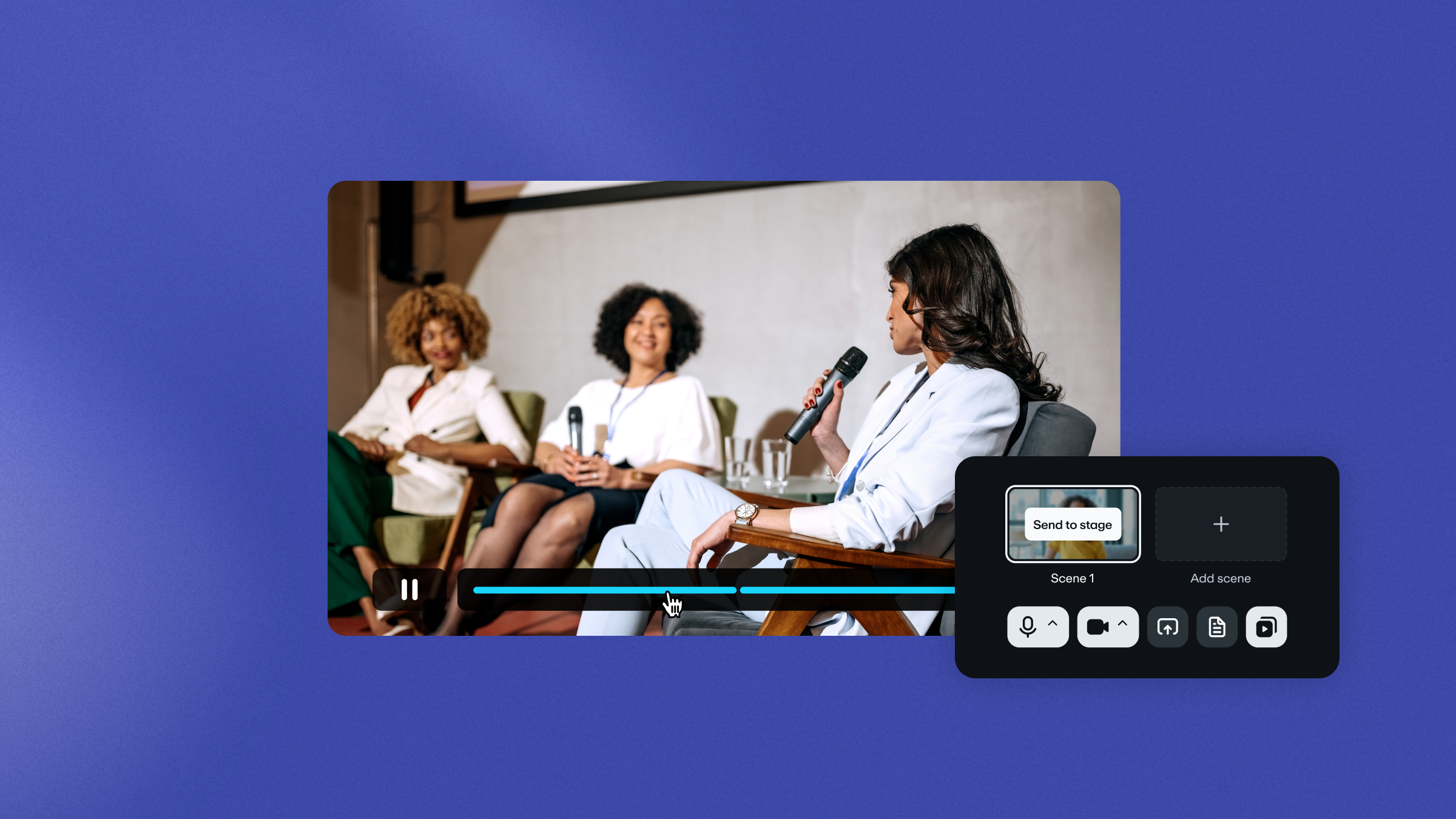
- Engagement tools: An audience chat, interactive polls, moderator Q&A sessions, and breakout rooms are good ideas for engagement that get attendees participating instead of just watching.
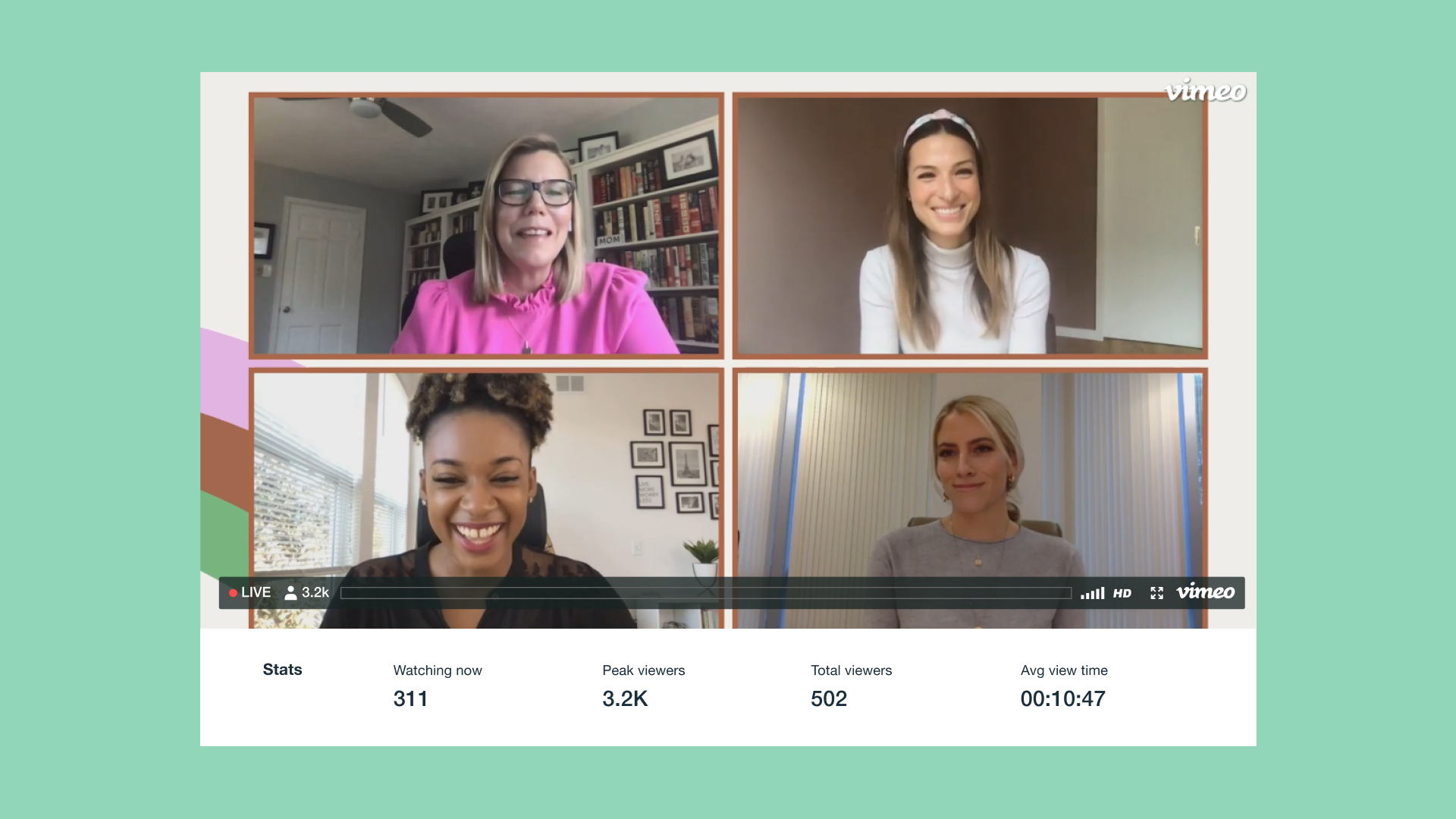
- Analytics: Collect data on who attends and how long they stay. That data can tell your team whether the session holds attention or loses people early.
- Marketing and CRM integration: The platform should connect to your team's email marketing and CRM tools so registration and attendance data reach sales and marketing stakeholders automatically.
- Reliability and support: Check for a track record of stable streaming, clear accessibility features like captions, and technical support your team can easily reach if something goes wrong.
- Build the agenda, content, and engagement plan
With the platform and tech chosen, your marketing team can build out what happens during the session. For a product education event, that might mean a product walkthrough backed by slides and a live screen share, broken up into blocks instead of one long stretch.
A 45-minute session might open with a five-minute framing of the problem, then move into 20 minutes of demo presentations and close with 15 minutes for audience questions. Pre-recorded segments work well for portions that need to look the same every time, like a polished product tour, while live sessions work for interactive Q&A and real-time back-and-forth with the audience.
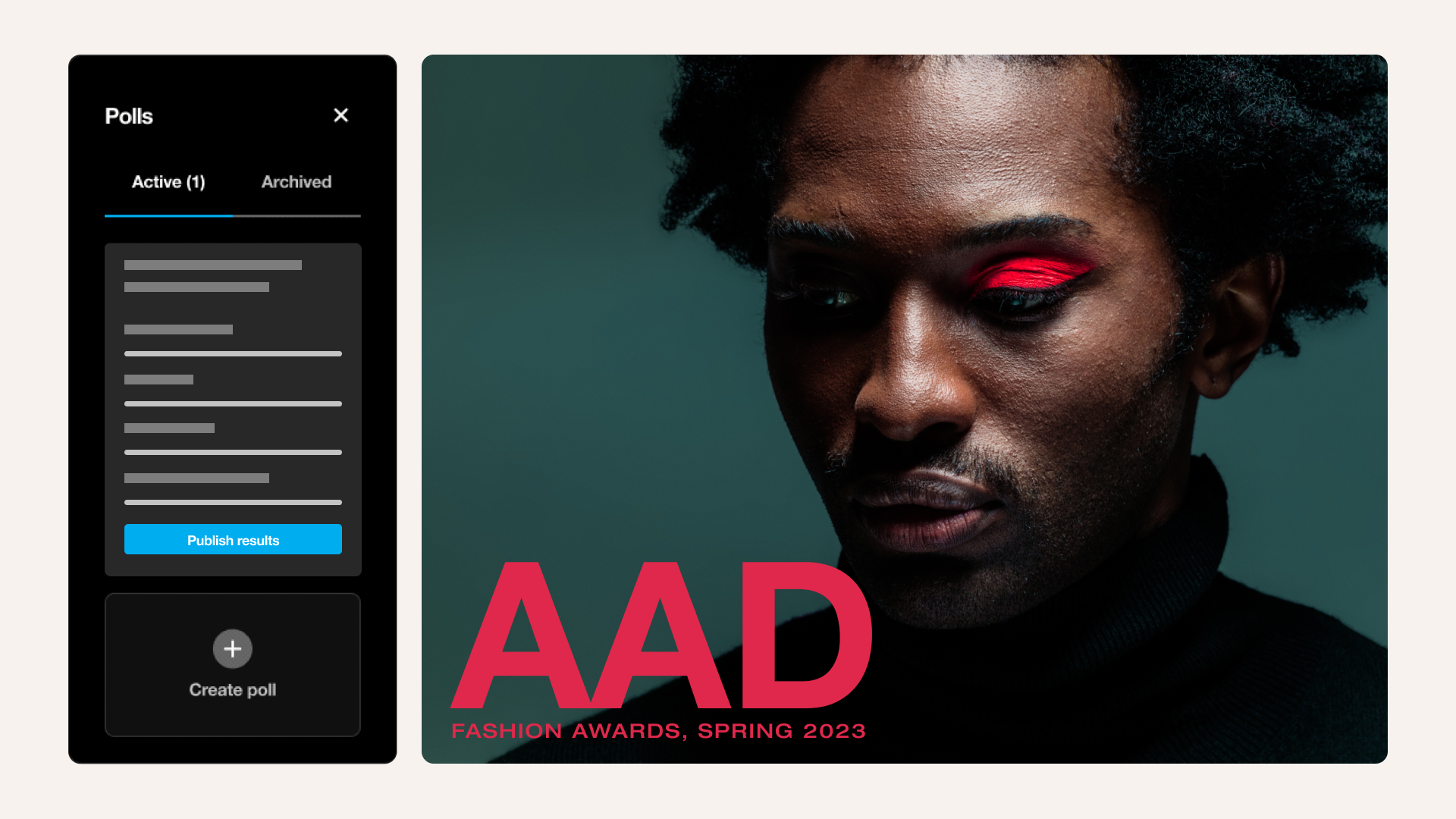
A poll partway through the demo asking which features the audience wants to see next helps keep attendees involved instead of passively watching. Chat features let attendees ask questions without interrupting the presenter, and a moderator can flag relevant ones for live Q&A. For sessions with more than one topic track, breakout rooms give smaller groups space to dig into specifics that don't fit the main agenda.
Ready to see how it comes together? Explore live streaming →
- Promote the event and prepare attendees
A promotion push across email and partner channels should reach target prospects at least two to three weeks before the event. Email marketing carries most of the weight here, since a series of reminders tends to convert better than a single invitation.
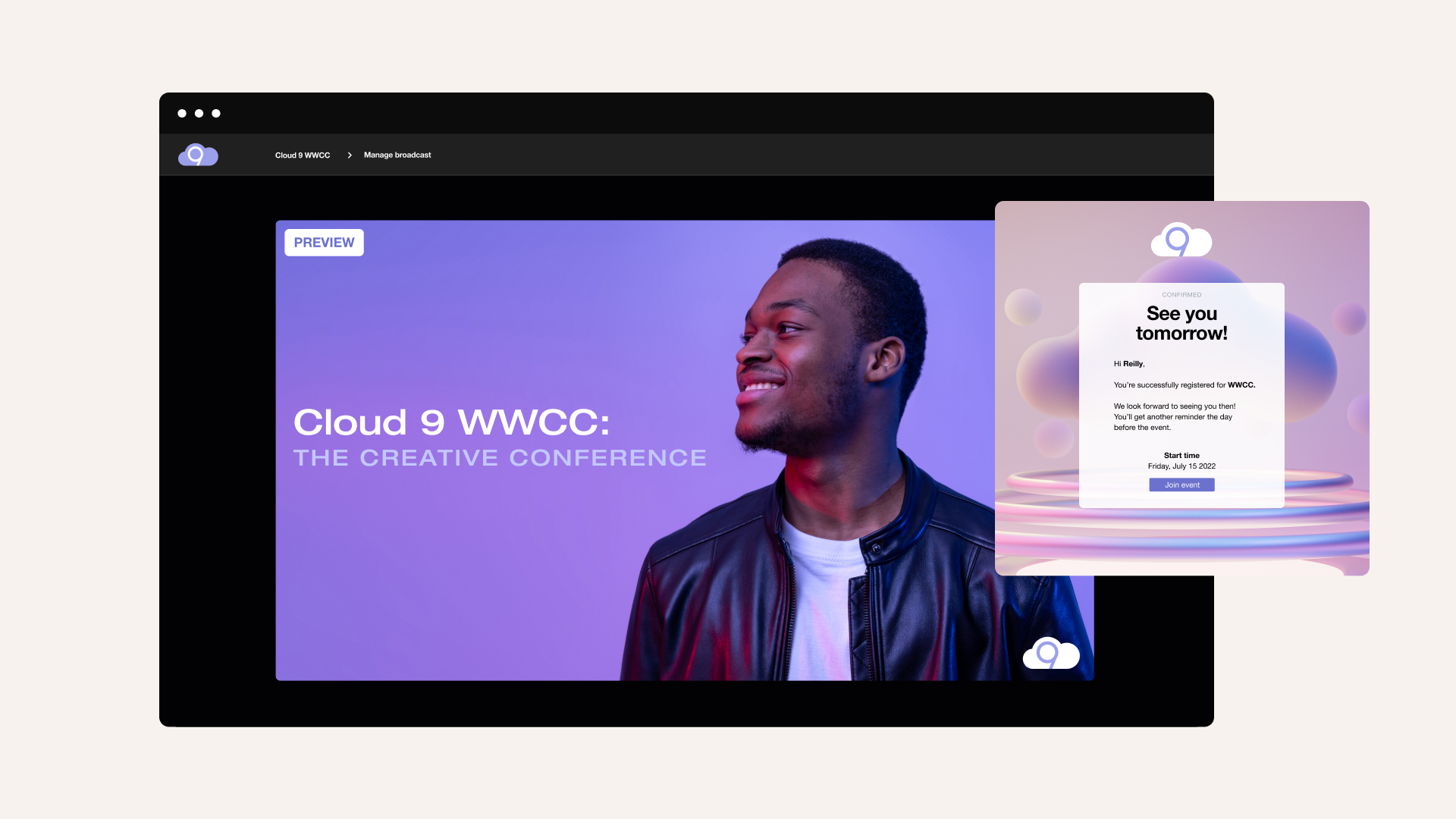
A confirmation email with the agenda, the link to join, and what to expect establishes expectations before the event date. For a product education session, sending a short pre-read or teaser clip of the demo gives registrants a reason to show up ready with questions.
- Rehearse, run tech checks, and create a backup plan
A clear run of show keeps presenters and the tech team working off the same timeline. Have every presenter join a full rehearsal, run through slides and screen shares, and test audio and video with the equipment they’ll use on the day.
Build a backup plan before something can go wrong. A second device ready to go, a backup internet connection, and a clear call for who takes over if the main presenter drops out can turn a mid-session failure into just a short pause instead of a dead stream.
How to host and follow up after a virtual event
Planning gets the event ready. Hosting a virtual event is where it either holds together or falls apart.
Before going live
One hour out, your marketing team should have speakers log in and test their screen sharing with their slides. Organizers can confirm the stream is live on the platform side and that chat and polls are switched on. A short opening line welcoming attendees and previewing what's ahead keeps the first few minutes from feeling like dead air while registrants trickle in.
During the event
Once live, the hosting team's job shifts to watching the room, not just running it. A moderator should monitor the chat so questions don't pile up unanswered and fire off a poll or two at natural pauses to keep attendees involved. If a technical issue hits, whoever's managing the backup plan steps in immediately so the presenter can keep talking instead of troubleshooting on camera.
After the event
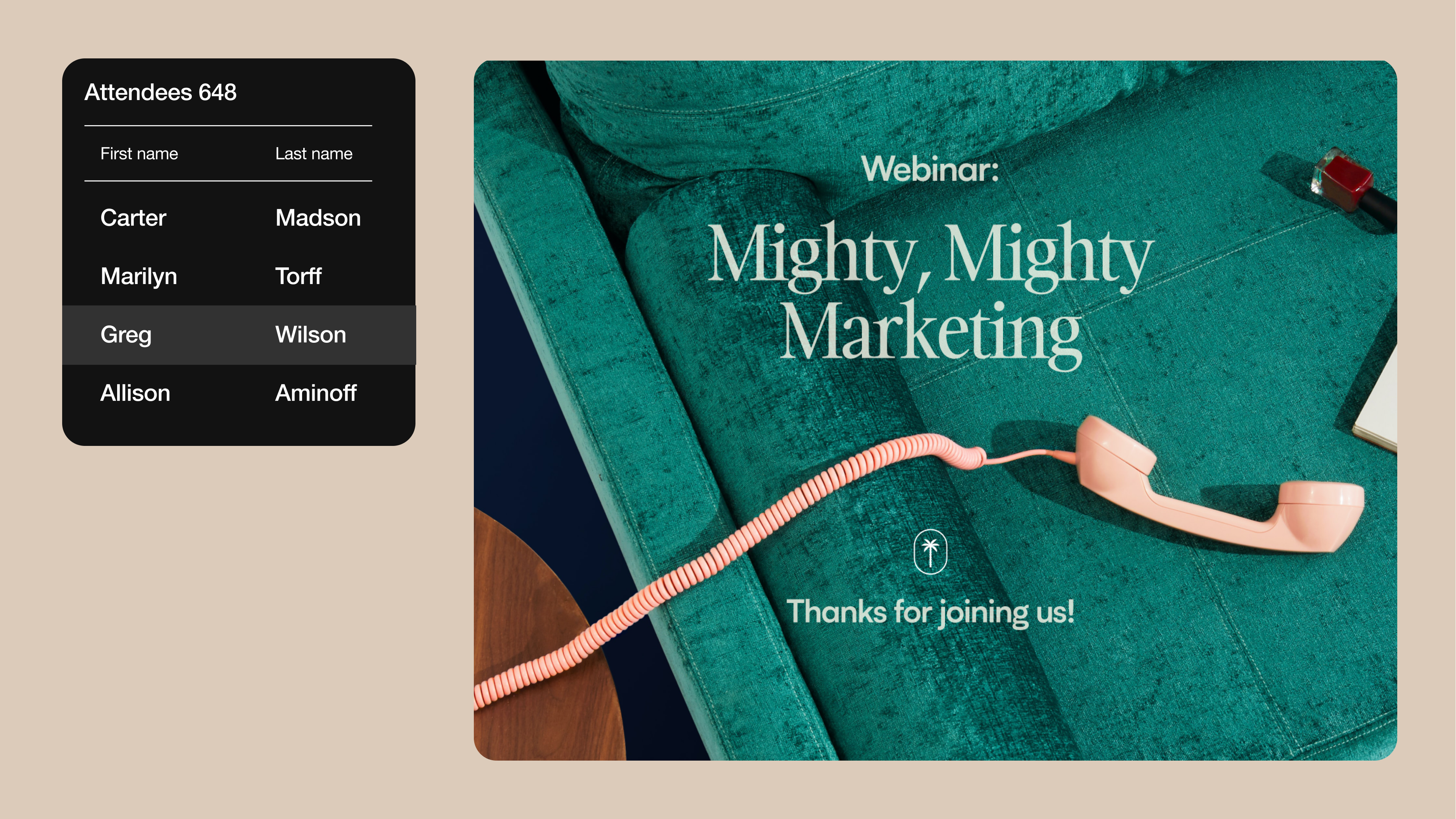
Within a day, send attendees a thank-you email with the recording link and any promised resources. Pull attendance and engagement numbers such as how many showed up, how long they stayed, and which polls got the most responses, passing anything that looks like a strong lead to your sales team.
The recording itself doesn't have to sit idle. Repurpose the event session into shorter clips for social media or use it as on-demand content for people who missed the live event.
Plan, host, and repurpose virtual events with Vimeo
For teams running virtual meetings and online events, Vimeo covers the entire lifecycle in one place. Browser-based live streaming and on-demand hosting handle the session itself, while built-in chat and polls manage attendee engagement. Afterward, attendance and watch-time data show how the event performed, and event planners can edit and organize recordings for future use.
Ready to plan your next event? Explore virtual events →
FAQ
How far in advance should you plan a virtual event?
Plan a single-session event about four to six weeks out. A multi-track event with several speakers and virtual meetings takes closer to two months, since coordinating schedules and rehearsals takes longer than with a one-speaker session.
How can you keep attendees engaged during a virtual event?
Use polls at natural breaks and keep chats active throughout, not just at the end. For longer sessions, breakout rooms give attendees a chance to interact instead of only listening.
What types of virtual event formats can Vimeo host?
Formats range from single-speaker webinars to multi-track virtual conferences with several sessions running at once. Workshops, product launches, town halls, and other virtual meetings all fit under the same umbrella, just with different pacing or event details.