For any modern marketer, virtual events are a must.
They’ve become the center of customer engagement and marketing efforts because, quite simply, they work — virtual experiences are one of the most effective ways to promote a brand, generate leads, and engage customers. In a recent study we learned that more than 75% of marketers believe that live events and webinars are impactful for their business.
We also learned that the process of producing an engaging and successful event is far from perfect. 71% of marketers said they face resource challenges — like technical issues, headcount, and budget constraints — when producing professional-quality live events. Perhaps even more alarmingly, 1 in 3 marketers said they feel stressed or anxious just before their online events go live. Only 1% reported feeling hopeful.
We heard your concerns — traditional event platforms are complicated and hard to use — and we built a solution that cuts right through those pain points.
We’re thrilled to introduce Vimeo virtual events capabilities, which have everything you need to easily produce and promote stunning virtual events and webinars that deliver ongoing impact for your business.
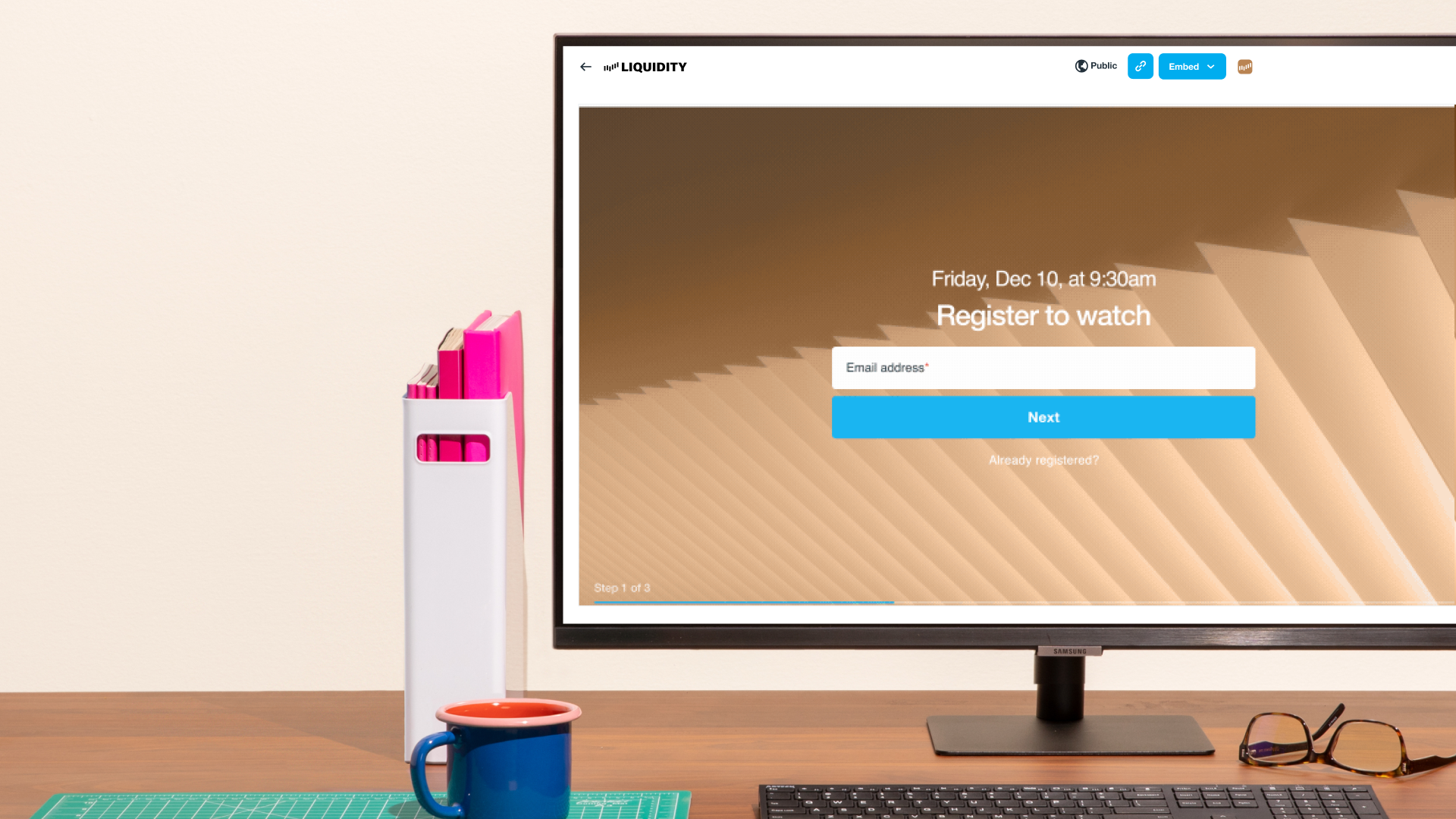
Vimeo Events is equal parts simple and powerful, with core webinar functionality, a DIY live production studio, and dynamic audience engagement tools. The best part? It gives you control and confidence when going live. You can record and storyboard scenes in advance (meaning less stress day-of), then access all of Vimeo's existing video tools and integrations to market post-event content to your attendees.
In response to customer input, we decided to implement intuitive and layout capabilities into the Vimeo Events browser-based production tool. Now broadcasters have creative freedom with content layouts that include picture-in-picture, spotlight, grid, and side-by-side options that can be pre-selected and filled with the desired scenes. This is all done via intuitive controls.
You can organize and layout your content the way you envisioned, record and storyboard scenes in advance (meaning less stress day-of), then access all of Vimeo’s existing video tools and integrations to market post-event content to your attendees.
Our goal is to put the power of professional-quality video at your fingertips so you and your business can succeed. With Vimeo Events, we’re proud to expand our all-in-one offering in another impactful way: empowering every marketer to produce and promote stunning virtual events easily and confidently.
Ready to start planning your next live event? Head over to our webinar creation page to get started today.*
Go live now with Vimeo Events
* Vimeo Events is currently limited to Desktop only and is available to Premium users and Enterprise plans.
Originally published November 2, 2021 and updated on August 23, 2022.
After your event, you can use Vimeo’s video creation, editing, hosting, and video analytics tools to help enhance your videos by adding music to video, resizing videos, and more so you can make, share, and manage your videos.