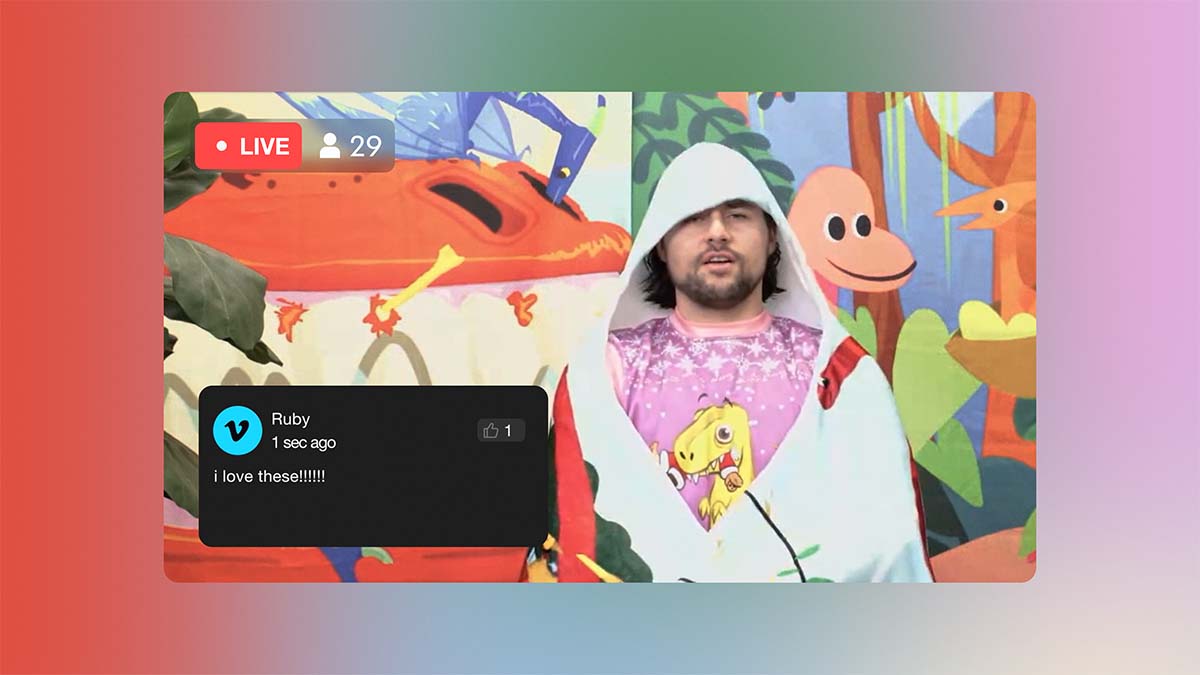
The August update for Vimeo Enterprise is now live, with significant improvements to Webinars, Live events, and Vimeo AI.
Here's everything that's new.
Webinars
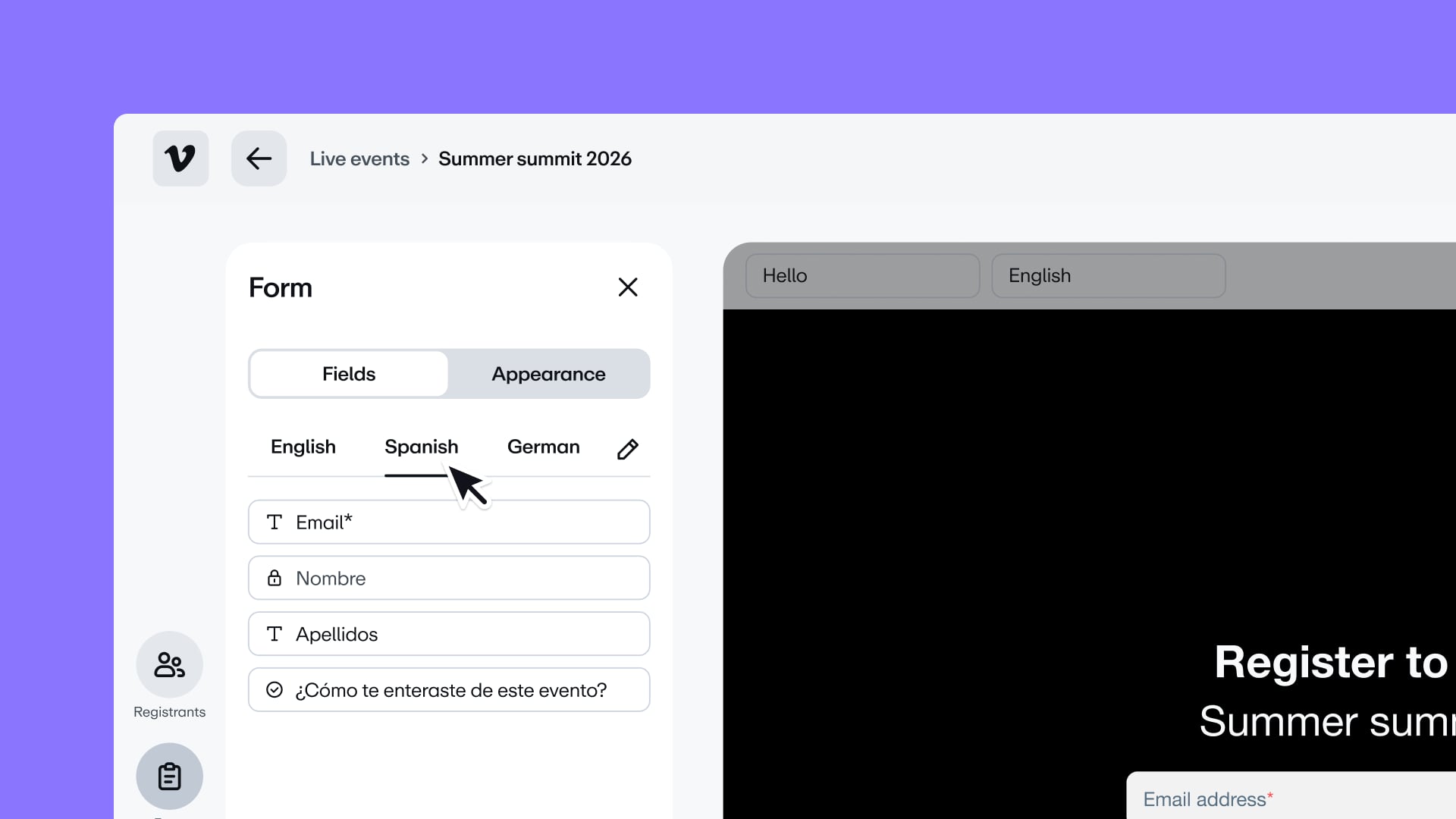
Run one registration form in 8 languages
You can now translate every field on your registration form—labels, options, and help text—into up to 8 languages, with AI translation to do the first pass. Attendees see the version that matches their browser language, and can switch languages from a dropdown on the form.
Users with access to Live events
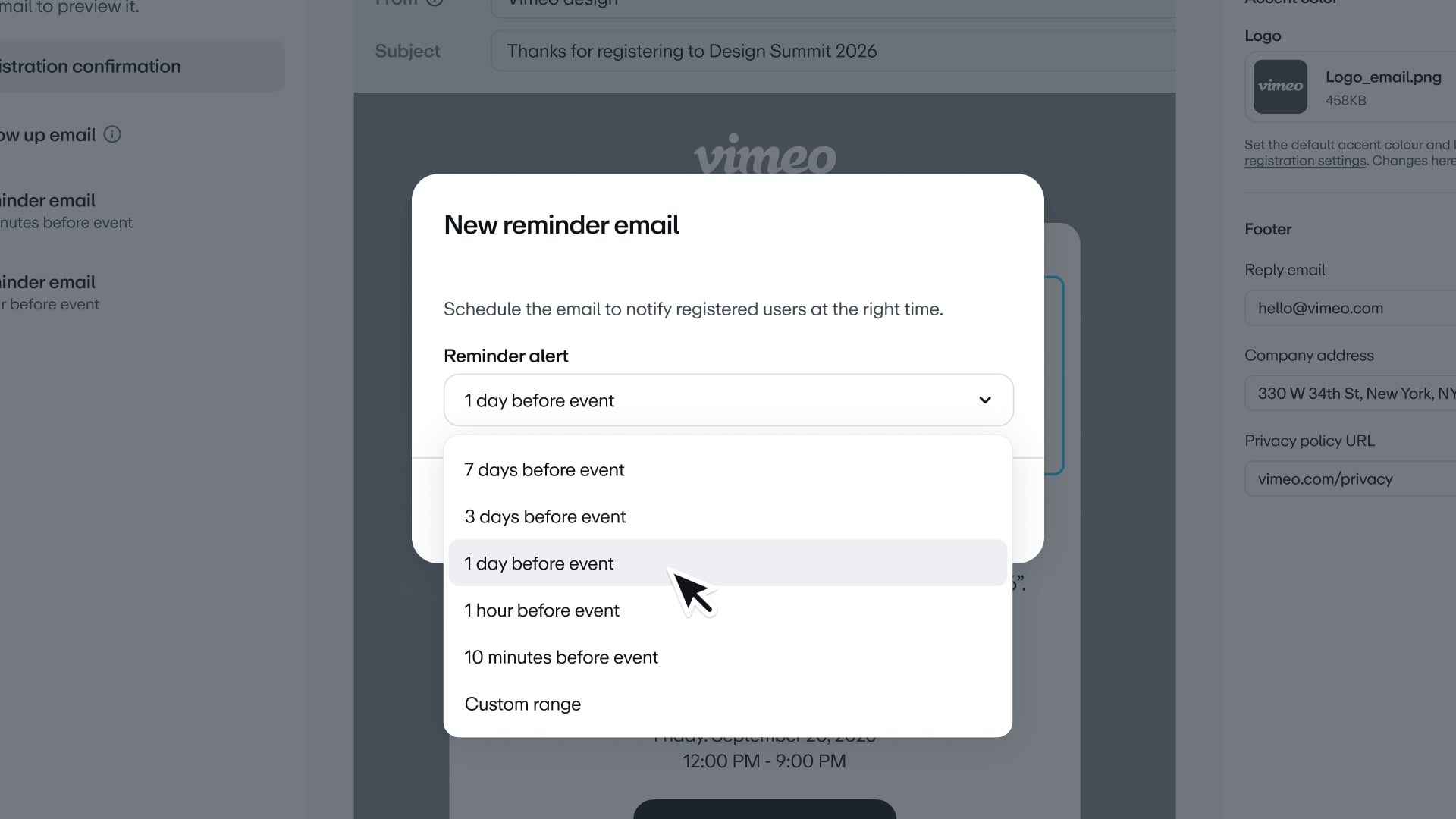
Schedule event reminders your way
Pick the cadence that fits each event. Choose from preset reminder times, or set a custom interval anywhere from minutes to 90 days before the start. Add up to 10 reminders per event.
Enterprise users
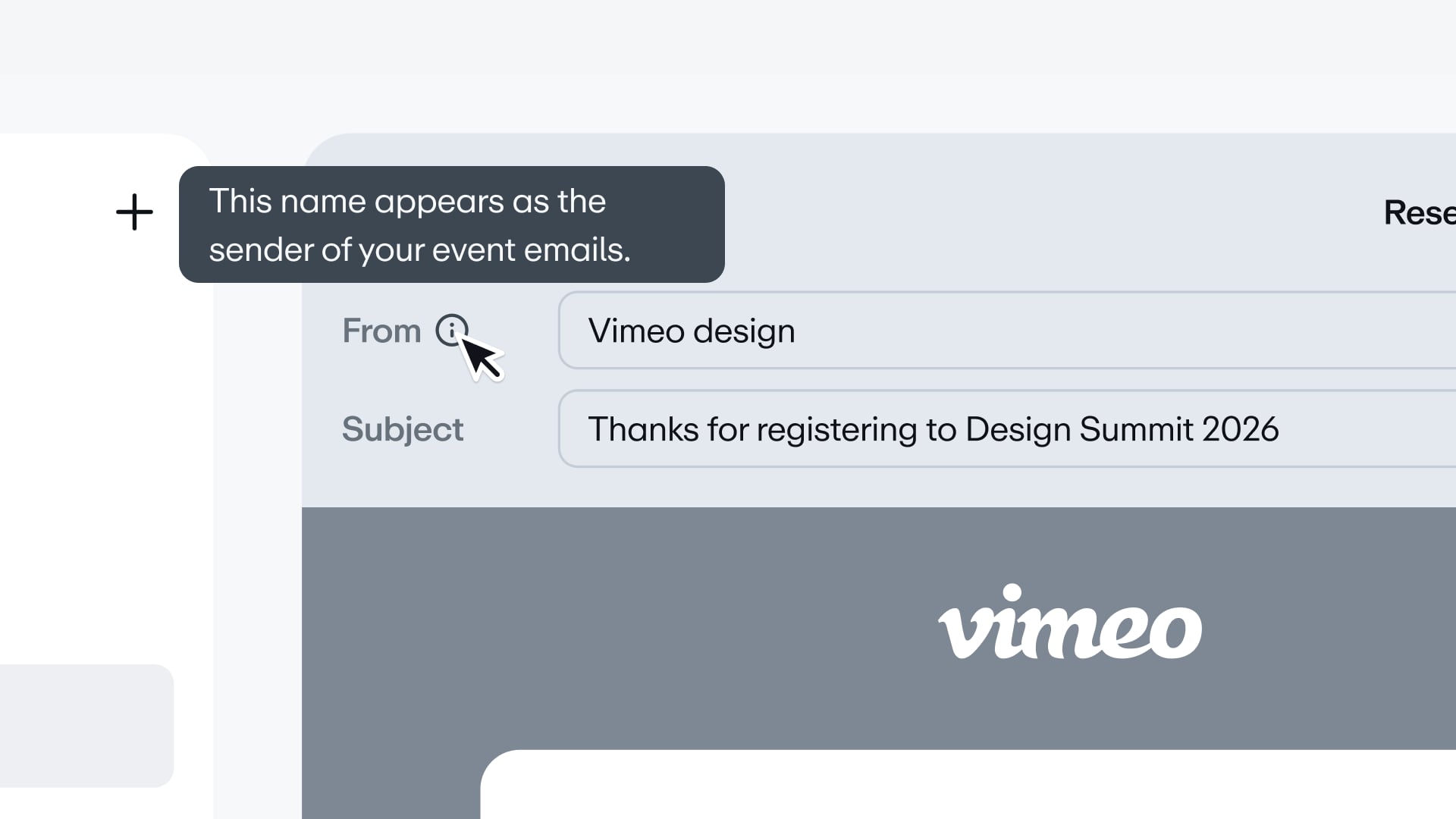
Set a unique sender for each event's emails
You can now choose the "from" name on each event's emails—instead of using the same account-wide sender for every one. If you run events for multiple brands or regions, each event can now use its own sender identity, complete with logo and colors.
Users with access to Live events
Ask open-ended questions at registration
Registration forms now include a free-text field, so you can ask questions that don't fit a dropdown or checkbox—like what attendees want the speaker to cover. Checkbox and free-text labels also hold up to 1,000 characters now, up from 240.
Users with access to Live events
Magic links: registered attendees join in one click
Every registrant now gets their own personal join link, automatically. Clicking it takes them straight into the event instead of a sign-in screen, and the same link carries over to their Google, Outlook, or iCal calendar entry. Embedded events aren't supported yet.
Users with access to Live events
Send confirmation emails to API-based registrants
Registration confirmation emails now go out for leads that sign up via the Vimeo API or external lead sources like LinkedIn. Just turn on the per-event setting to enable it for any of your live events.
Enterprise and custom users
Live events
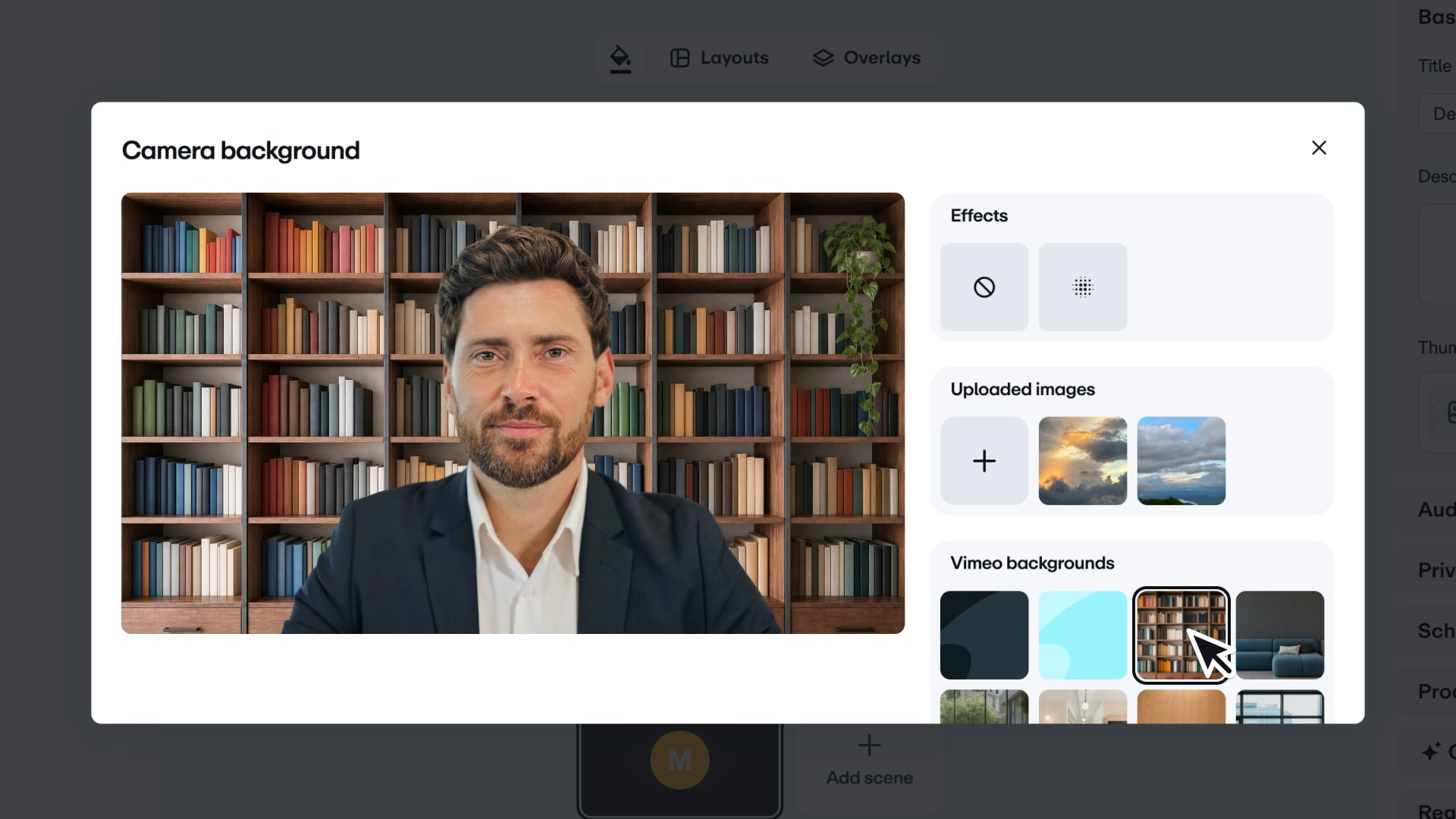
Blur or replace speaker backgrounds
Speakers can now blur their background or swap it out entirely, straight from the camera options in Browser Studio. Pick from your team's brand kit, upload your own image, or use one of Vimeo's.
Users with access to Live events
Pin your camera anywhere during screen share
When you share your screen in Browser Studio, you can now reposition your camera feed—pin it to a corner, drag it to a custom spot, or resize it. What you set in the studio matches what your viewers see.
Users with access to Live events
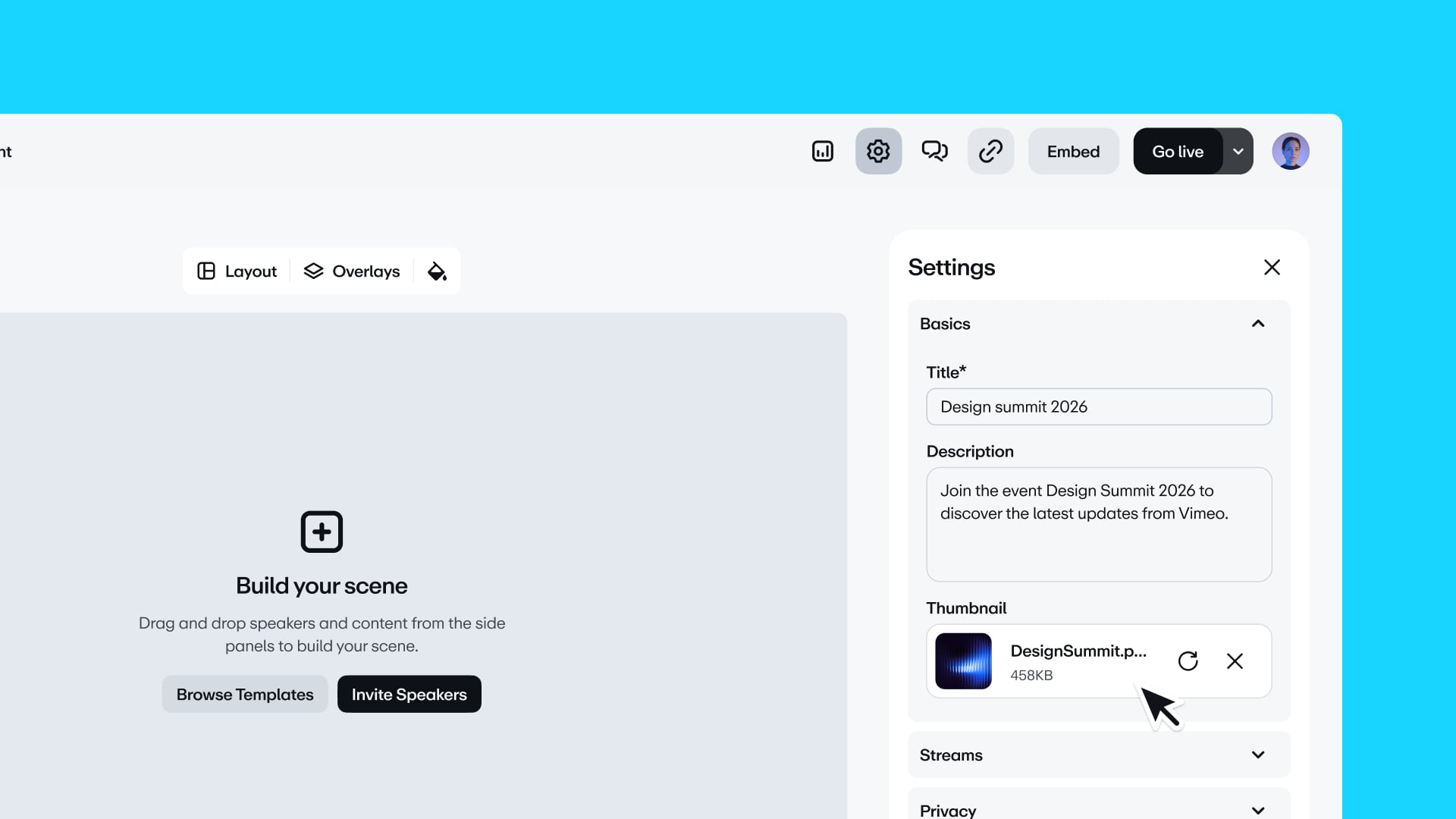
Set your live event thumbnail from main settings
You can now add or change a live event's thumbnail directly from the main settings page—no more digging through Destinations > Customize to find it.
Users with access to Live events
Vimeo AI
See exactly where your AI credits go
New Usage pages for your organization and each workspace show your current balance, what you've used, and what's left—broken down by AI product, with dates, users, and videos. Export the full history to CSV, and, if you're an admin, set how many credits each workspace can draw on.
Enterprise users
If you're not sure which features you have access to, feel free to reach out to your account manager.
Stay tuned,
The Vimeo Team