Table of contents
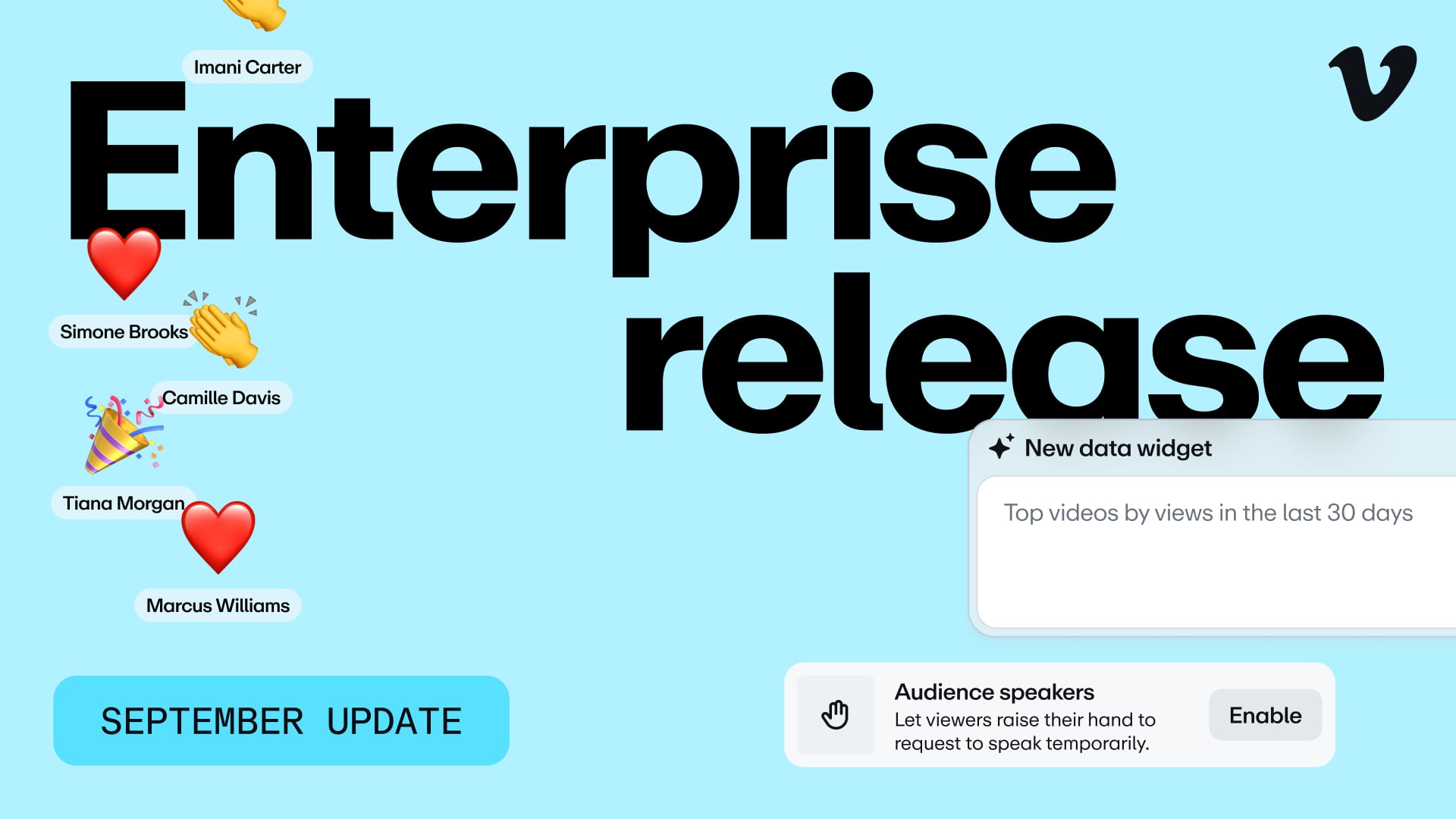
The September update for Vimeo Enterprise is now live! Here’s everything that’s new.
1. Vimeo AI
Ask Library (team member)
Ask your library a question in plain language, and get an AI answer with links to the exact moment
Account-wide dictionary and rules
Set your brand terms once—AI spells them right every time
2. Analytics
AI analytics
Describe the graph you want, and AI builds it into a dashboard you own
3. Live events
Audience speaking roles
Let your viewers join speakers on stage
Emoji reactions in live events
Keep viewers involved with real-time emoji reactions
4. Webinars
Custom landing pages for live events
Share professional landing pages in minutes—with stronger branding controls and speaker profiles
Multi-event landing pages
Host all your events on one professional landing page
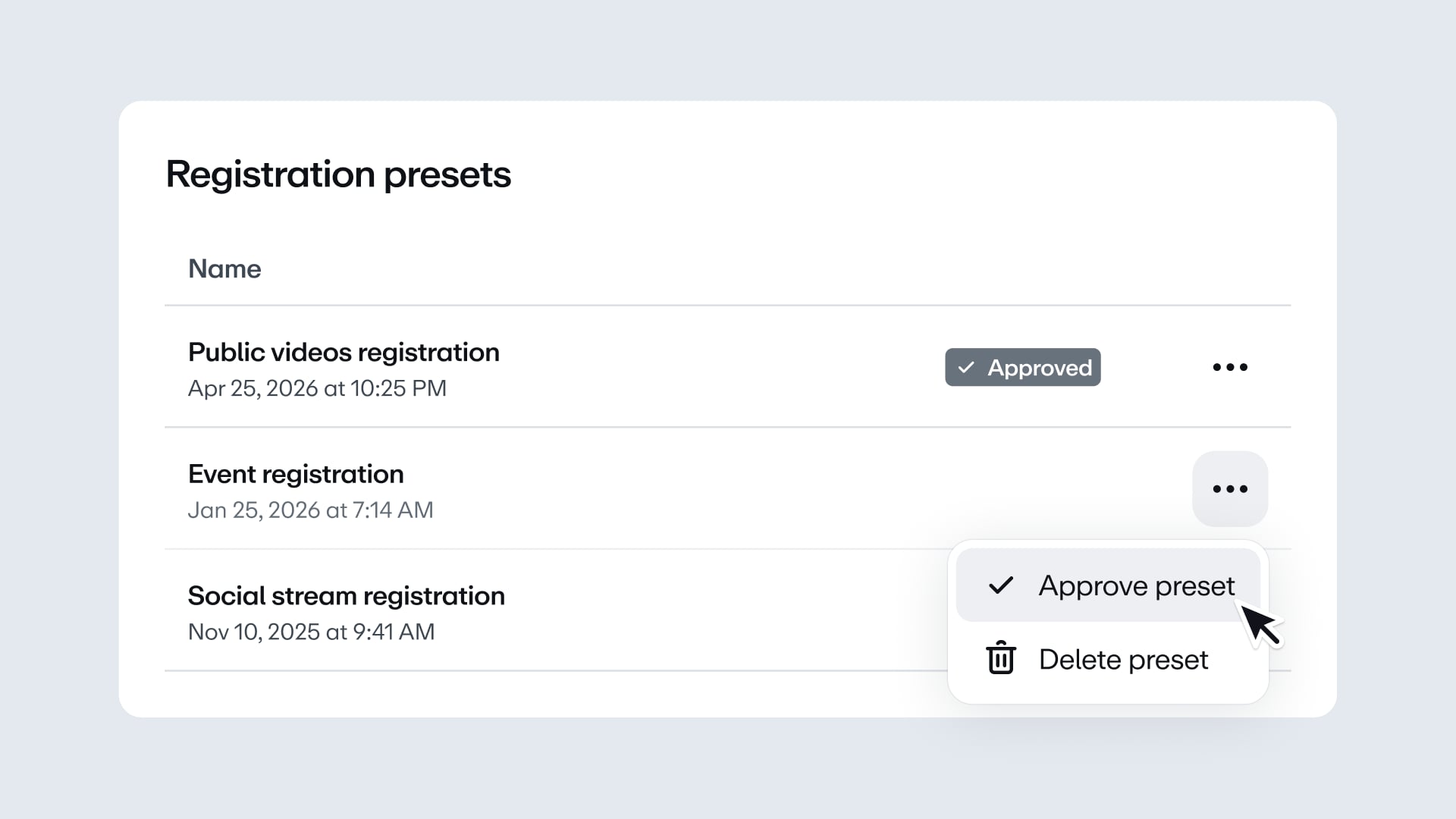
Enforcement of policy disclaimers in registration forms
Make compliance automatic with mandatory disclaimer fields on registration forms
5. Governance
Folder-level upload presets
Choose your video settings per-folder, and all uploads follow them
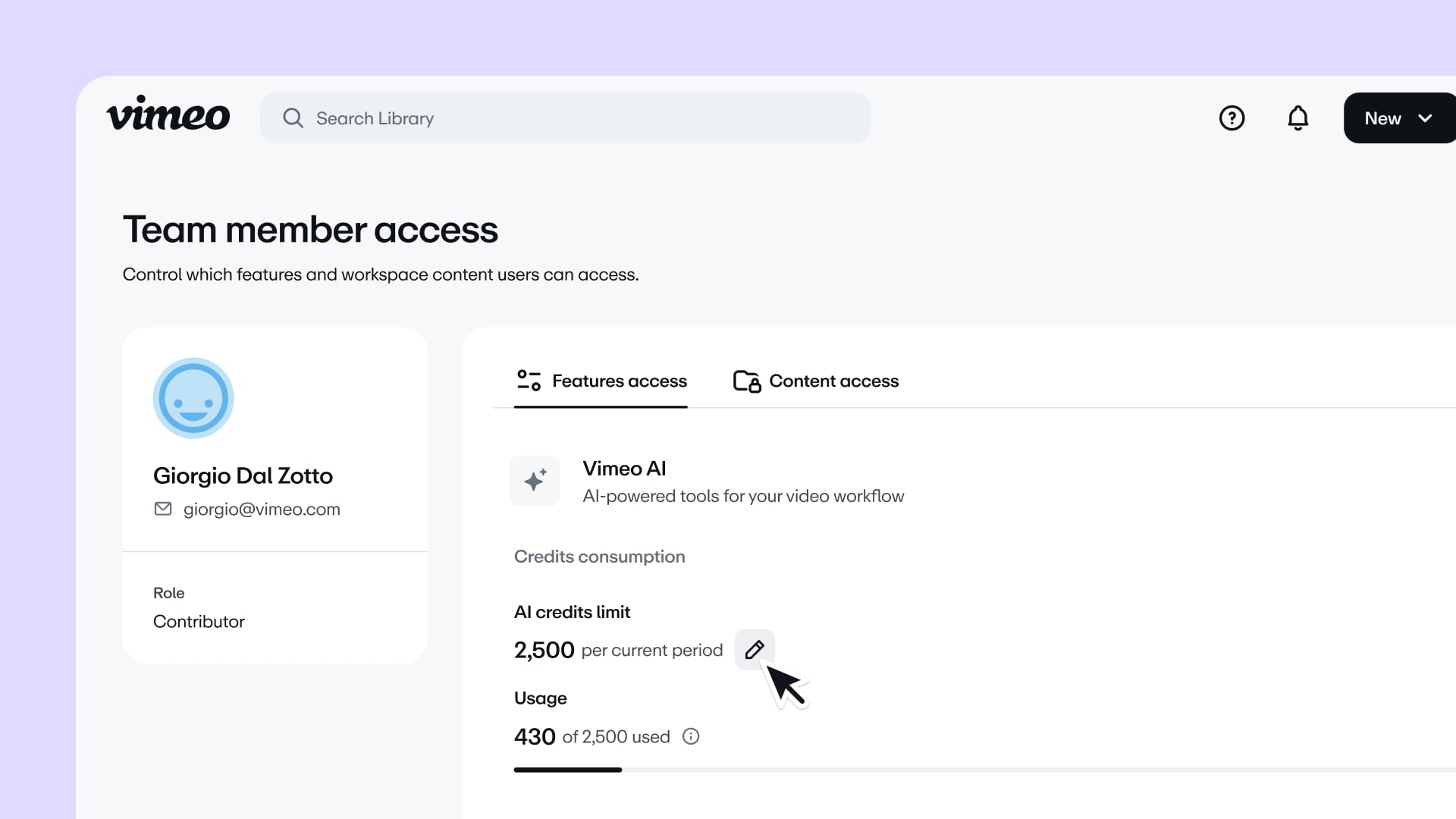
Granular user permissions (AI credits)
Control AI features and limits for each team member
2 more updates worth knowing about
- Replace 2.0: get live progress bars while your replacement video optimizes, and an always-available option to revert to the previous version if something’s off-track.
- What’s new hub: see what’s new and what’s coming next in one area, filtered by the product areas you use—see yours here.
If you’re not sure which features you have access to, feel free to reach out to your account manager.
Stay tuned,
The Vimeo Team