Video analytics for webinar performance that drives the next event
You're in great company
Webinar reporting stops at 'the webinar happened' too often
- Attendance number, no context
The webinar report shows 340 attendees and moves on. No breakdown by channel, no drop-off curve, no signal on which slide lost the room, and no way to tell which registrant is now a sales-qualified lead.
- Registration data lives in the wrong system
Registration numbers sit in the webinar tool, attendance in another export, and the CRM has none of it until someone builds a spreadsheet. Every follow-up campaign starts with a data-cleaning pass.
- Drop-off timing invisible
The team knows people left. They do not know they left at minute 12, right when the product demo started, which is the datum that would inform every webinar after this one.
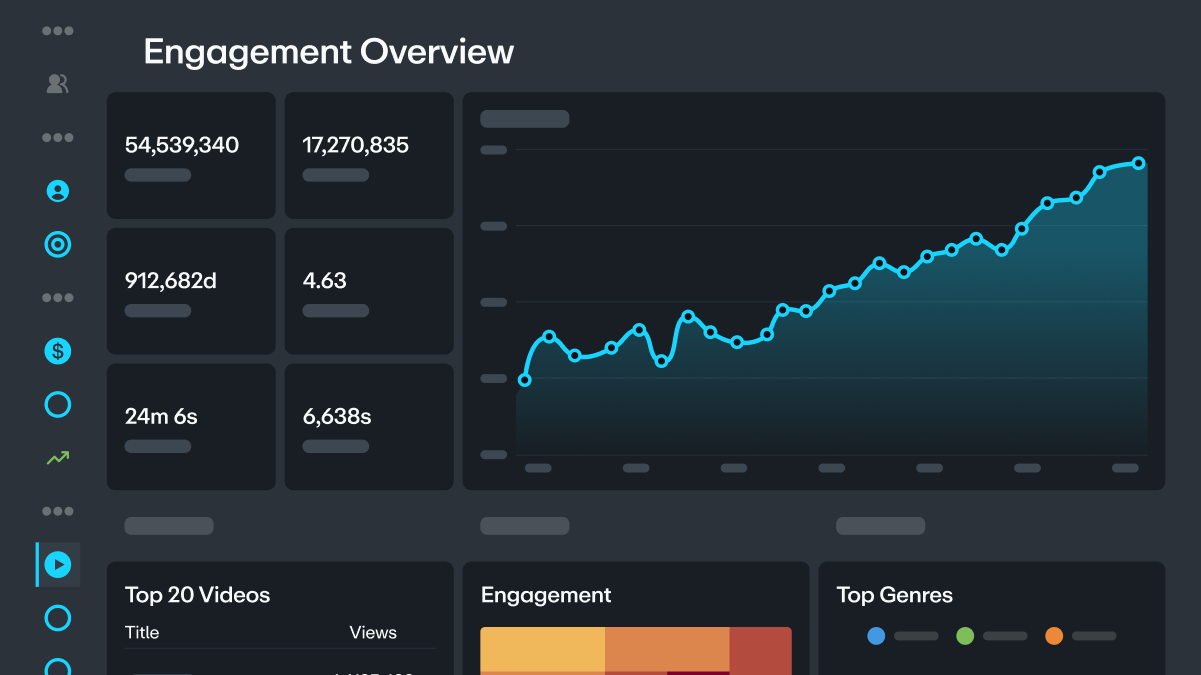
See second-by-second drop-off across every webinar you run
Engagement heatmap per webinar
Per-viewer attendance data
Embed-source tracking
Registration-to-attendance conversion
Sync webinar engagement to HubSpot, Marketo, or Salesforce
HubSpot integration
Marketo integration
Salesforce sync
Analytics API for custom rollups
Trusted by marketers, businesses, and video pros around the globe
- 100+ billion
video views (and counting)
- 7+ million
videos uploaded every month
- 4+ billion
minutes streamed each month
Why marketing teams anchor their webinar program on Vimeo analytics
Second-by-second drop-off
The exact minute the audience left is a design note for the next event. Cut the section that lost the room and lead with the section that drove the highest retention.Registration-channel attribution
Track which paid, partner, and organic channels drove which registration, attendance, and pipeline. Reallocate spend to what converted.Per-attendee CRM sync
Sales sees every attendee's registration, live attendance, watch time, and replay behavior on their CRM record. Follow-up prioritizes engaged attendees automatically.On-demand replay tracking
The replay audience is often larger than the live audience. Vimeo tracks their engagement the same way and syncs it to the CRM, so the replay funnel is measurable.Cross-webinar comparison
Compare drop-off curves across webinars to see which topics and formats retain attention. The next event's agenda is built on the data of what worked.Engagement heatmaps for content design
Rewatched sections signal which topics resonated. Design the follow-up campaign around what the audience actually cared about, not what the marketer thought they would.
Analytics API for enterprise reporting
Pull webinar analytics into Tableau, PowerBI, or Looker for executive rollups. The whole webinar program shows up on one dashboard alongside every other pipeline source.GA4 integration
Webinar viewing behavior can flow into GA4 alongside site behavior, so the customer journey shows the webinar as an attribution touchpoint, not a data black hole.Embed-source segmentation
For a webinar promoted across multiple properties, per-embed drop-off shows whether the blog audience engaged differently from the paid audience. Content adjusts by channel.
How to set up analytics on a Vimeo webinar
Step 1
Create your webinar in your Vimeo workspace. Configure the registration form with the fields your CRM needs. Connect HubSpot, Marketo, or MailChimp for CRM sync.Step 2
Set up campaign UTMs on your registration landing pages. Each channel's URL should carry its own UTM parameters so embed-source tracking attributes registrations correctly.Step 3
Run the webinar. Live captions on Premium and Enterprise, moderated chat, and polls all feed into the engagement data. Attendance is logged per registrant automatically.Step 4
After the event, the recording is on demand under the same URL. Watch second-by-second drop-off across the live event, engagement peaks, and replay behavior in the analytics dashboard.Step 5
Sync engagement data to HubSpot, Marketo, or Salesforce for follow-up. Pull custom reports through the Analytics API for executive dashboards and campaign attribution.
Find the right plan for you
Vimeo offers discounts to US-based non-profit organizations and educational institutions. Learn more.
For more information on feature availability, please reference our pricing page.
Frequently asked questions about video analytics for webinar performance
- Live Broadcast Platform for Pro Production With Vimeo
- Live Caption Translations in 90+ Languages With Vimeo
- Live Event Streaming Service for Pro Broadcasts With Vimeo
- Live Events Dashboard: One Place for Every Broadcast With Vimeo
- Live Stream Corporate Events With Multi-Camera With Vimeo
- Live Stream Town Halls That Reach Every Employee With Vimeo
- Live Stream Webinar With Registration and CRM Sync With Vimeo
- Live Streaming and Video Hosting for Churches With Vimeo
- Live Streaming for E-Learning Cohorts With Vimeo