We love hearing feedback from all kinds of creators — whether they’re film students, part of an award-winning international studio, or business owners investing in brand videos — because it helps us build the things you need most. And one thing you’ve shared is that it would be really awesome to have more control over your profile by customizing the order of your profile videos.
We hear you, and today, you can do just that.
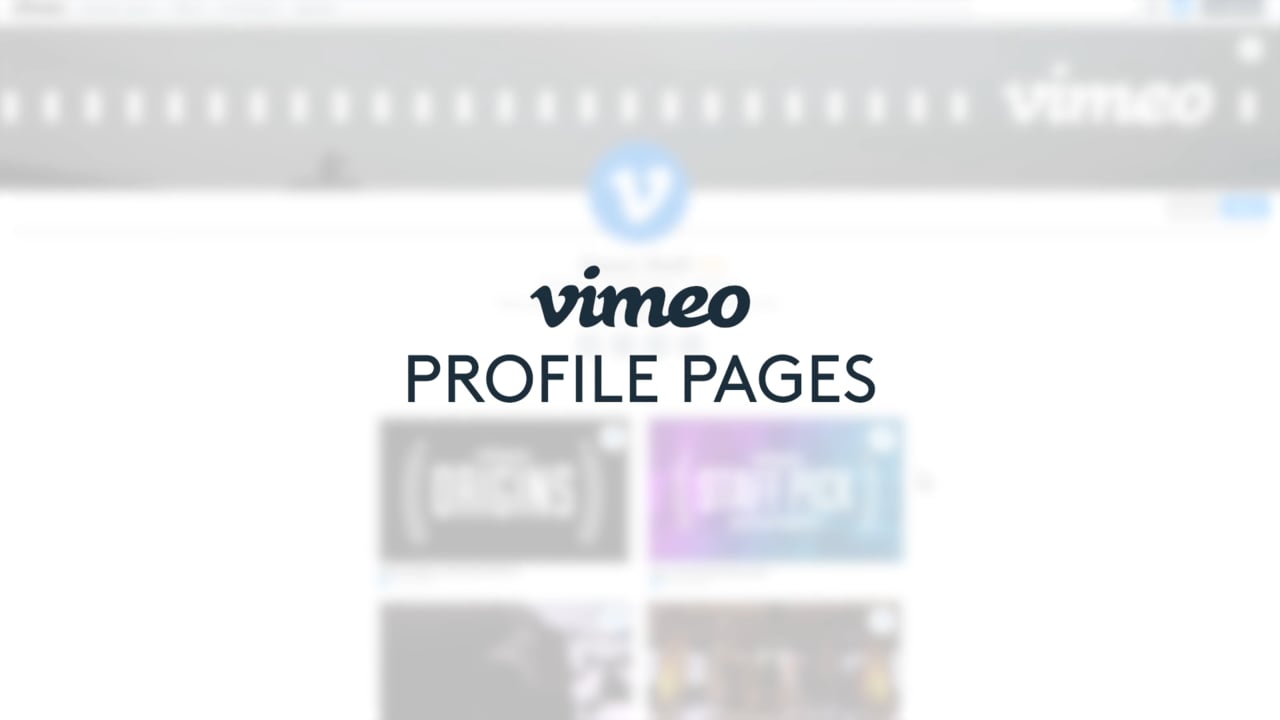
Now, you can easily pin your public videos (and videos you’re credited in), and click and drag to customize their order on your profile. Here’s how it works, so you can save time, get more control, and create an even more “you” profile.
On your profile, click “Edit” and select “Profile videos” in the dropdown menu. From here, you’ll see that each thumbnail has a pin button in the top right corner.

Simply click the button to pin it, and voila! Your pinned videos appear at the top of the page, and you can rearrange them just by dragging and dropping in your profile (instead of having to go into your Account settings). If you’re a Basic member, you can pin up to 10 videos, and there’s no limit for Plus, PRO, and Business members.

Two more things of note: all your (public) videos now appear in your profile page — so instead of having to go to a separate page, viewers can just keep scrolling to see your work. Second, you’ll now see credited videos when you’re editing your profile, but these won’t appear on your profile unless you pin ‘em. So start dragging and dropping your way to a bespoke profile, and of course, make sure you’ve added your cover video. As always, let us know what you think, and what you’d like to see in the future. Because for you, we’re all ears.
If you are a creator yourself, you may want to explore how Vimeo can help you make, share, and manage videos. Learn more about features like livestreaming, video hosting, screen recording, our video teleprompter, video analytics, and more.